


HIGHLIGHTS
- In Expedition 33, manual saving is not an option; instead, the game automatically saves progress after key actions, such as completing battles, purchasing items, or exiting menus.
- Players can use Expedition Flags scattered across the map to save their progress, restore health, replenish healing items, and reset attributes.
- Expedition Flags also function as fast travel points, enabling players to move between flags within the area.
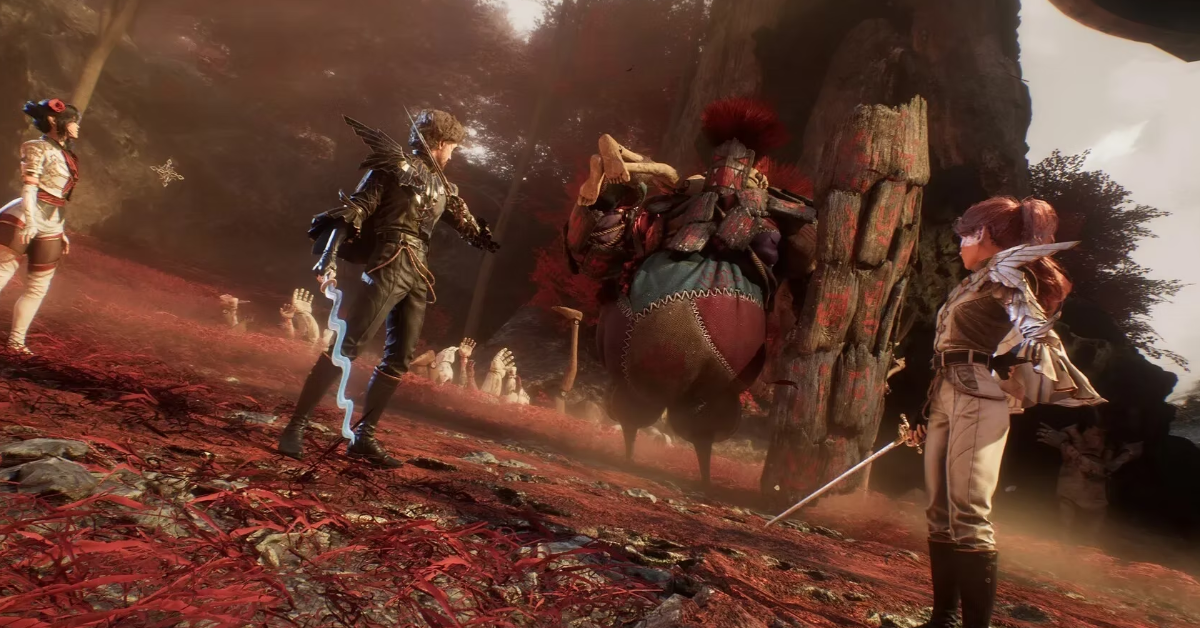
Clair Obscur: Expedition 33 presents a unique combination of turn-based and real-time combat mechanics.
Players control a team of individuals, each with unique abilities and roles, as they battle a variety of enemies.
During the adventure, the game auto-saves progress to ensure players can continue from where they left off.
How To Save In Expedition 33
In Clair Obscure: Expedition 33, there is no option to manually save progress; players must rely entirely on the auto-save system.
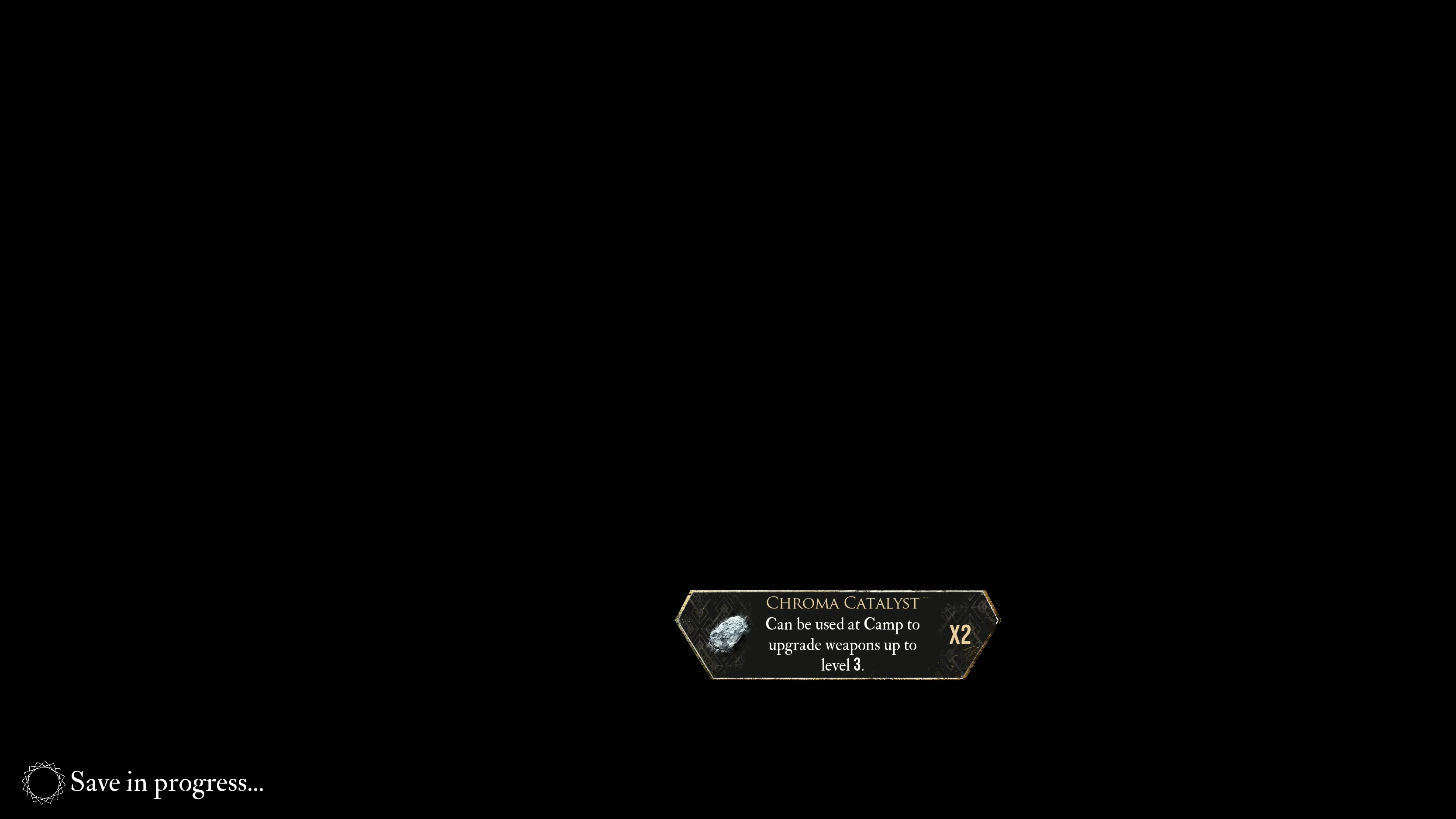
However, the game automatically saves after every crucial action—such as finishing a battle, purchasing an item, or exiting a menu.
An icon appears in the bottom-left corner of the screen when the game is saving progress. Do not close the game during this process.
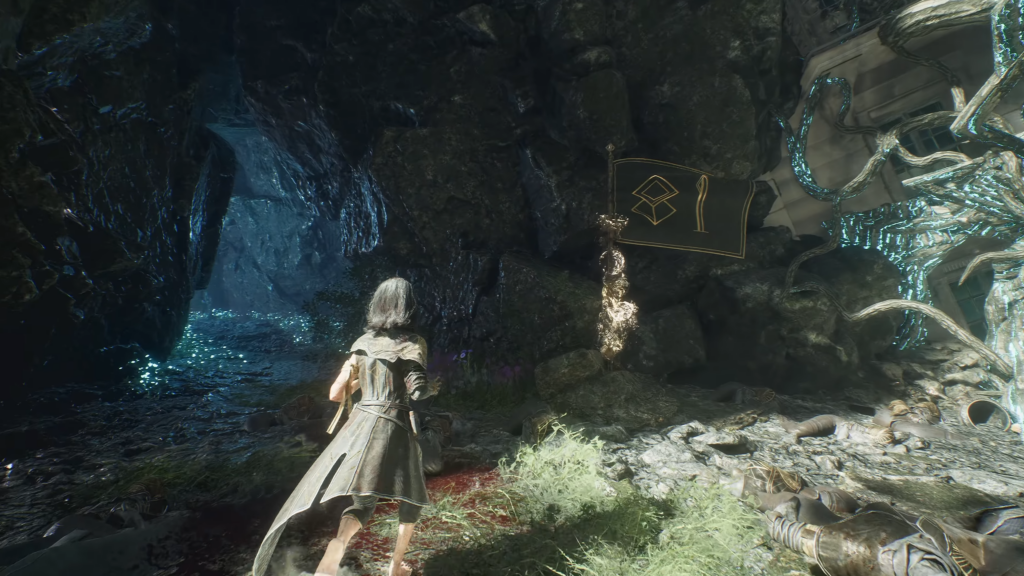
Additionally, players can rest at various Expedition Flags scattered across the map to save their game progress.
Use Expedition Flags To Save Your Progress
In Clair Obscur: Expedition 33, Expedition Flags act as crucial checkpoints, each assigned a unique number.
For a game without mini maps or a compass, Expedition Flags can serve as waypoints while traveling between locations.
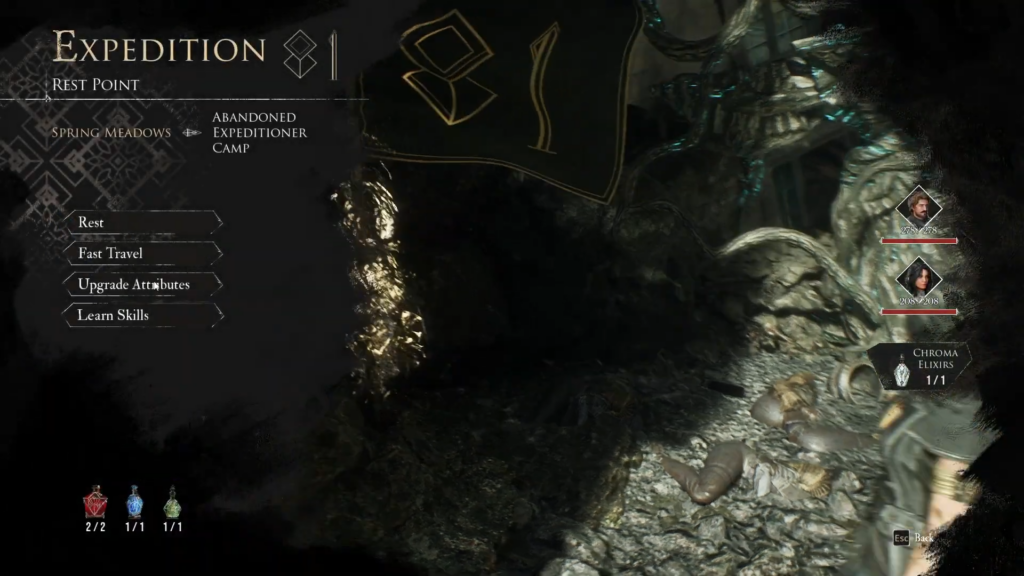
Approach the flag to interact with it, where you will be presented with various options.
When resting, it restores the health of all the characters in your party and replenishes your healing items.
Additionally, players can check and upgrade their attributes, as well as reset them to reclaim all attribute points.
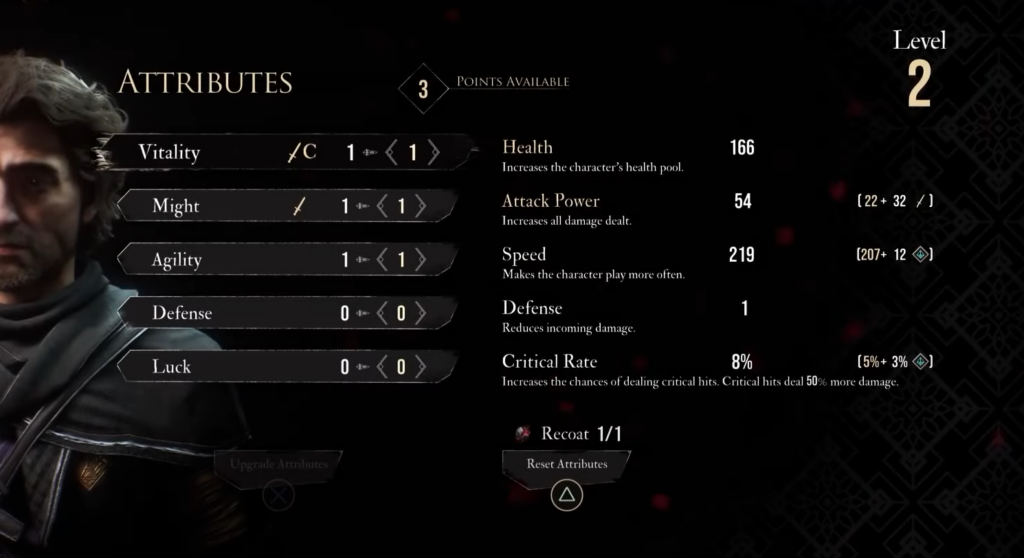
However, resting might restore your health it will also respawn any enemies in the area
Instead, players can use the Chroma Elixir, which accomplishes the same effect and can be refilled at any resting point.
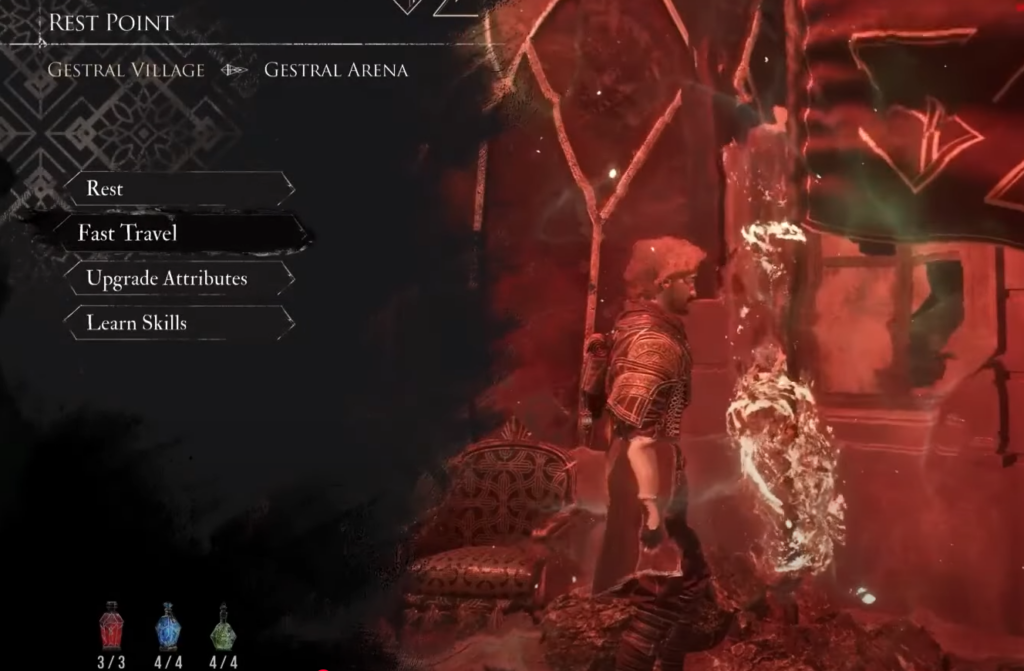
Furthermore, it also serves as a fast travel point, making it easier for players to move between flags within the area.
The game will automatically initiate the saving process once you leave the expedition flag in Expedition 33.

