


HIGHLIGHTS
- Active Codes in Roblox Force Battlegrounds offer multiple rewards, including Tokens and Credits.
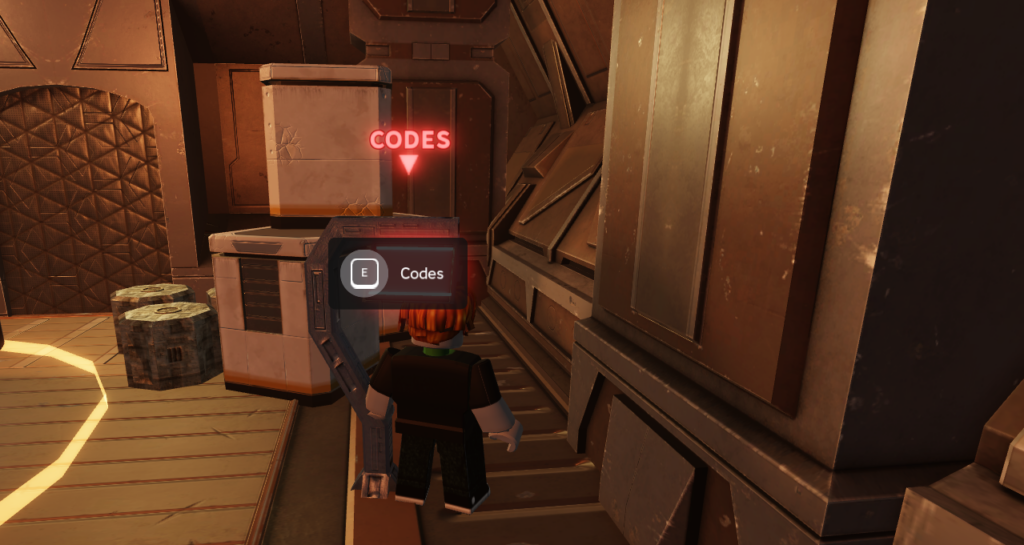
- To redeem codes, launch the game, approach the Codes Console, located in front of the lobby, and then hold the E key.
- Apart from codes, you can also earn free credits by claiming the Daily Rewards, which you can unlock by logging in daily.
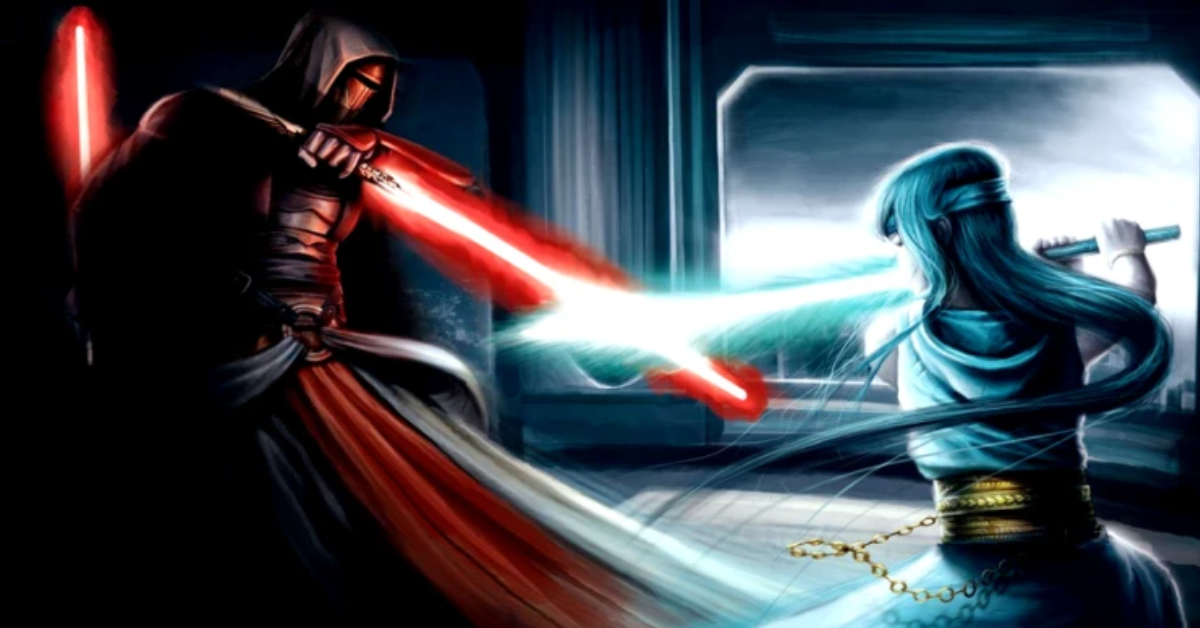
Force Battlegrounds is a PvP lightsaber combat game on Roblox, where you fight with lightsabers to earn credits.
In this PvP, you can defeat opponents to unlock sabers, rare crystals, and cosmetics, which will help you progress in the game faster.
In addition to the battle, you will also have the chance to earn free in-game credit using the active codes.
Active Codes In Roblox Force Battlegrounds
Force Battlegrounds in Roblox takes inspiration from Star Wars Battlefront and Combat Warriors, offering similar battle and combat mechanics.
The game offers a unique battle style and character set that will help you to win the fight in PvP mode, offering in-game rewards for progression.
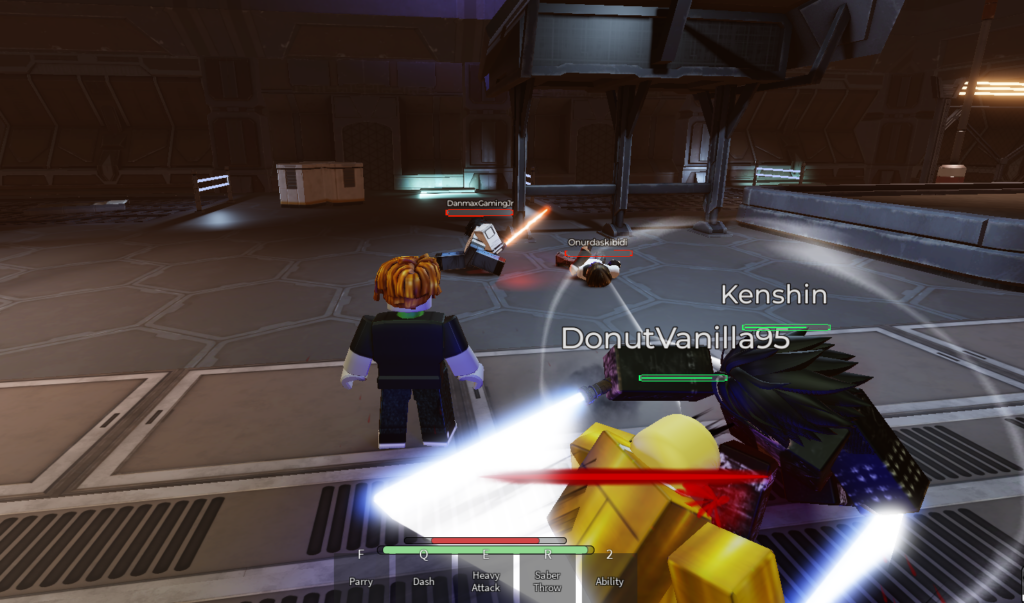
In the early stages of the game, when battles and collecting rewards can be challenging, active codes become a valuable source for earning freebies.
Here is the list of all active codes that you can currently use in the game;
- FIRSTCODE
- PIKEUPDATE
- QUESTS
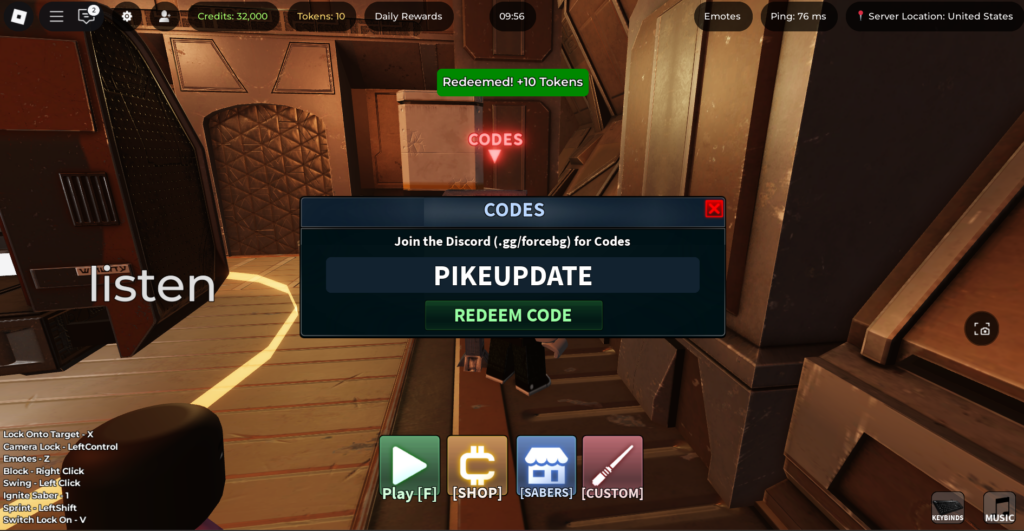
Each code in this Roblox Experience mainly offers in-game currencies like Tokens and Credits.
Moreover, players should also make sure to use these codes as soon as possible, as codes in any Roblox game come with an expiration date.
How To Redeem Codes In Roblox Force Battlegrounds
Redeeming codes in Roblox Force Battlegrounds is not quite as simple as any other game on Roblox, where you will directly enter the codes menu on the screen.
The game does not offer a code section in the menu; instead, you need to search for the Codes Console/ or let’s say Code NPC, to redeem the code in this game.
Here is the step-by-step guide for you to redeem the active codes for Force Battlegrounds;
- Launch Force Battlegrounds on Roblox
- Before clicking on Play, head straight from the Lobby to interact with the Codes Console
- Hold the E key for a few seconds
- Enter the codes
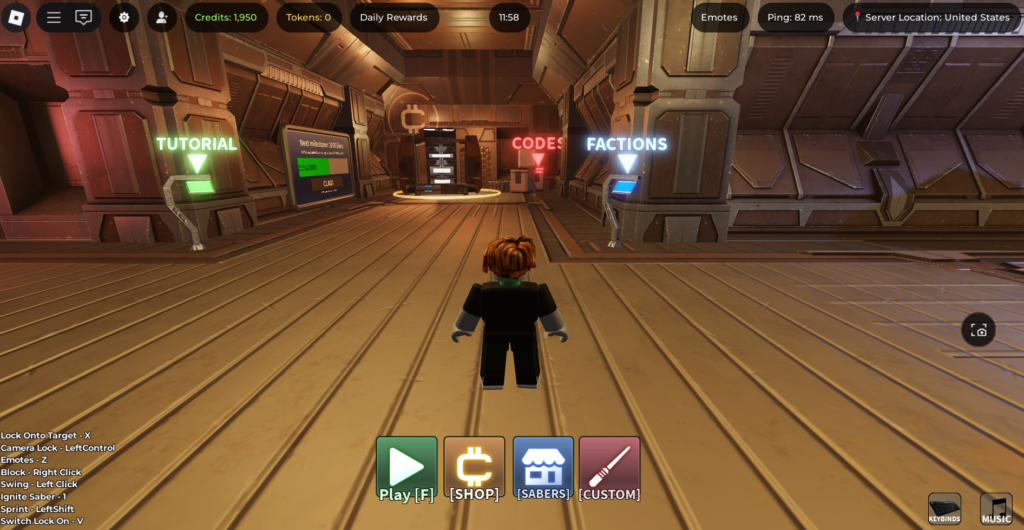
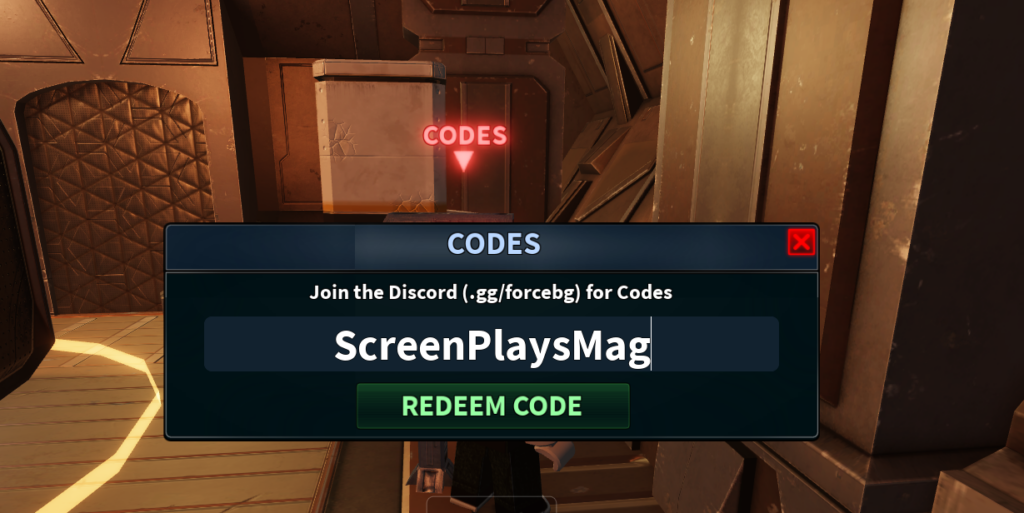
Once you have redeemed the codes, you will receive your freebies, which you can access from the inventory and use to upgrade and buy items.
In addition to the active codes, you can also claim free rewards from the Daily Rewards box located at the top right corner. So log in daily to receive tokens or credits.

