


HIGHLIGHTS
- Players are encountering a “Failed to Connect: Backend Unavailable” error when trying to play FBC: Firebreak.
- The Backend Unavailable error is generally caused by network problems, server issues, or the platform used to launch the game.
- You can overcome this problem by switching platforms, ensuring a stable internet connection, or waiting and trying again later.
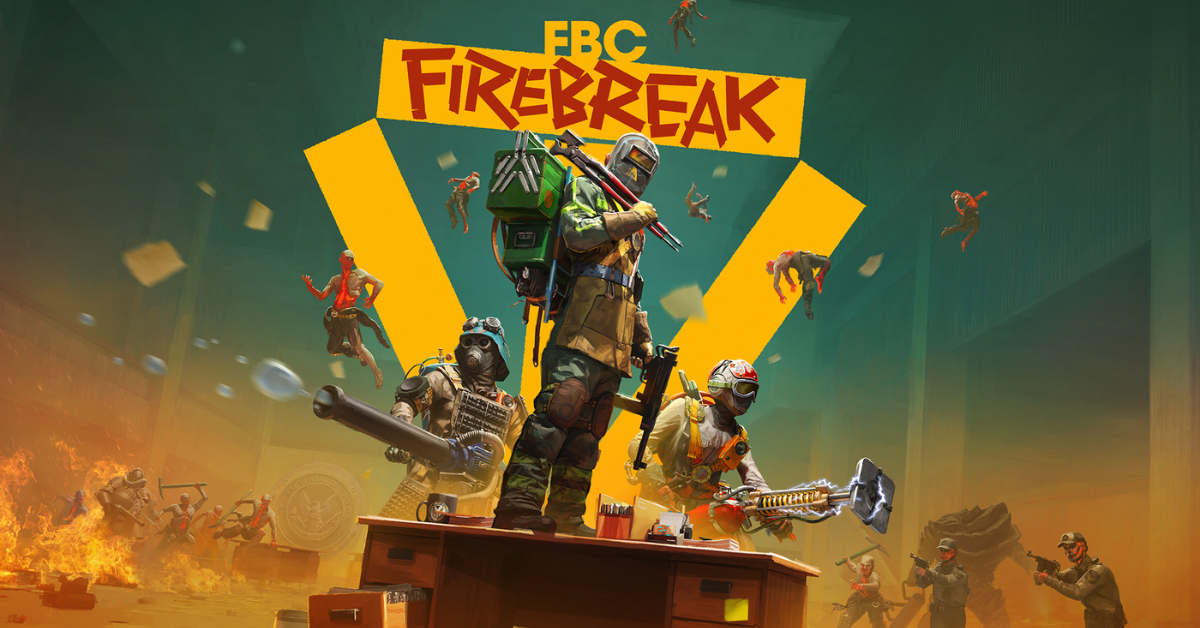
FBC: Firebreak is a first-person shooter game developed and published by Remedy Entertainment.
The game is set six years after the events of Control, and it follows a special unit of soldiers named.
Unfortunately, players are facing different issues, including Twitch drops not being granted, and the failed to connect error while playing the game.
Failed To Connect Backend Unavailable Error In FBC: Firebreak
If you are trying to play FBC: Firebreak and run into the error message “Failed to Connect: Backend unavailable, please try again later,” you are not alone.
Several players get the same error during their first attempt to play.
This error occurs when the game is unable to connect to its servers. It could be due to server issues, internet problems, or the platform you are using to launch the game.
Moreover, the error seems to occur when players try to launch the game from their Steam library.
Fixing The Backend Unavailable Error
To fix this error, you can download the game directly to your device instead of trying to play it through Steam or another platform.
Once the game is fully downloaded and installed, the connection error will be resolved, and you can play without any issues.
Players who have switched to different platforms and played from there have reported overcoming this error.
You can also try uninstalling and reinstalling the game if switching platforms does not fix the issue.
Furthermore, make sure your internet connection is stable. If your connection is not stable, try restarting your router or using a wired connection.
This error may happen when the servers are down. If changing platforms does not work, just wait and try again later.
Finally, if none of the mentioned fixes resolve the error for you, try waiting for a patch from the developer.

