HIGHLIGHTS
- Players can use active codes in Anime Galaxy X to instantly receive rewards such as potions, Champion Capsules, and talent tokens.
- Head to the in-game shop menu, scroll to the bottom to find the code prompt, and enter valid codes to claim your free rewards.
- If the code isn’t working, make sure you have entered it correctly, as it is case-sensitive, or it has likely expired due to time limits.
Anime Galaxy X is a Roblox action game inspired by your favorite anime series, developed by the Galaxy X Club.
Here, players unlock and collect a variety of anime heroes, known as champions, to defeat enemies and advance through the game.
Additionally, players can use a variety of codes to unlock and redeem exciting rewards for free in Anime Galaxy X.
Active Codes For Anime Galaxy X On Roblox
Redeeming codes in Roblox’s Anime Galaxy X rewards players with potions, Champion Capsules, and talent tokens.
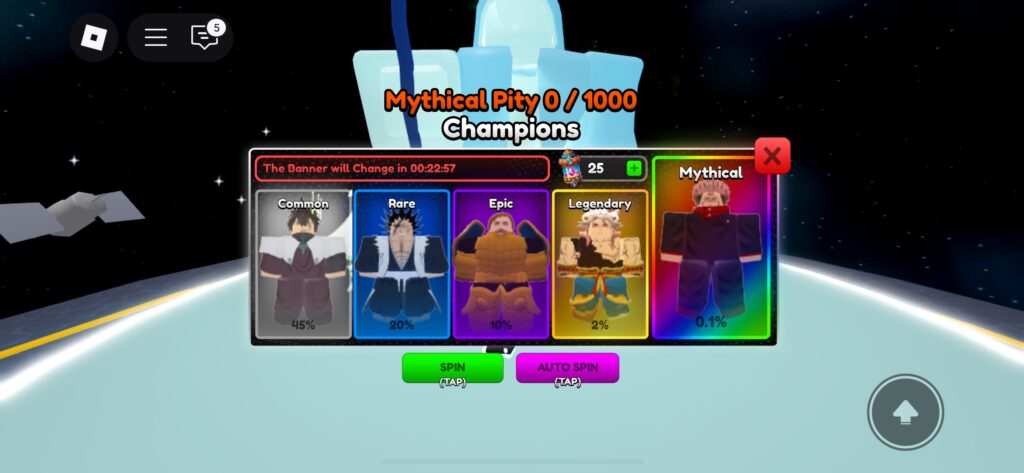
Champion tokens are used to spin for different champions, each available in varying rarities.
Each spin consumes one capsule, and unlike most Roblox games, players can auto-spin for free.
The current Summer Update has introduced new content to the game, including an all-new event map, gloves, and pets.
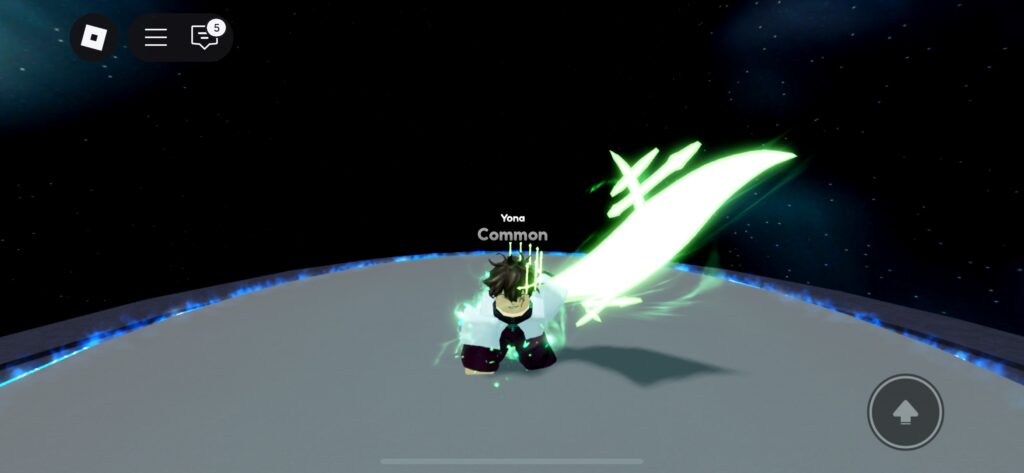
Collecting resources in the games requires players to defeat enemies equires a lot of grinding, which can be a time-consuming task.
Alternatively, players can spend Robux to buy various packs and potions through the shop menu.
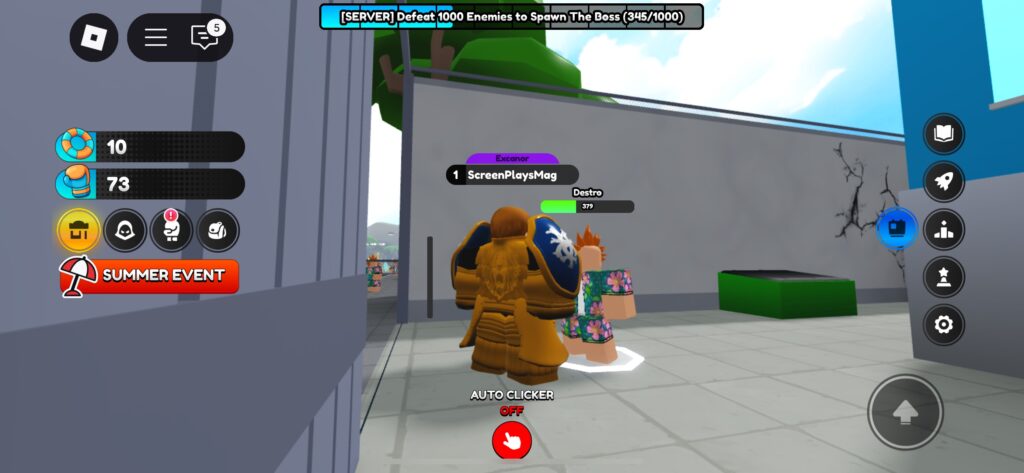
Players can redeem the following codes to earn in-game rewards for free.
- upd2
- srryforbugs2
- 3000likes
- srryshutdownsummer
- farmingoffline
- sorryforbugs
- summerevent2
- 2000likes
- summergalaxy
- upd1
- 1500likes
- SummerEvent
- 500likes
- srryshutdown2
- 700plr
- 500plr
- 300plr
- srryshutdown
- Release
Future updates will include additional codes, offering even more rewards and enhancing the gameplay experience.
How To Redeem Codes In Anime Galaxy X
When players launch the game, they will find various options on the right side of the main screen.
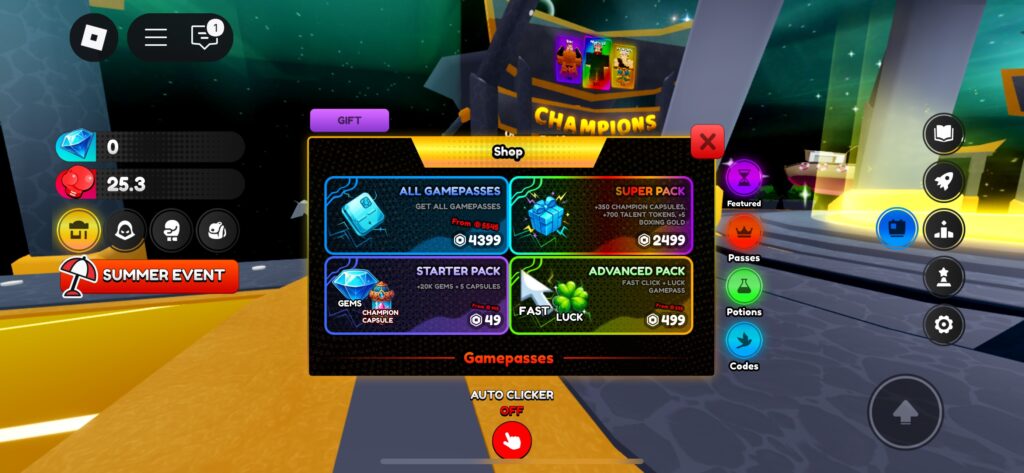
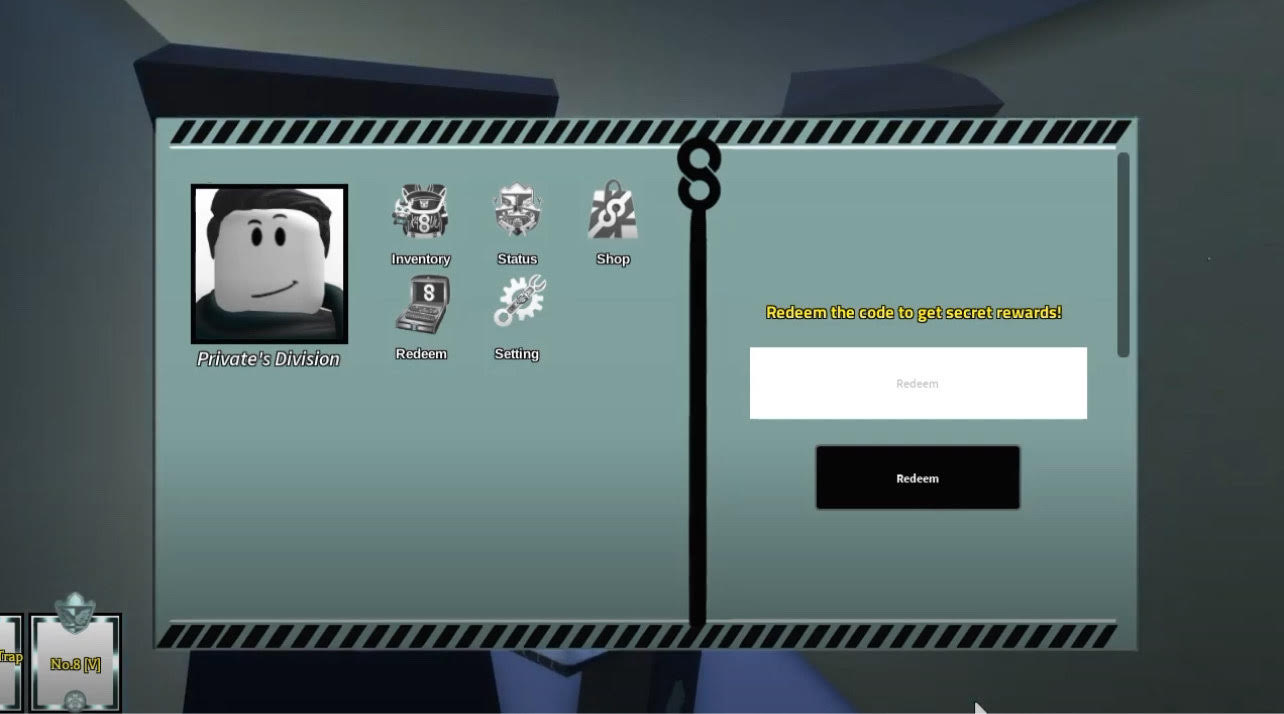
Players can redeem codes by selecting the Shop option on the left side of the screen and scrolling down.
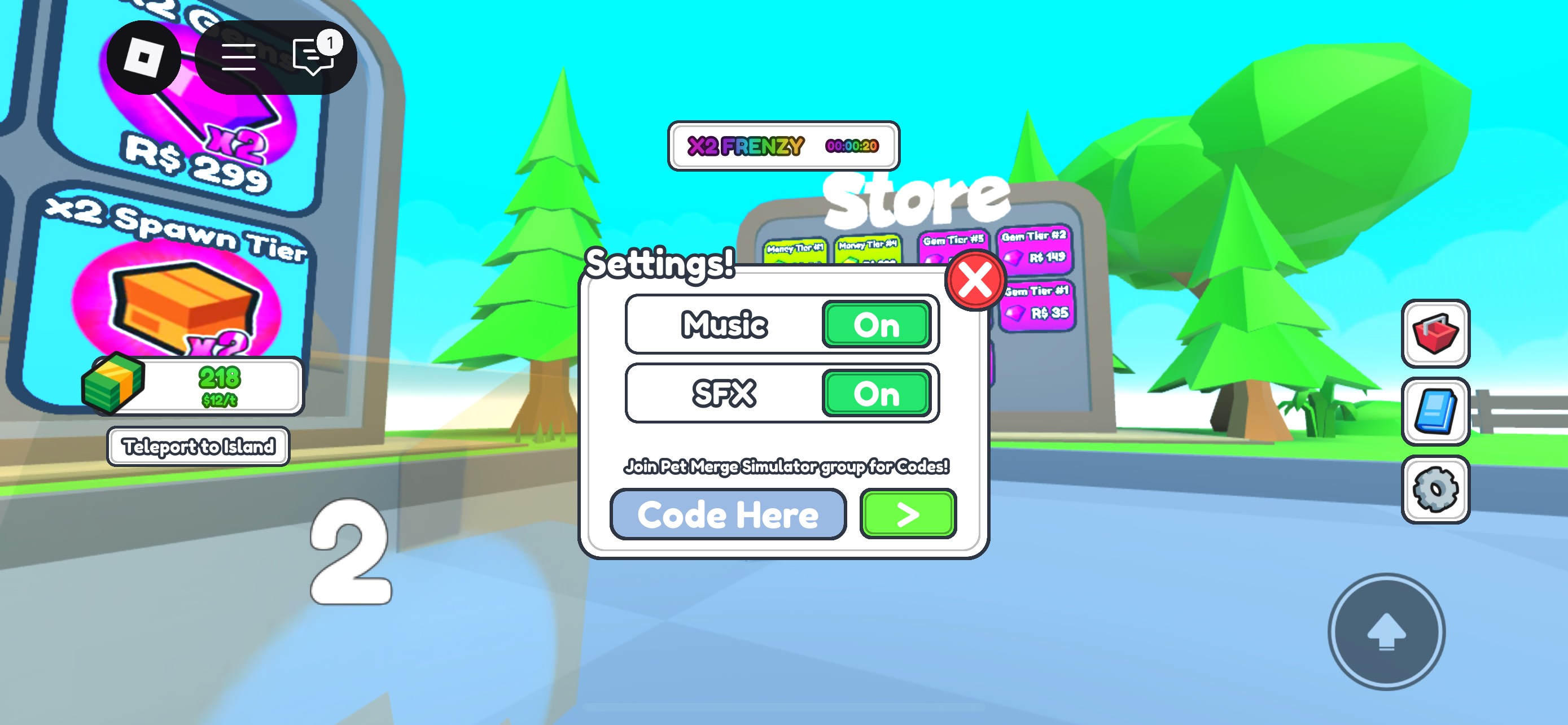
You will see a prompt where you can enter active codes to claim free rewards.
Simply enter a valid, active code in the text box and redeem it to instantly receive free in-game items.
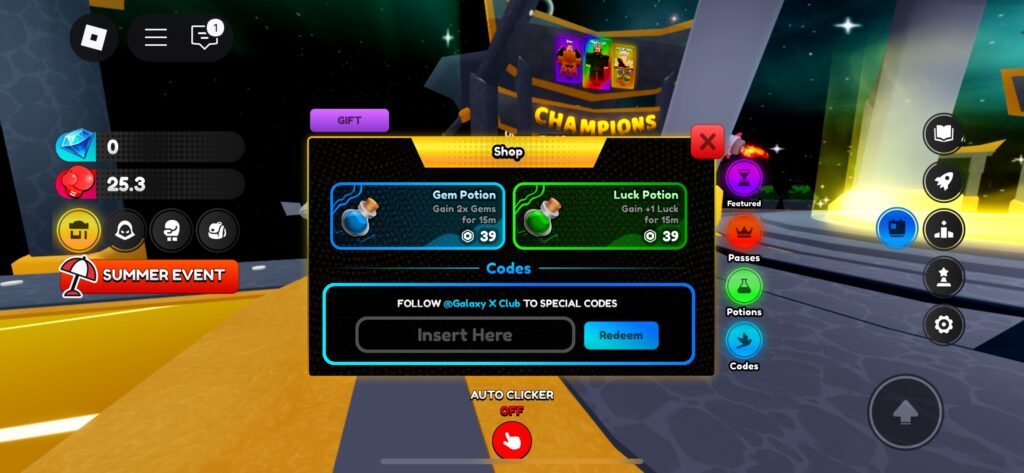
Players should ensure they enter the code exactly, as it is case-sensitive, and even a minor mistake will result in an invalid code screen.