



HIGHLIGHTS
- Active Codes in Roblox Aether Adventure offer Spins, which you can use to reroll your abilities or powers.
- You can redeem active codes by clicking the “Menu” button on the left side, then selecting the Discord icon from the list.
- As the game is still in beta, you may encounter bugs when redeeming codes. Therefore, ensure that you enter them exactly and check for expiration dates.
Aether Adventure is another new anime-inspired game on Roblox that blends combat and progression similar to One Piece-themed games.
The game is currently in Beta Phase and is still developing new features, including more characters and maps in the future.
Despite the game being in Beta, you will find a code system in the game that allows you to claim some free rewards.
Active Codes In Roblox Aether Adventure
Like any other Roblox experience, Aether Adventure also offers a few active codes that offer exclusive in-game rewards.
The currently working codes in the game mostly offer Spins, which are pretty valuable to boost your character power in the game.
Here is the list of all working codes that you can currently use in the game;
- 3KLIKES10AURASPINS
- CidAura25
- ResetStatsFree
- RELEASE75SPINS
- RELEASE25SPINS
- RELEASE25AURASPINS
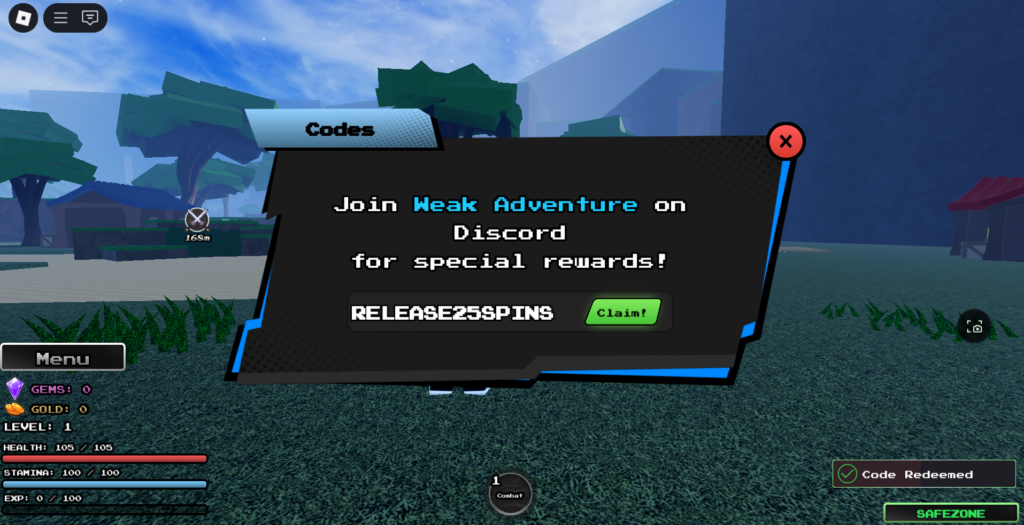
Each of these codes is part of the Beta Phase and may expire soon, so you must make sure to redeem them as soon as possible.
How To Redeem Codes In Roblox Aether Adventure
Redeeming Codes in Aether Adventure is quite straightforward compared to any other anime-inspired game on Roblox.
Here is the step-by-step guide that will help you redeem codes in this Roblox experience;
- Launch Aether Adventure on Roblox
- Click on the “Menu button
- Select the “Discord” Icon
- Enter the Codes
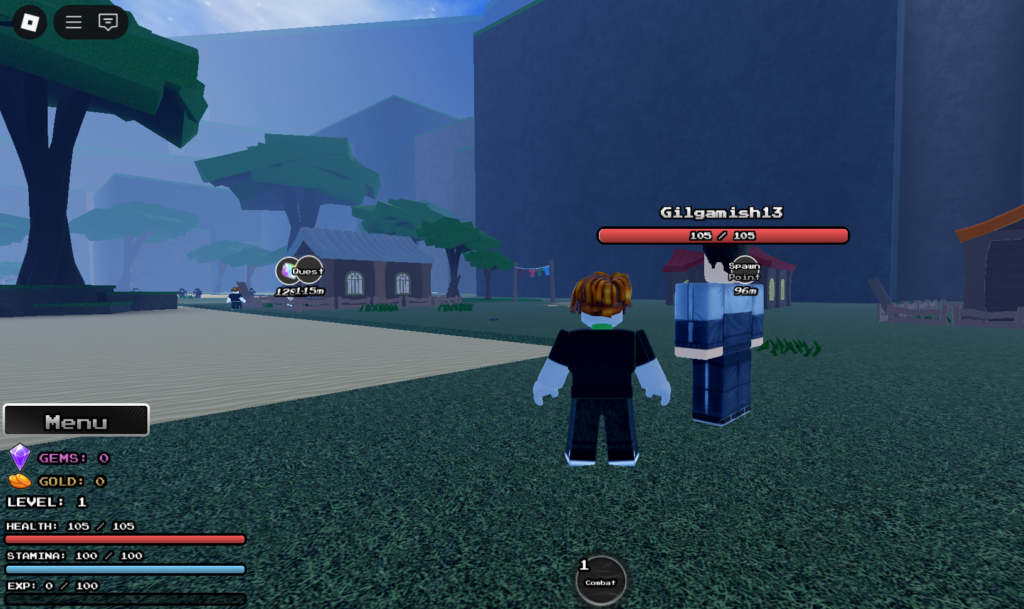
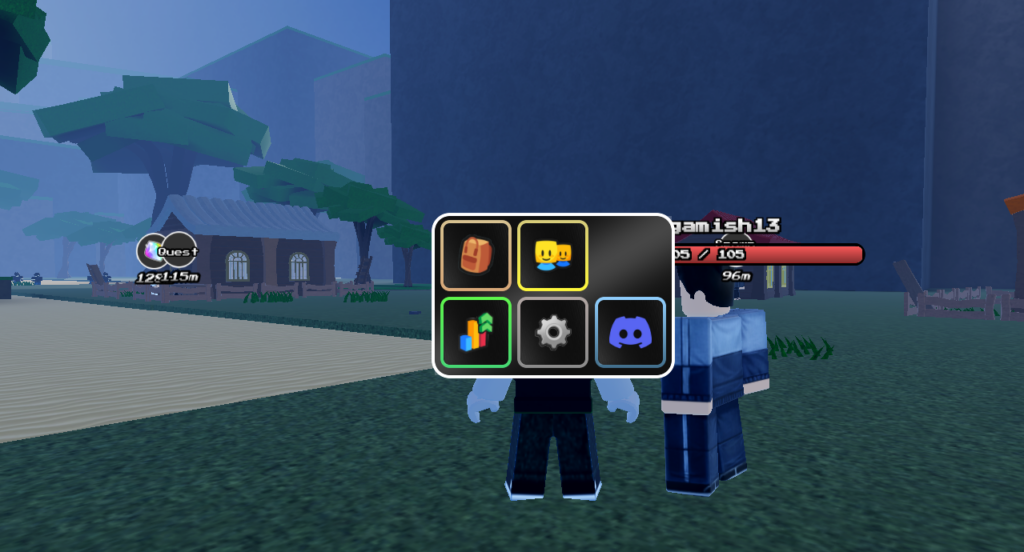
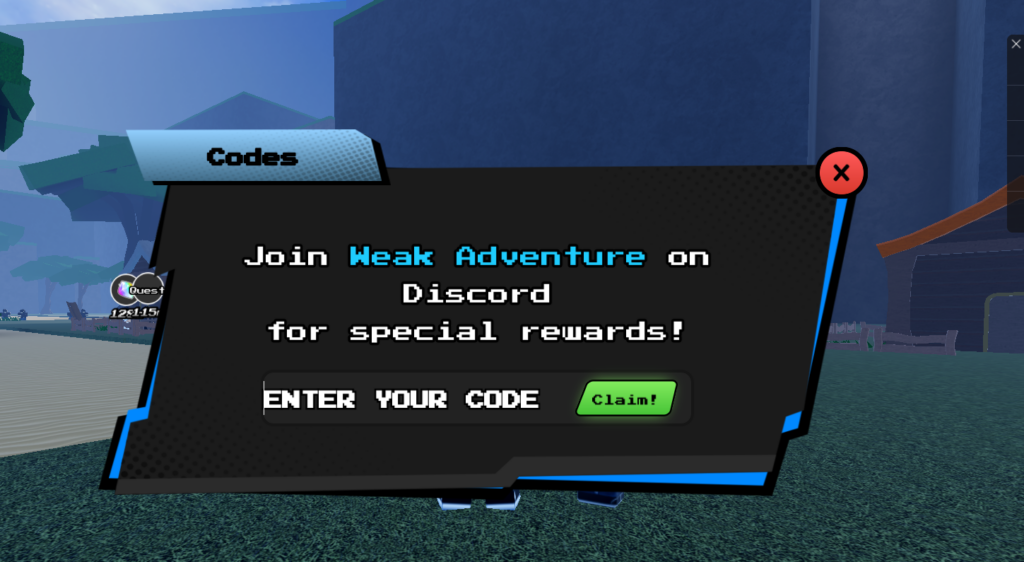
Once you click the Claim button, you will receive a notification at the bottom right corner stating “Code Redeemed.”
As the game continues to progress with new features, the Developers have assured that players will receive new codes upon reaching 1,000 likes, so be sure to like the game for free rewards.

