


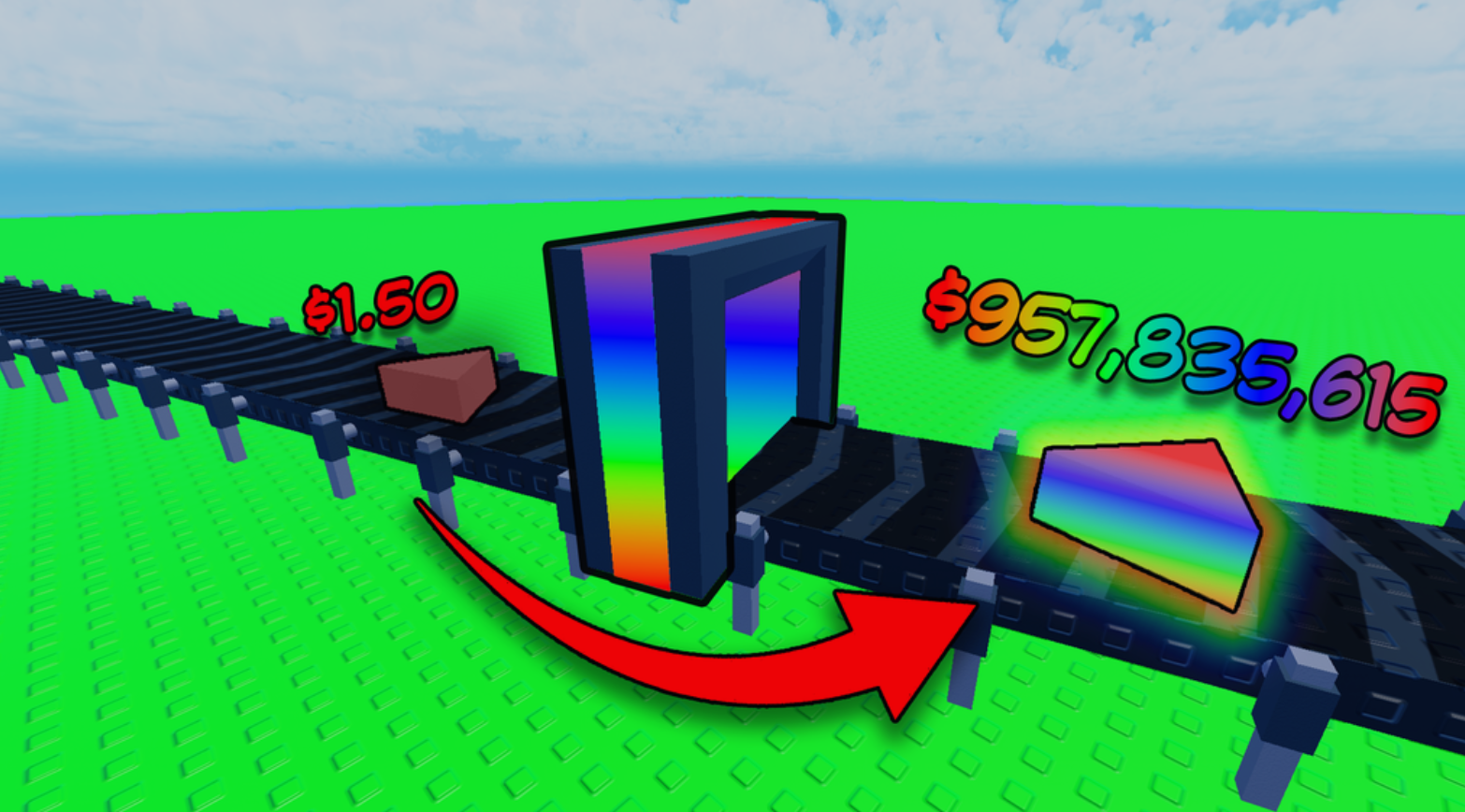
If you were bored playing Anime or Tower-defense games, Quantify is here to enrich your Roblox experience.
It is a simulator game, where you can produce random geometric objects from your factory within a specified time.
If you want to explore more geometric shapes and progress quickly, you can also use active codes.
Active Codes In Quantify
Using all of the codes grants you Qubits, one of the currencies in Quantify. It can be used to purchase parts from shops such as boosters and upgraders.
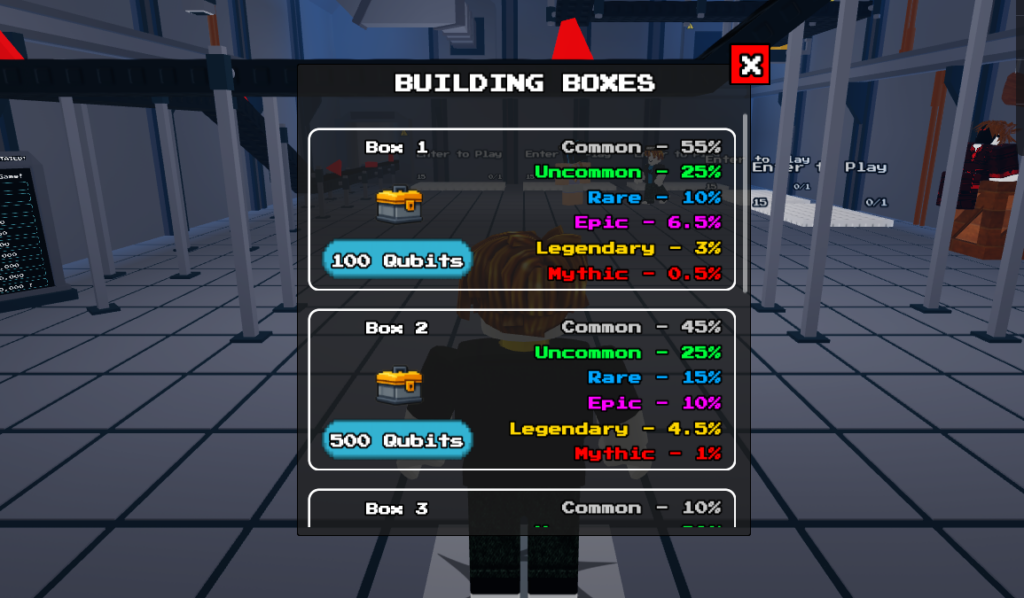
Moreover, you can also buy building boxes and try your luck to spin them for Runes. You can also buy the shape and passes for 30 to 60 Robux Points.
If you don’t want to spend, you can use these codes to get a handful of Qubits;
- 750LIKES: 2000 Qubits
- 500LIKES: 2000 Qubits
- DAILYQUESTS: 2500 Qubits
- CRAFTING: 1500 Qubits
To not miss out on future Qubits or additional rewards, you can bookmark this page (Ctrl + D) or join the Quantify community on Roblox.
How To Redeem Codes In Quantify
Follow the step-by-step process to use the codes in Quantify. However, you must first join the Gummi Incorporated Community, before you proceed.
- Launch Quantify on your Roblox Experience
- Click on the Settings icon, located on the left
- In the codes box, enter any of the provided codes
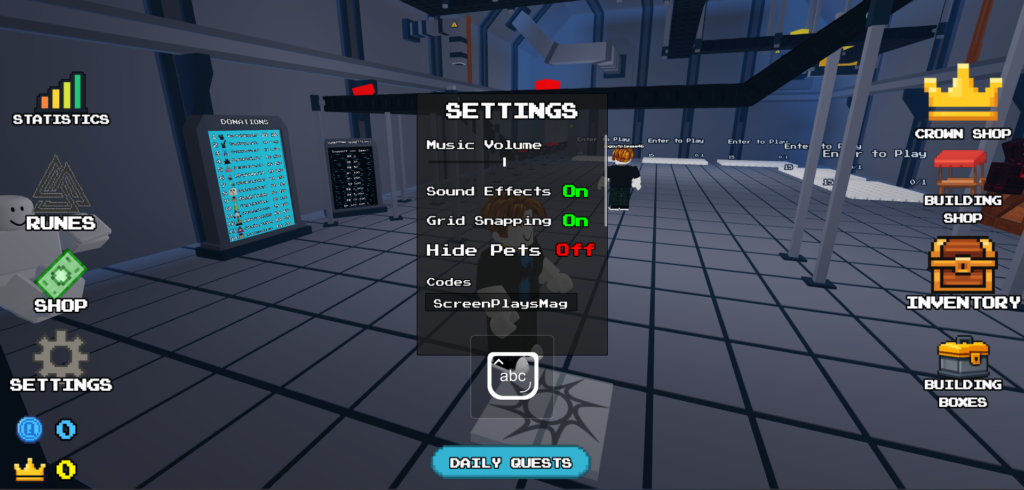
- Hit Enter to claim your goodies
You can also find the codes on their Discord channel once they are released. Instead, you can visit this page directly to access the active ones.
The codes are often released whenever a new update, an event appears, or the game reaches a certain milestone. The latest code was added after the Like milestone was reached.
If any of your codes don’t work, it’s most likely due to expiry, so always use the codes ASAP. Also, avoid any Typos.

