


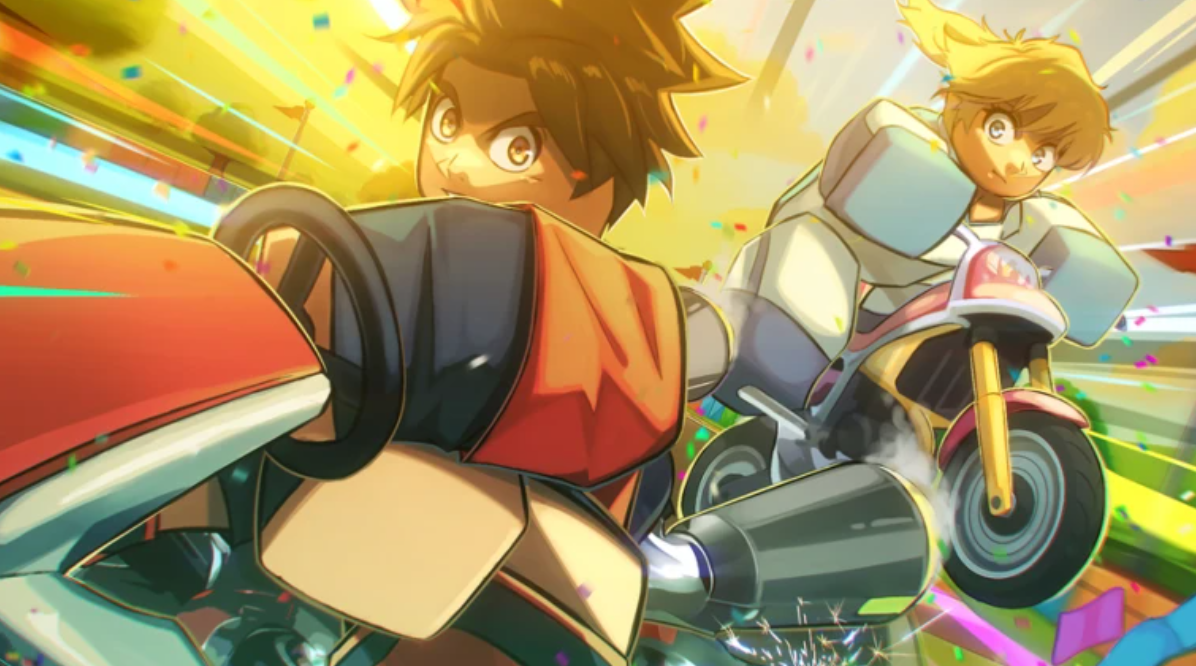
Roblox Race World is a decent Roblox game, where you can play and race with your friends, collect amazing skins and traits, and even challenge to beat your friend’s lap time.
The Okin Studios’ game is currently in Season 0, which will feature more exciting updates and changes in the near future.
If you too want to dive into racing games and earn free goodies, you can use the available codes.
Active Race World Codes And Controls
Race World is not just about racing; you can also collect exclusive rewards and items and show them to your friends, who play in either PC or Console. Here are the in-game controls;
PC:
- Drift: Click on the Screen
- Power Up: F
Console:
- Drift: A or X (Bottom Button)
- Power Up: Right Bumper
Additionally, if you have other Roblox friends, you can share the following codes with them, allowing both of you to share gifts.
- Release – Lucky Crate x1 (open the item tab to use it)
Codes often release when game gets a maintenance break , updates or have in-game events as well.
Read More: NYT Connections Solution For TodayHow To Use Codes In Roblox Race World
Redeeming codes in Race World is actually a bit different than usual Roblox Games. You can follow the process to exchange your codes for gifts.;
Launch the Race World game on your Roblox
Find the Codes Section (Turn 180 degrees, walk straight towards the stairs, and head left)
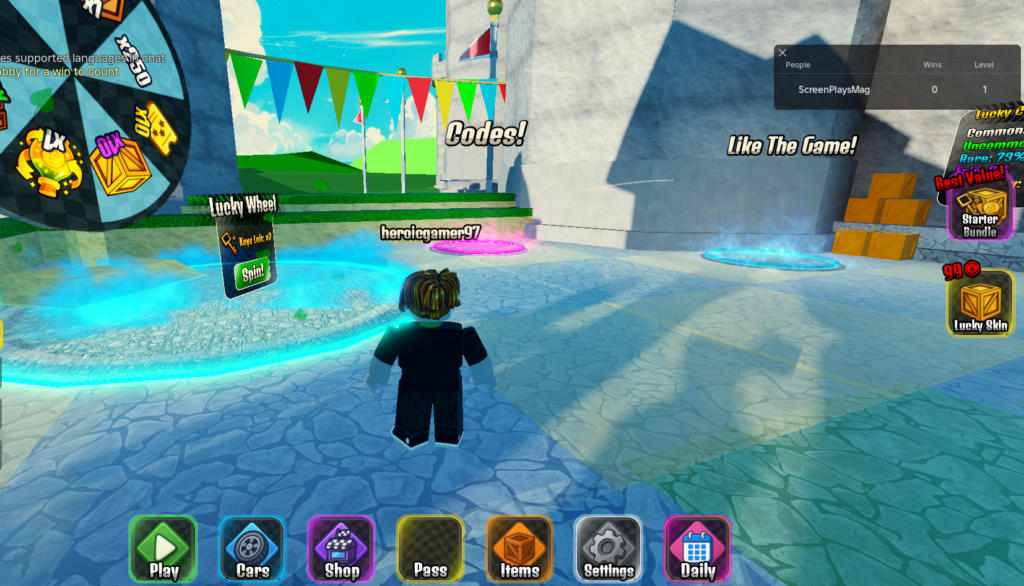
- Enter the code in the empty box.
- Press Verify and enjoy your gifts.
As codes are case-sensitive and often expire after a while, make sure you are aware of these details.
For future codes, you can bookmark this page or join the Developer’s game community. Okin Studios, the developers, are also planning to release at least 12 games this year.

