



HIGHLIGHTS
- Active Codes in Roblox Burd offer multiple rewards, including Potions, Coins, and random items.
- To redeem the active codes, complete the tutorial, navigate to the Shop Icon, and scroll down until you reach the redemption box.
- Apart from Codes, you can also claim daily bonuses and playtime rewards, which mostly offer Gems and Potions.
Burd is a bizarre and fast-paced Roblox game developed by Burd Games, where you battle birds to earn coins and gems.
This Roblox experience offers gameplay similar to Pet Simulator X, but here, you will only collect different types of birds.
In the early stages of the game, you will be able to use active codes to earn free coins and gems, allowing you to boost your damage output.
Active Codes In Roblox Burd
Like any other Roblox game, Burd also offers a few active codes that you can use in the game’s early stages to earn rewards.
The rewards you earn throughout the codes are mostly Coins, Gems, and Potions. Each can be used to progress in the game.
Here is the list of all active codes that you can currently use in the game;
- BURD – Potions and New Item
- SorryForShutdown – Potions
- BugsFixed – Potions
- Release – Coins and Potions

As codes in any Roblox game have an expiration date, make sure to use them as soon as possible to claim free rewards.
How To Redeem Codes In Roblox Burd
To redeem codes in this Roblox experience, you must first complete the Tutorial, where you need to perform several tasks.
The first task you need to perform during the tutorials is to kill the birds. To do so, just follow the arrow and click on the flying birds.
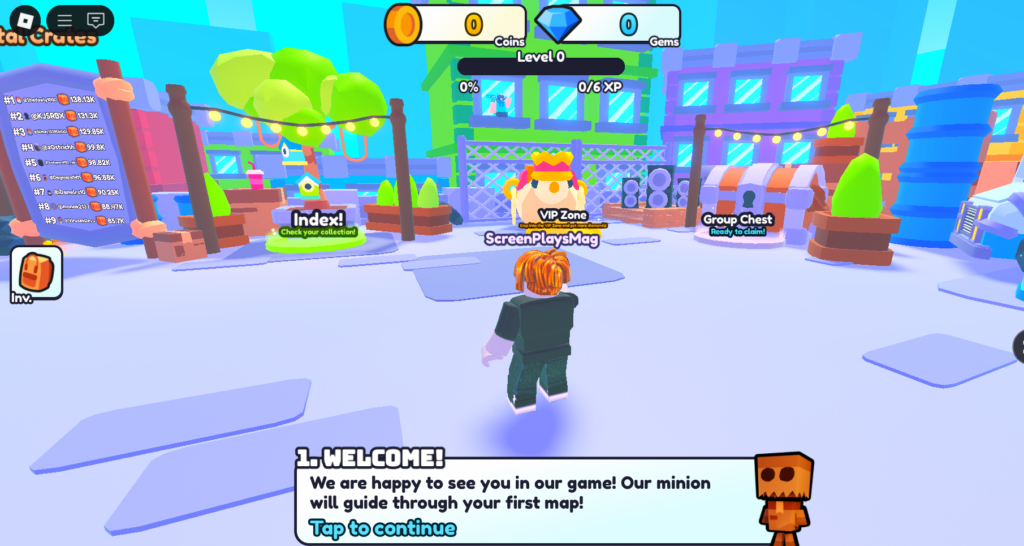
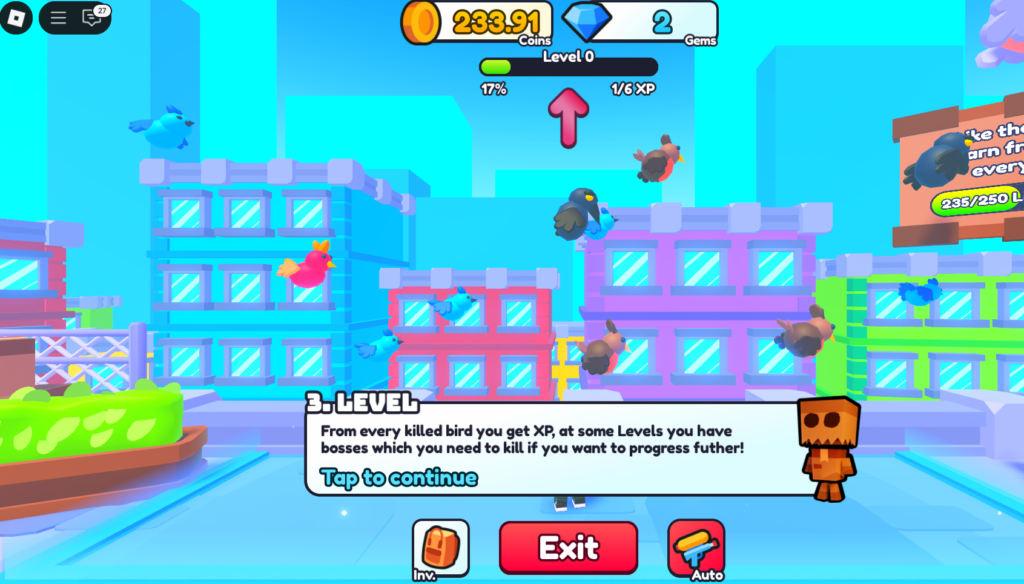
Once you have completed the tutorials, you can simply follow the steps mentioned to redeem the active codes.
- Click on the Shop Icon from the menu
- Scroll Down
- Enter the Codes in the Redemption Box
After typing the codes, click the “Play” icon next to the code box, rather than the Enter key. Doing so will redeem the codes and transfer your rewards to inventory.
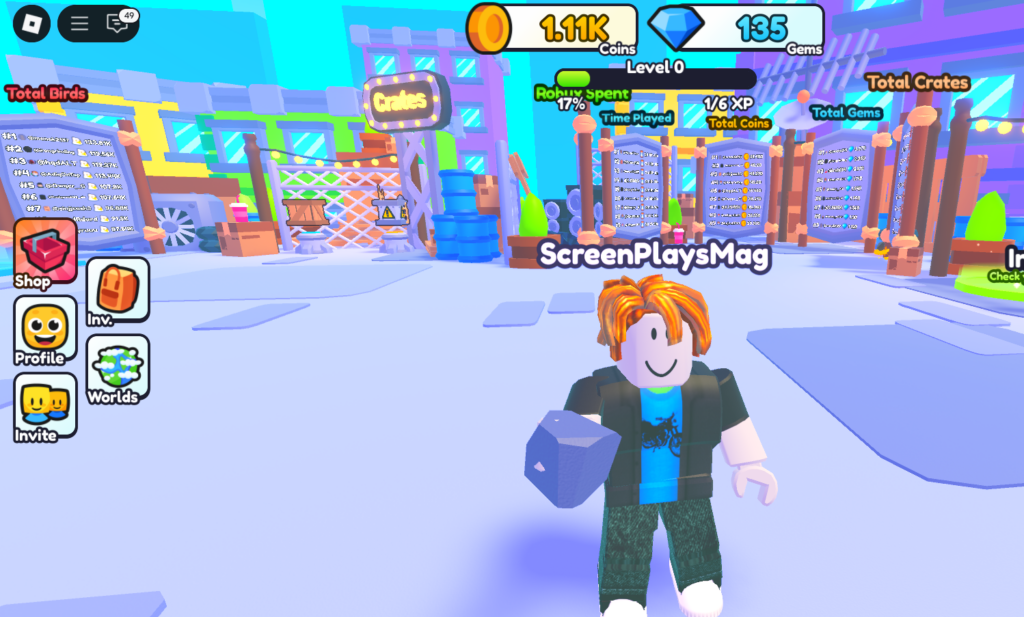
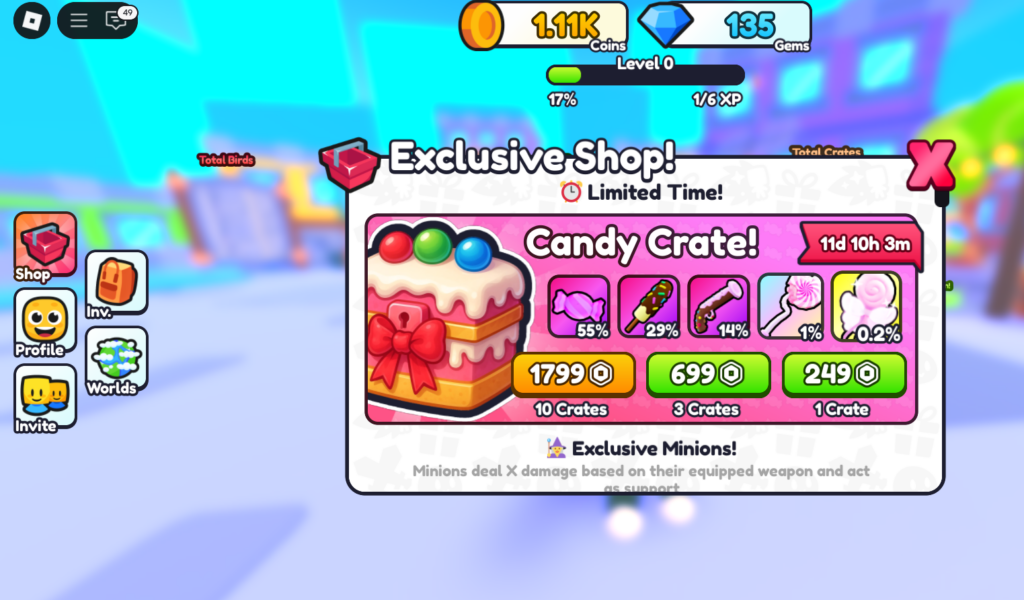

In addition to the active codes, you can also claim Daily Bonuses and Playtime Rewards to earn rewards like Potions and Coins. You will find these icons on the left side of the main screen.

