



HIGHLIGHTS
- Players can redeem active codes in Garden Tower Defense to get gems, which can be used to summon units.
- You can redeem codes by opening settings, selecting “Codes,” typing a valid code, and pressing “Enter” or clicking “Redeem.
- Make sure to redeem codes quickly because they expire after a short time, and you might miss out on free rewards.
Garden Tower Defense is a Roblox tower defense in which players must defend their garden and stop the evil animals from destroying it.
Players can use various plant units like Corn and Mushroom, each with unique abilities, to defend their garden against incoming animals.
You can obtain a new plant unit by summoning it on a banner. To summon units, you will need gems, which can be earned by completing story levels or redeeming codes.
Active Codes In Roblox Garden Tower Defense
Like many other Roblox games, players can use codes in Garden Tower Defense to get rewards and level up faster.
New codes are often released during big updates or when the game reaches major milestones.
Since the game is still new, there are currently only a few active codes available.
Here are all the currently active codes in Roblox Garden Tower Defense and the rewards they offer.
- BUZZ: 150 Seeds
- HONEY: 250 Seed
- SUNNY: 250 Seeds
- ENDLESS: 250 Seeds
- SUMMER2: 200 Seeds
- Enchanted: 200 Seeds
- Golem: 250 Seeds
- GARDEN: 250 Seeds
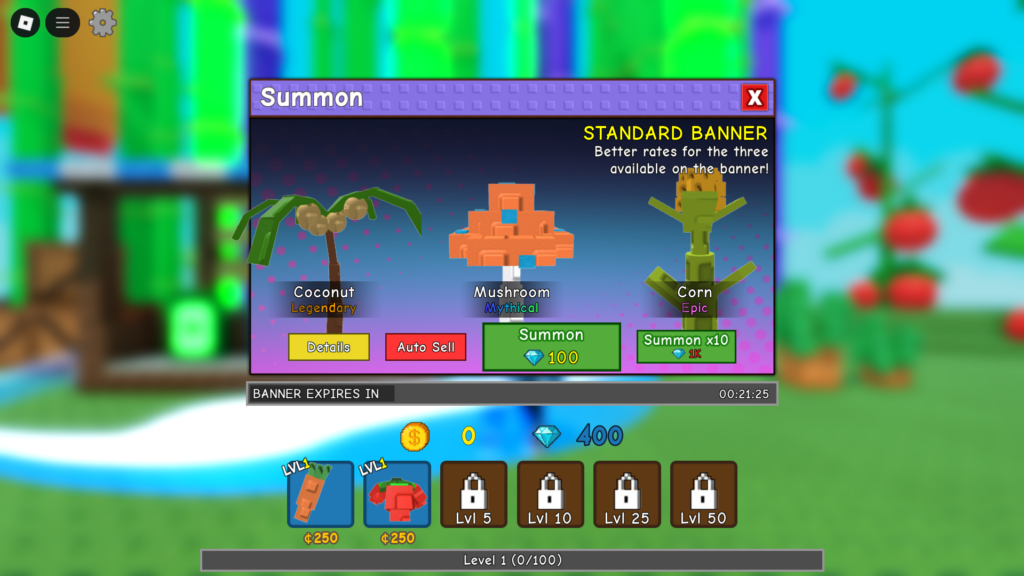
Furthermore, Garden Tower Defense codes do not last long, so players should redeem them quickly before they expire.
Lastly, you can also earn gems by joining the Garden Tower Defense community on Roblox and adding the game to your favorites.
How To Redeem Codes
Players can redeem codes by clicking the settings icon in the top-left corner of the screen.
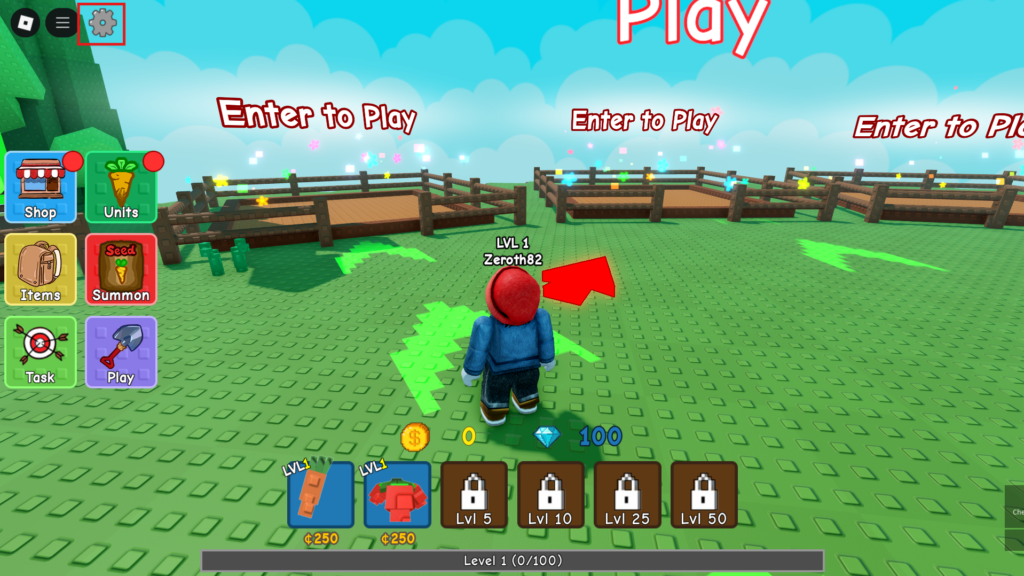
After clicking the settings icon, you will see three options. Click on “Codes” in the settings menu to open a dialog box where you can type and redeem a valid code.
Once you have entered the valid code, hit the “Enter” key or click the “Redeem” button on the screen.
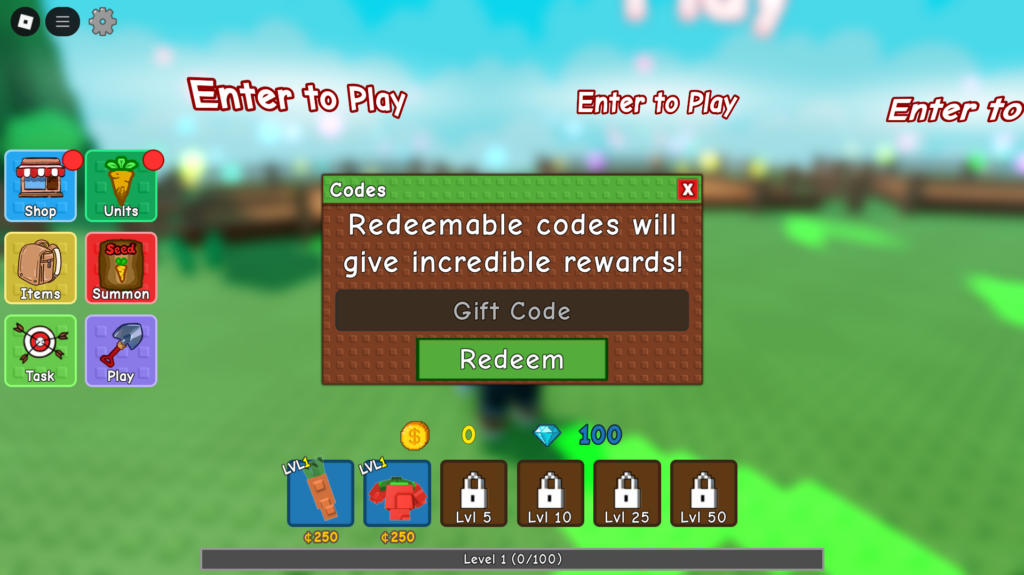
Finally, make sure to enter the codes exactly as shown, or you will not get any rewards for using them.

