HIGHLIGHTS
- Players can redeem active codes in Roblox Noob Defense to receive Gubcoins, the in-game currency, for free.
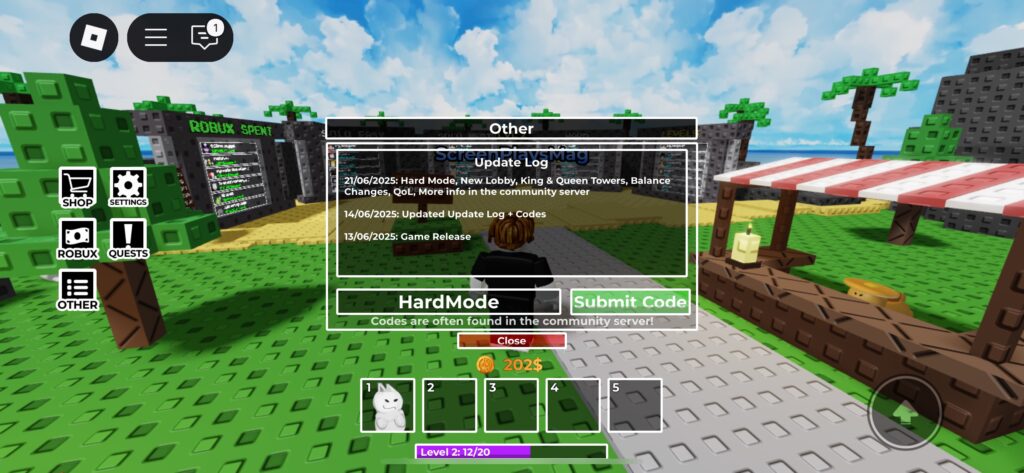
- To redeem codes, launch the game, select the “Other” option on the left side of the screen, enter a code, and click “Submit Code” to claim your rewards.
- Codes are case-sensitive, redeemable only once, and limited time as they expire after a certain period.
Gubby Tower Defense is a Roblox tower defense simulator where players use Gubbies to protect their tower from incoming threats.
Players can recruit a variety of Gubbies, each with unique abilities, upgrade them, and battle through waves of enemies to earn rewards.
To progress more easily, players can redeem active codes in Gubby Tower Defense to claim free rewards.
Active Codes For Gubby Tower Defense On Roblox
By redeeming active codes in the game, players can earn Gubcoins, the in-game currency, as well as experience points to level up.
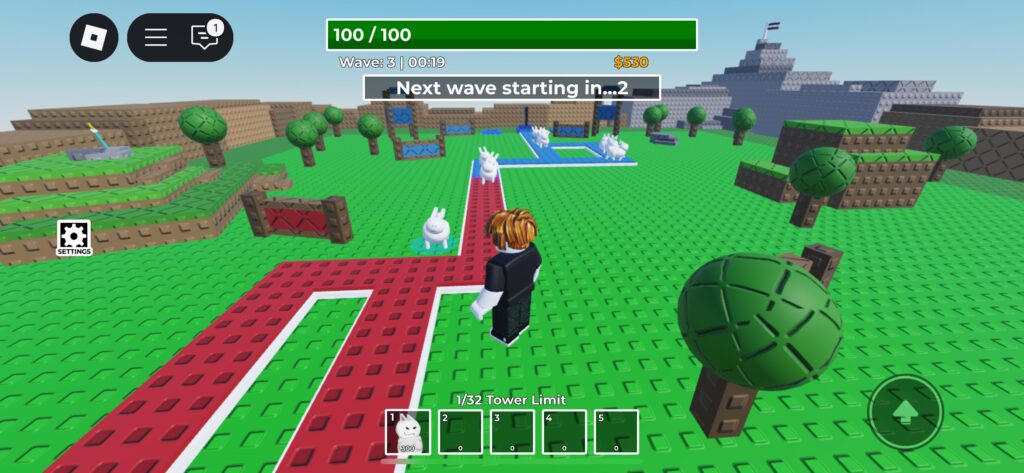
Place Gubbies on the map to defend your tower from enemies that follow a fixed path.
Placing and upgrading towers costs coins, which can be earned by defeating enemies or by completing waves.
Leveling up makes your characters stronger and unlocks abilities such as attacking hidden enemies.
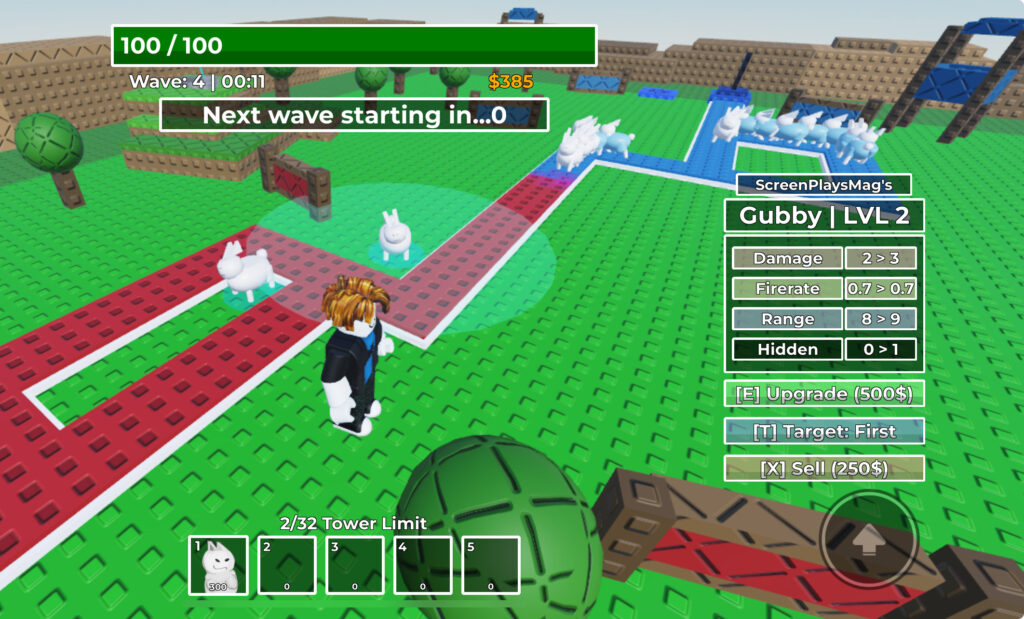
Therefore, players should strategize and place or upgrade Goobs wisely, rather than randomly spamming them across the map.
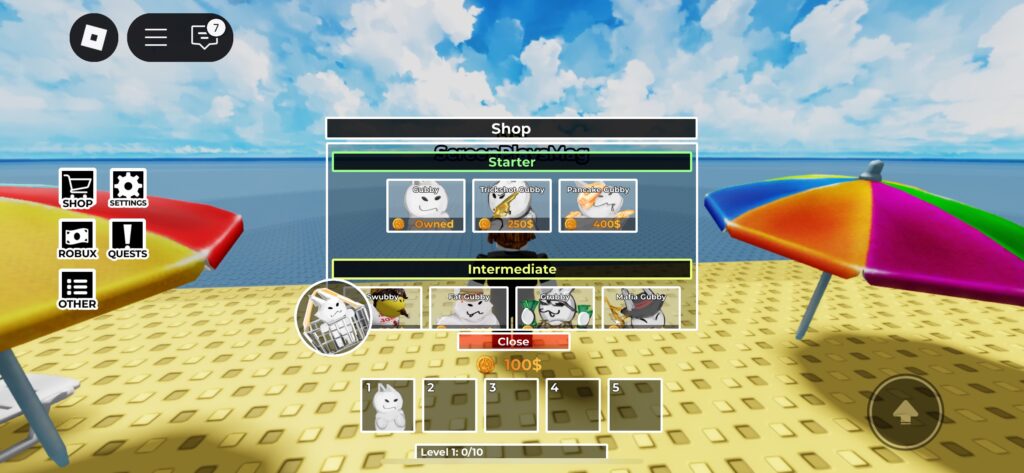
Players can earn Gubcoins by playing and winning matches, as well as by completing quests.
Additionally, players can use Robux to purchase Goobcoins, rare Goobs, and VIP passes.
Alternatively, players can redeem the following codes to earn in-game rewards for free, providing them with a small head start.
- QuestCompensation – 100 Gubcoins
- 1MVisits – 1 Level
- SupportTowers – 200 Gubcoins
- HardMode – 200 Gubcoins and 20 EXP
- 200Active – +1 Level
Future updates will include additional codes, offering even more rewards and enhancing the gameplay experience.
How To Redeem Codes In Roblox Gubby Tower Defense
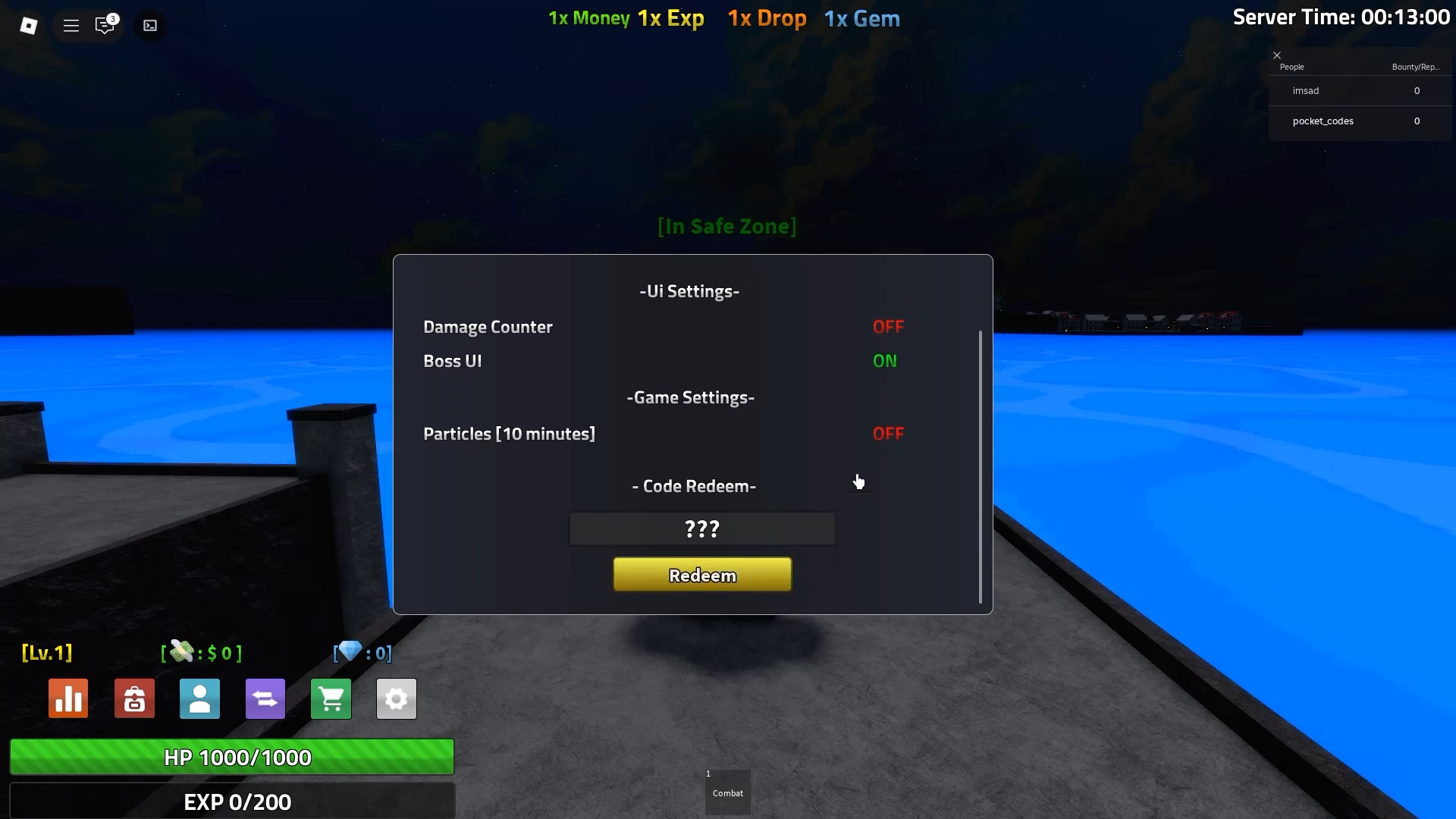
Players can redeem codes by accessing the other option located in the left hand side of the main screen.
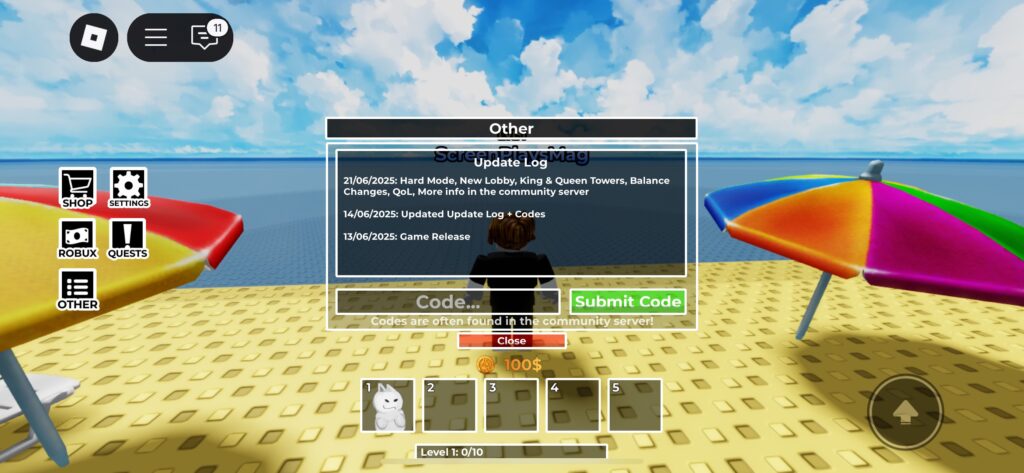
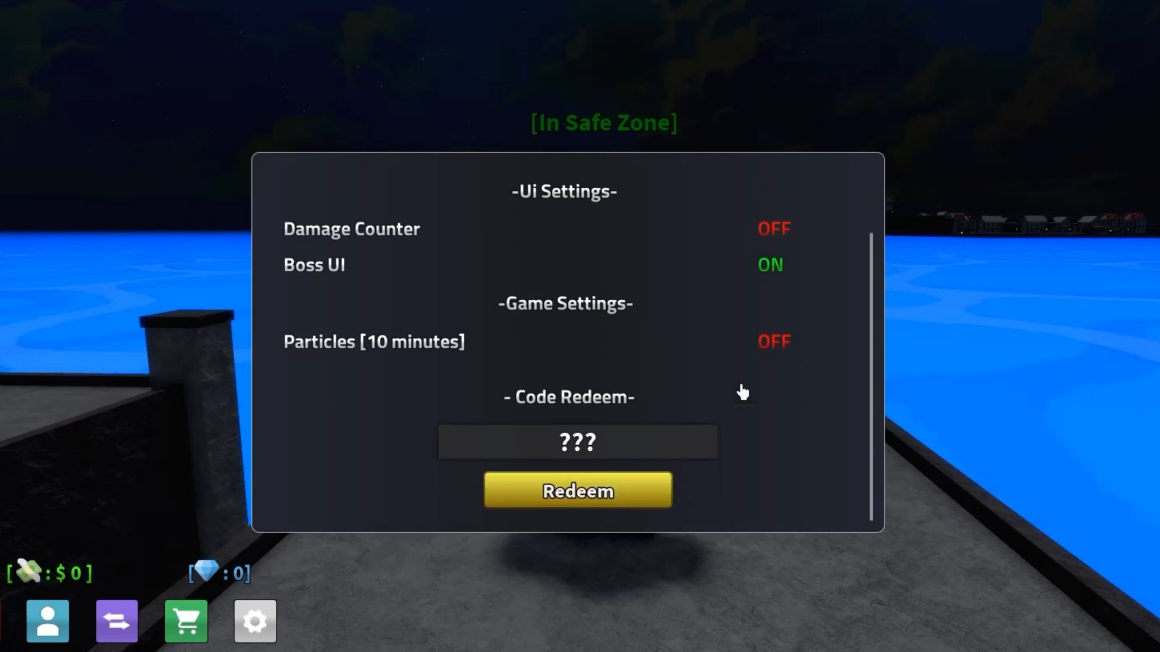
Along with the update log, you will see a section to enter a code. Click on it to open a prompt where players can enter active codes.
Players should ensure they enter the code exactly, as it is case-sensitive, and even a minor mistake will result in an invalid code screen.
If the code isn’t working, try changing servers. If it still fails, the code has likely expired as they are time limited.