


HIGHLIGHTS
- In The Alters, the Non Module status appears when an Alter gets stuck in an undefined location.
- Many players have reported instances where they need to interact with an Alter but are unable to locate or interact with them.
- Players can resolve the issue by waiting a few seconds for the Alter to return to the Airlock, reloading the most recent save, or restarting the game.
The Alters is a sci-fi survival strategy adventure game developed by 11 bit studios.
The game centers around Jan Dolski, who creates alternate versions of himself to help him escape a hostile planet.
During gameplay, some players are experiencing an issue where the Alters status appear none module and cannot be interacted with.
Non Module Status Displayed In The Alters
Players can view all the different alternate versions of Jan on the top-left corner of the main screen in The Alters.
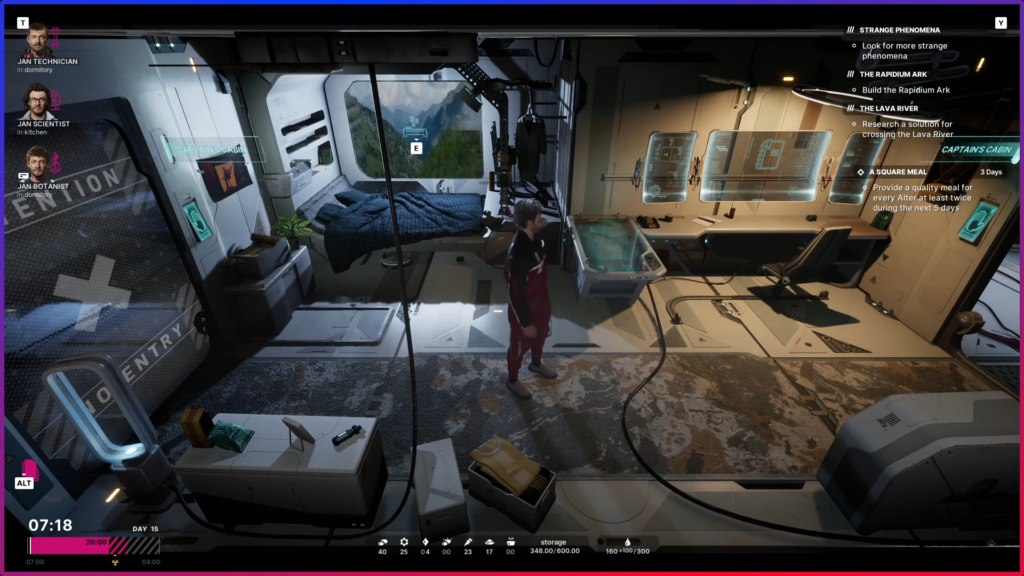
Each Alter has a specific role, such as scientist, miner, or technician, along with their own unique abilities.
Additionally, players can assign specific tasks to Alters at designated locations, and their location is displayed below their name on the main screen.
Players can have a total of six Alter slots per playthrough, so the roles assigned to each slot should be chosen carefully.
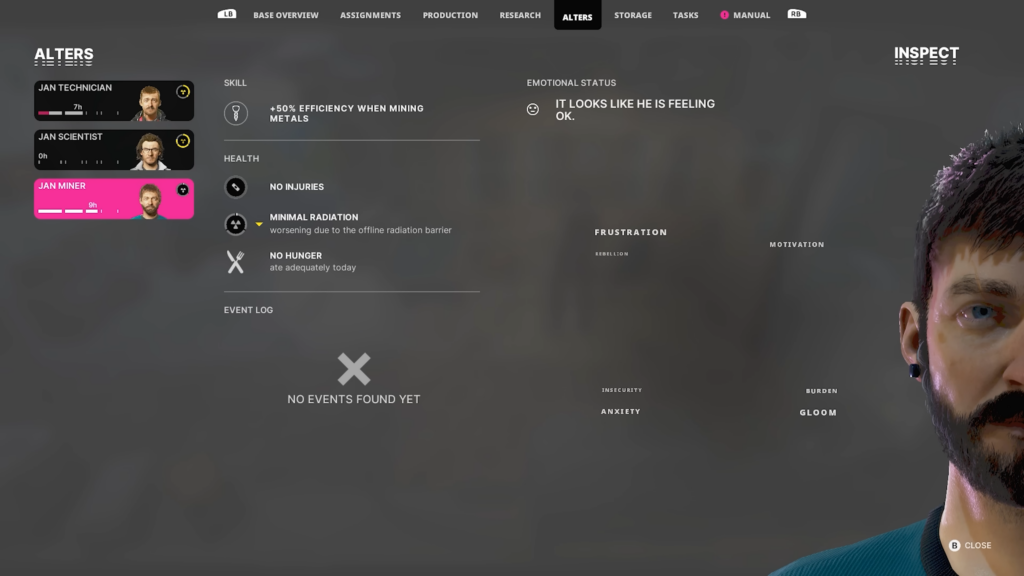
However, many players have encountered situations where they need to interact with an Alter but cannot find them.
It occurs when a character is assigned a task but ends up stuck somewhere undefined in the game, labeled as “None Module.”
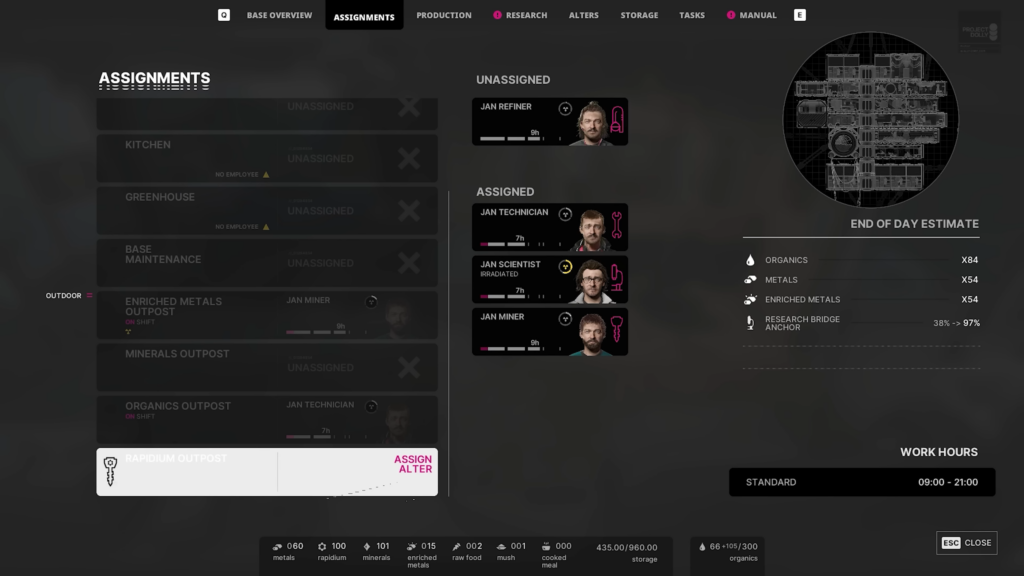
As a result, players cannot find or interact with the Alter anywhere on the ship or in the base.
Fixing The Non Module Bug In The Alters
The support team at 11 bit studios confirmed that a system bug causes the non module status of an Alter.
Players can fix the issue in various ways if the clone gets stuck. After approximately 3 seconds, it automatically returns to the Airlock.
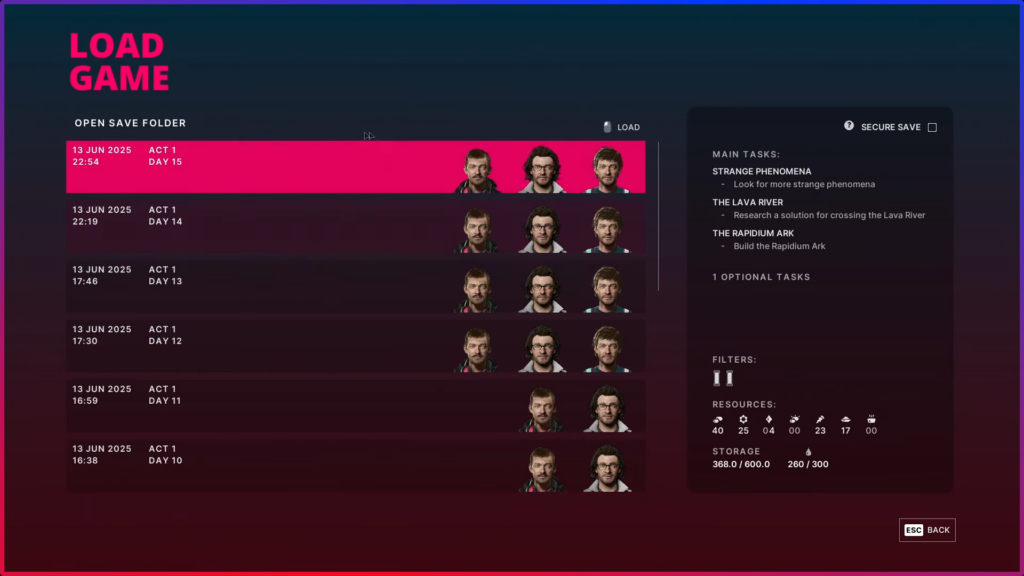
However, if that does not happen, the quickest way to refresh the clone is to reload your most recent save.
Keep in mind that reloading the day restarts it completely, so make sure to do it immediately after sleeping.
Additionally, manually quitting to the desktop and relaunching the game can also restore the Alter to a valid location.

