


HIGHLIGHTS
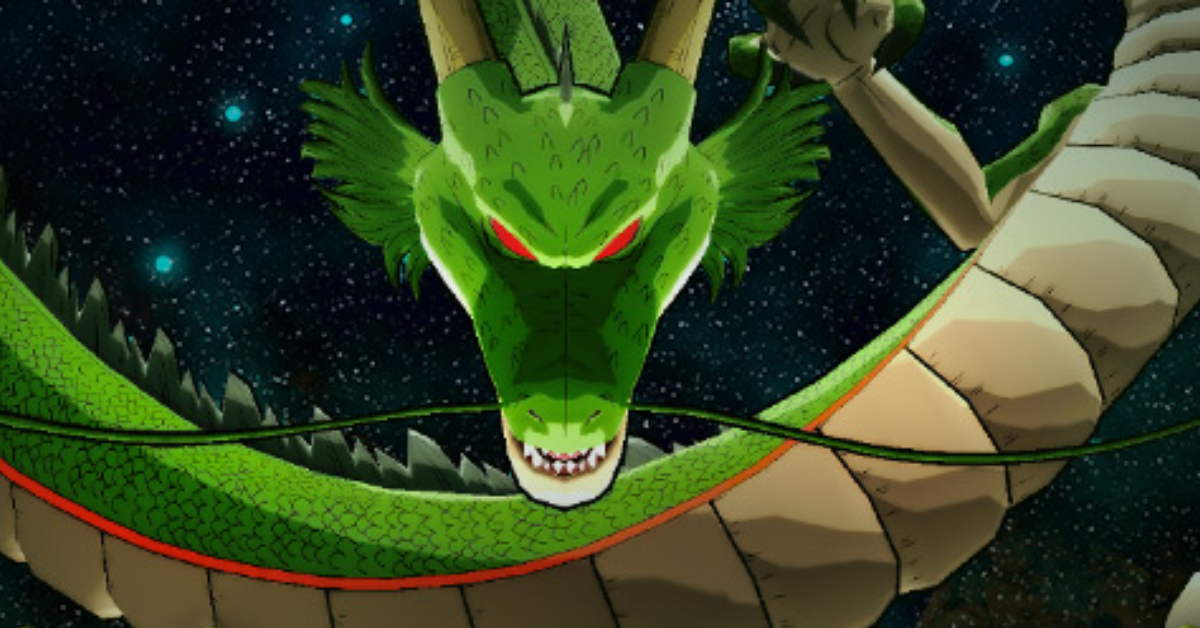
- You can celebrate Dragon Ball Legends’ 7th anniversary by scanning friend codes, collecting 7 Dragon Balls, and summoning Shenron for rewards.
- Players must open Dragon Ball Legends, go to the Friends section, copy the friend codes of three friends, and turn them into QR codes.
- These QR codes can be scanned daily to collect Dragon Balls, and the same three codes can be reused each day during the event.
Dragon Ball Legends is an anime action RPG where you fight using your favorite Dragon Ball characters.
You can play as Goku, Vegeta, and Frieza, collect fighters, and join a new story with Shallot to save the world.
The game is currently celebrating its 7th anniversary with events like the 7th Anniversary Campaign, Worldwide Team Battle, and Dragon Ball Hunt.
Dragon Ball Hunt Event In Dragon Ball Legends
Dragon Ball Legends is celebrating its 7th anniversary with a special event called the Dragon Ball Hunt.
From May 24 to July 9, 2025, you can collect seven Dragon Balls by scanning your friends’ Codes.
When you have all seven, you can summon Shenron and make a wish for cool rewards.
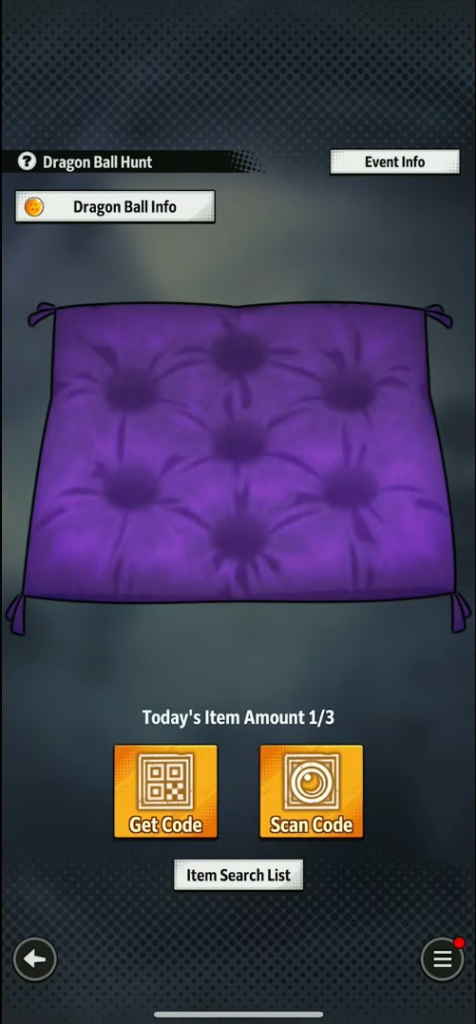
Players can start by tapping the Dragon Radar button on the home screen. After that, they can scan their friends’ Codes using either the camera or saved images.
Players can scan up to three Codes each day, only one per friend, and must use them within 12 hours before expiration.
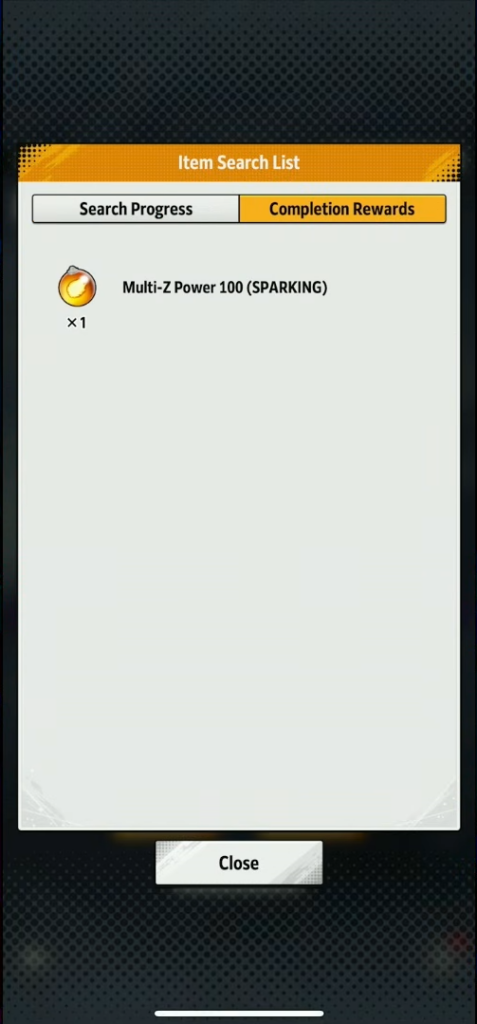
Each scan gives you random items like Dragon Balls, Chrono Crystals, and special medals. If you collect all the items, you get a big reward called Multi-Z Power 100 (SPARKING).
Once you have all seven Dragon Balls, you can summon Shenron, choose a wish, and get a limited-edition item and a special title.
The Dragon Ball Hunt is a fun way to play with friends, get free rewards, and celebrate the 7th Anniversary of Dragon Ball Legends.
How To Use Friend Codes In The Dragon Ball Hunt
Players first need to open Dragon Ball Legends and go to the Friends section from the home screen.
You must then choose any three friends from your list and open their profiles. On their profiles, you will see their Friend codes, which you need to copy.

Once you have copied the Friend code, go to this QR code maker website and paste the code into the box. Further, click on the “Get QR” button.
This will make a QR code for the friend code, which you can scan by tapping “Scan Code” and then choosing the “Picture” option.
You can scan up to three codes each day. Furthermore, make sure the codes are from players who are already your friends in the game.
Finally, you can use the same three codes again every day during this event.

