


HIGHLIGHTS
- Players can redeem active codes in Zeno Piece to earn in-game money, gems, tickets, and other rewards necessary for progressing in the game.
- Use gems and tickets to spawn various bosses, each with its own rarity and difficulty, and defeat them for a chance to obtain valuable items.
- If the code isn’t working, make sure you enter it correctly as it is case-sensitive, try changing servers, and if it still doesn’t work, it has likely expired due to its time limitation.
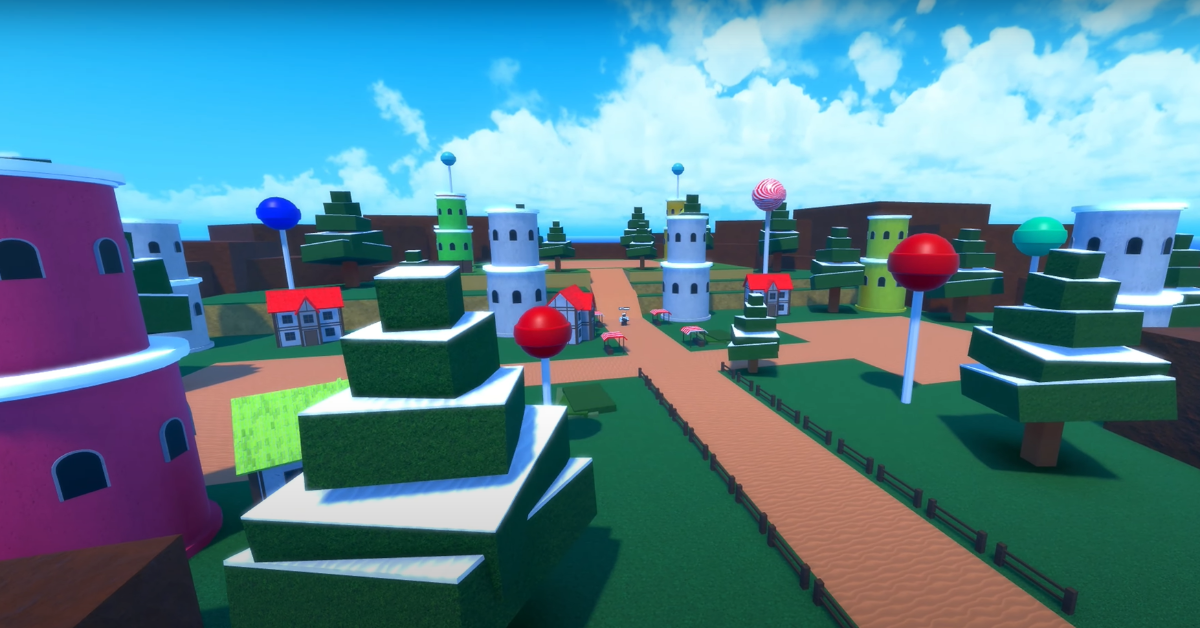
Zeno Piece is a Roblox action-adventure game featuring content from various anime series.
Here, players level up by hunting monsters and seeking out anime powers from various series to grow stronger.
Players can use a variety of codes to unlock and redeem exciting rewards for free in Zeno Piece.
Active Codes For Zeno Piece On Roblox
Active codes in Roblox’s Zeno Piece typically reward players with in-game money, gems, or tickets.
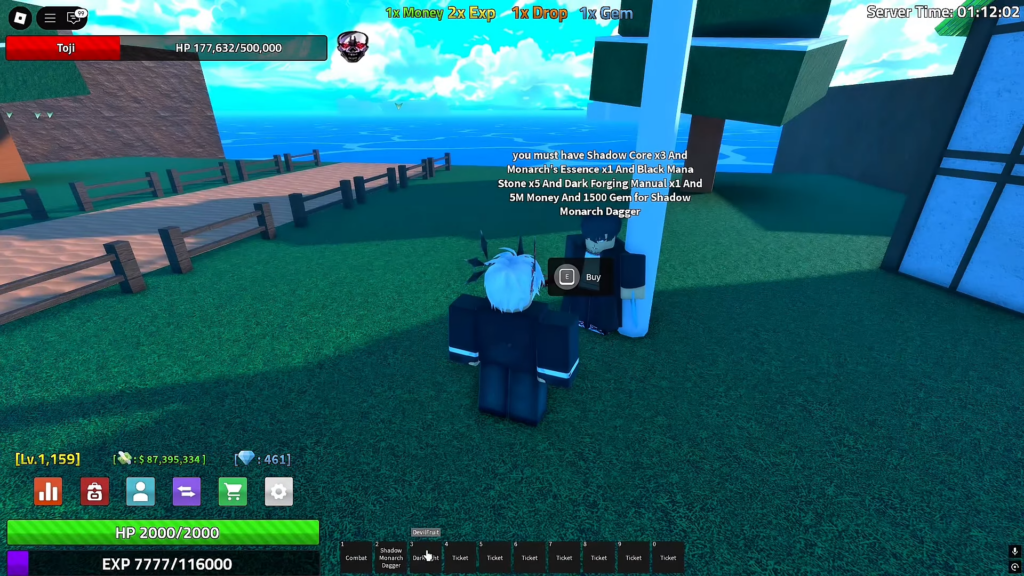
Players can collect these resources and use them to purchase various items that enhance their characters’ strength.
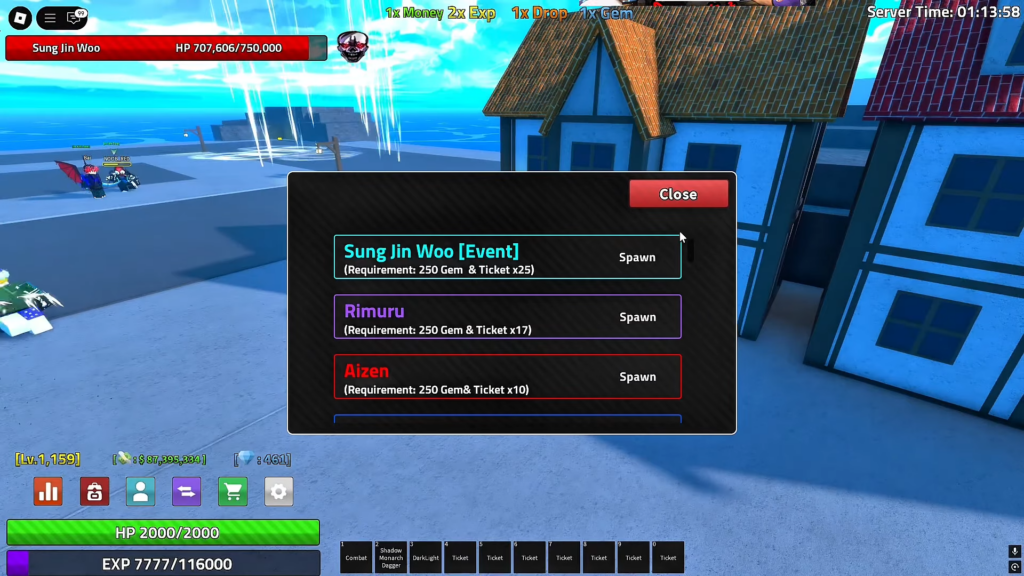
Additionally, players can use gems and tickets to spawn different bosses, each with its own rarity and difficulty.
These bosses can then be defeated for a chance to drop items needed to progress in the game.
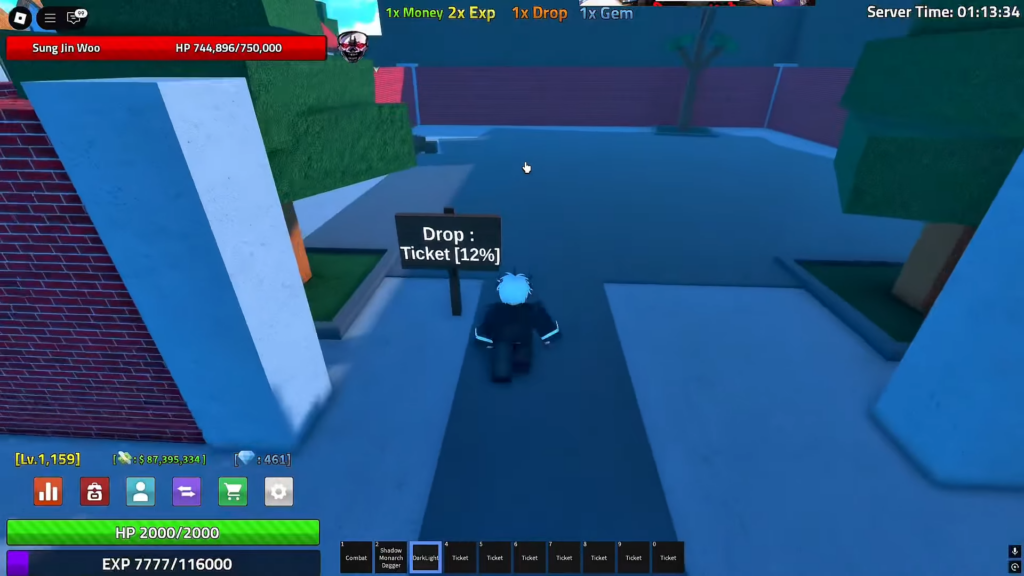
There are various areas in the game with higher drop rates for specific items, allowing players to defeat enemies there to obtain the items they need.
Collecting currency and items in the game requires a lot of grinding and is time-consuming.
Although there are perks that make it easier to earn gems and money by doubling the amount, they cost Robux.
Alternatively, players can redeem the following codes to earn in-game rewards for free, providing them with a small head start.
- starrk
- alucards
- dungeon
- Afk_zone
- follow_me
- nomna
- test
Future updates will include additional codes, offering even more rewards and enhancing the gameplay experience.
How To Redeem Codes In Zeno Piece
Players can redeem codes by accessing the settings icon located in the bottom-left corner of the main screen.
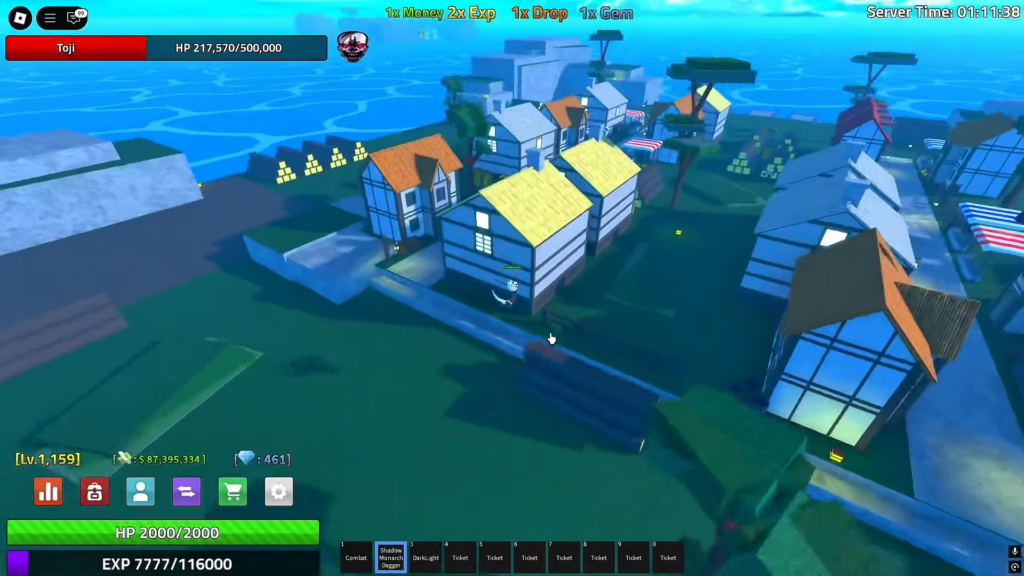
Along with various game settings at the bottom, players can find a section to enter a code.
Click on it to open a prompt where players can enter active codes to receive free in-game rewards.
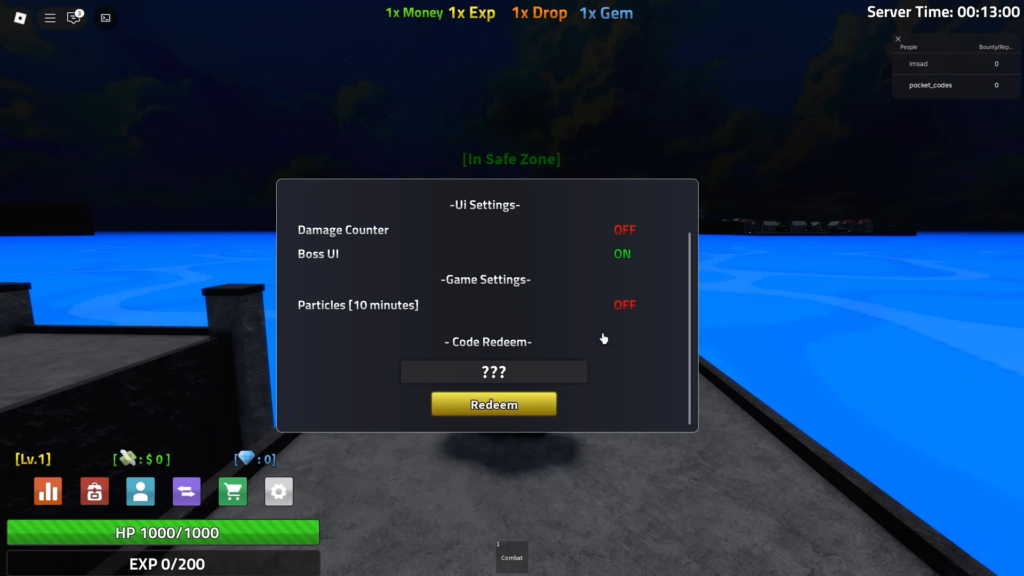
Players should ensure they enter the code exactly, as it is case-sensitive, and even a minor mistake will result in an invalid code screen.
If the code isn’t working, try changing servers. If it still fails, the code has likely expired due to its time limitation.

