HIGHLIGHTS
- Players can redeem codes such as sorryforlatency and SorryForRollback to earn in-game cash, helping them progress more quickly in Delay Latch.
- To redeem codes, players must access the Code option in the menu, enter the active code correctly, and click “Redeem” to receive free in-game rewards.
- If the code isn’t working, make sure you enter it correctly as it is case-sensitive, try changing servers, and if it still doesn’t work, it has likely expired due to its time limitation.
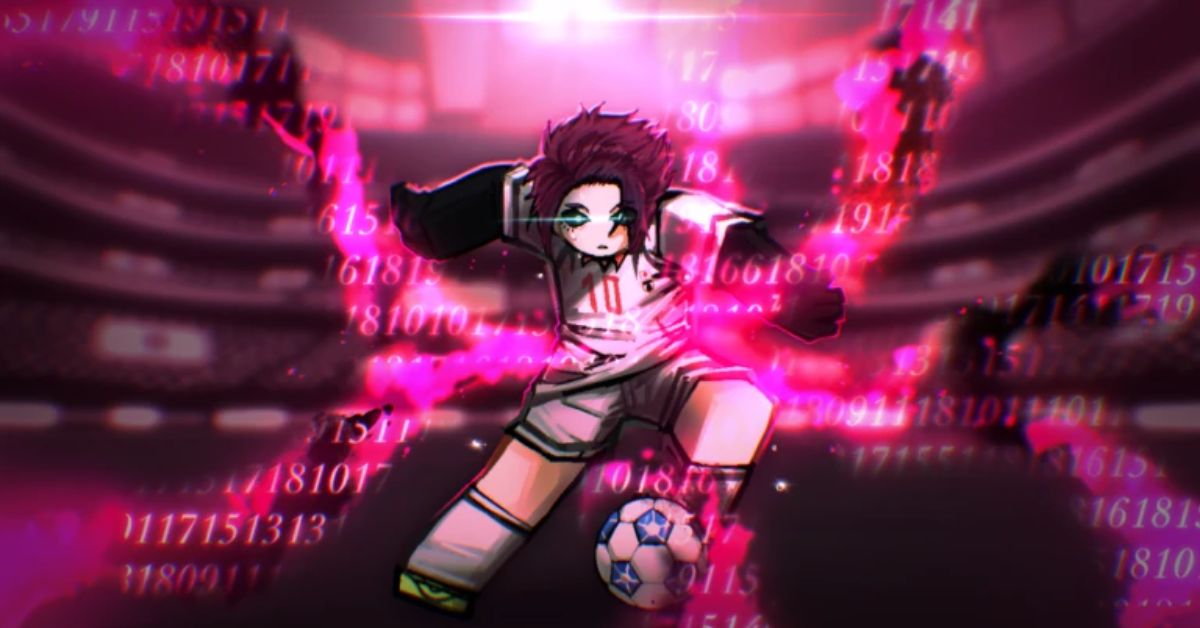
Delay Latch is a Roblox football game inspired by the popular anime and manga series Blue Lock.
The 5v5 football experience, formerly known as Azure Latch, has recently been renamed Delay Match.
Players can use a variety of codes to unlock and redeem exciting rewards for free.
Active Codes For Delay Latch On Roblox
Active codes in Roblox’s Delay Latch usually grant players cash or experience points in the game.
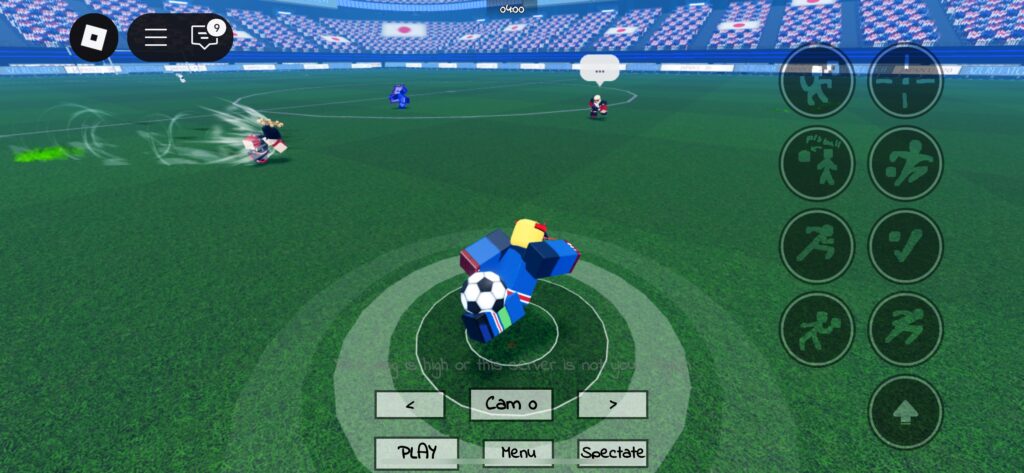
Compete in football matches against other players, using various abilities to secure victory and earn cash.
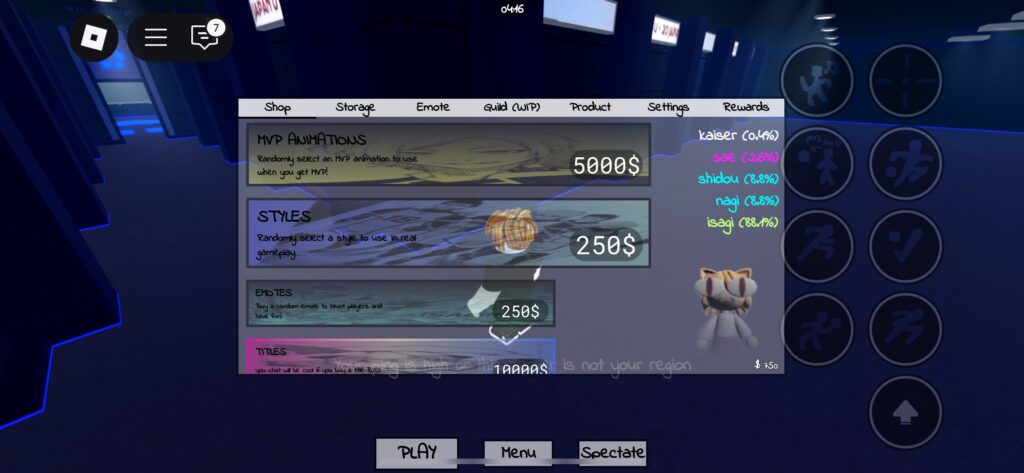
Players can spend money to acquire a variety of animations, styles, emotes, and titles, each with its own level of rarity.
All of these, along with various tasks in the game, require cash, which takes a lot of grinding to obtain or players can choose to spend Robux.
Alternatively, players can redeem the following codes to earn in-game cash, providing them with a small head start.
- RINRELEASE – 10,000 Cash
- sorryfordelay – 10,000 Cash
- RINSOONTRUSTME – 5,000 Cash
- sorryforlatency – 10,000 Cash
- AMMISTHEOWNERNOTLEFTRIGHTTH – 10,000 Cash
- SorryForRollback – 50,000 Cash
- SAEREWORK3TIME – 10,000 Cash
Future updates will include additional codes, offering even more rewards and enhancing the gameplay experience.
How To Redeem Codes In Delay Latch
Players can redeem codes by accessing the menu located at the bottom of the main screen.
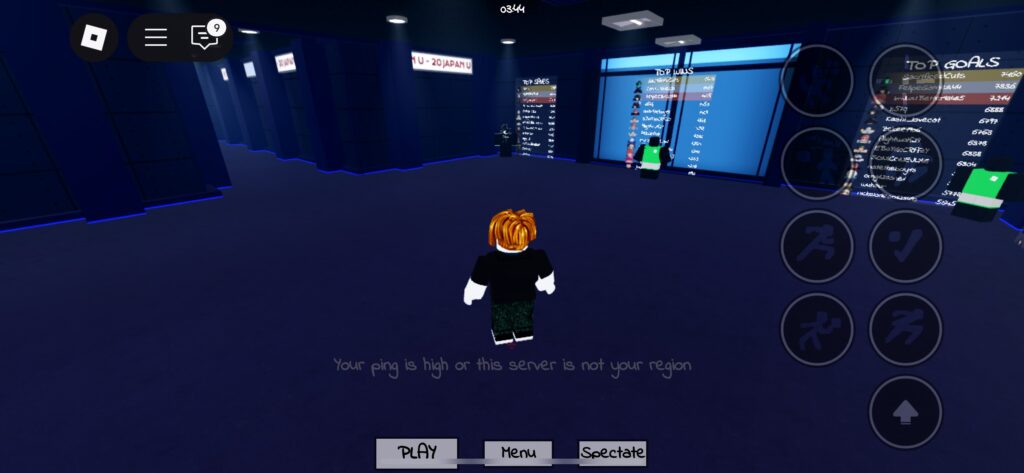
Players can find the Code option alongside other choices such as Shop, Storage, Emotes, Guild, Product and Settings.
Click on it to open a prompt where players can enter active codes to get free in-game rewards.
Enter the active code and click “Redeem” for it to work, granting players free items.
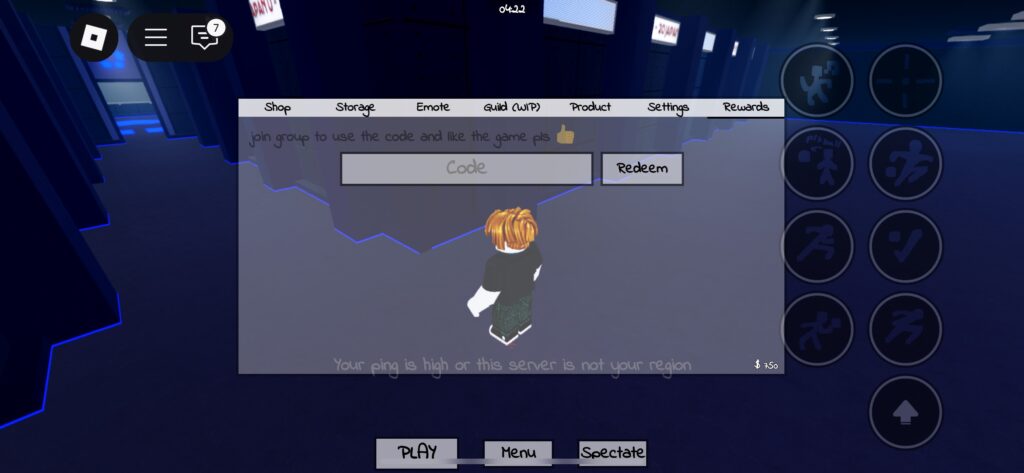
Players should ensure they enter the code exactly, as it is case-sensitive, and even a minor mistake will result in an invalid code screen.
If the code isn’t working, try changing servers; if it still fails, the code has likely expired due to its time limitation.