



HIGHLIGHTS
- In Schedule 1, If your chemist is not working, use the clipboard in the chemistry lab to assign a drug for them to make.
- Make sure your chemist has a bed, gets paid, and has access to the right supplies to keep them working.
- If the issue continues, try reloading the game, rehiring the chemist, or reassigning their tasks.
In Schedule 1, a chemist is a worker responsible for making drugs in the chemistry lab.
You need to pay them, assign them to workstations, and make sure they have something to do.
If a chemist says they have nothing to do, it means you might have missed an important step.
How To Fix The Chemist Issue In Schedule 1
Many players have reported that their chemists are not working even after hiring them. Some have found that the chemist just stands there, not making anything.
The solution is simple: you need to use the clipboard in the chemistry lab and assign a drug for them to make.
Once you do this, the chemist will start working as long as there are enough supplies.If your chemists stop working suddenly, try these steps:
- Make sure you have unlocked chemistry, mixing, and the oven before hiring.
- Choose a formula in the chemistry station and assign a storage destination.
- If your chemists stop working randomly, try reloading the game. Some players found that their employees took too many supplies, which locked up the process.
- If reloading doesn’t work, try firing and rehiring the chemist, or deleting and reassigning their tasks.
Many players have faced this issue, but following these steps should help you get your chemists working again.
How To Set Up A Chemist
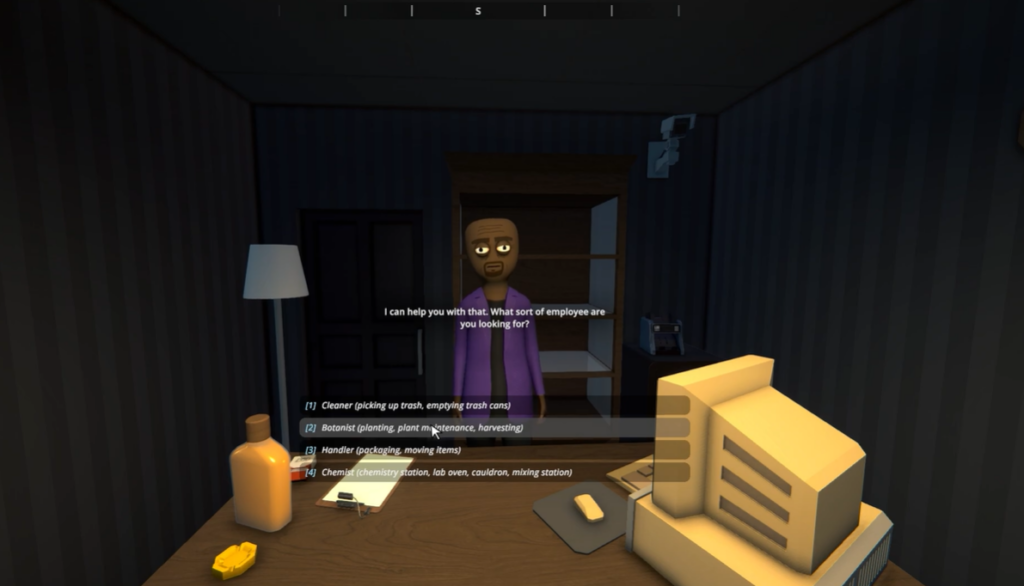
After hiring a Chemist, you need to set them up correctly, or they won’t work. First, you need a Management Clipboard. This is an important tool that lets you assign workers to different tasks.
Use the clipboard to click on your Chemist and assign them to a station, like a chemistry table or mixing station.
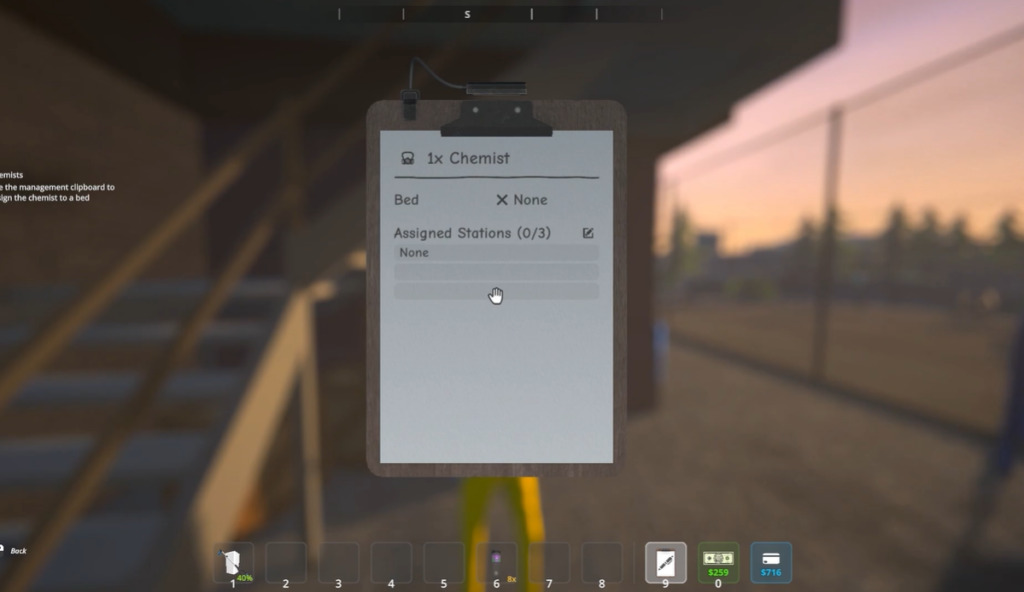
Next, your Chemist needs a bed. Every worker in the game needs a place to sleep. You can put a bed in any of your properties, such as a motel room, apartment, or bungalow.
After assigning a bed, you also need to pay your Chemist. There will be a briefcase at the end of their bed where you can put their daily wages. If you don’t pay them, they will stop working.
How To Make Sure The Chemist Is Working
Once your Chemist has a bed and a workstation, you must provide them with the right materials. Unlike Budtenders, Chemists do not gather supplies on their own.
You must place all the ingredients such as Cuke, Gasoline, or other chemical on shelves that are linked to the Chemist’s workstation.
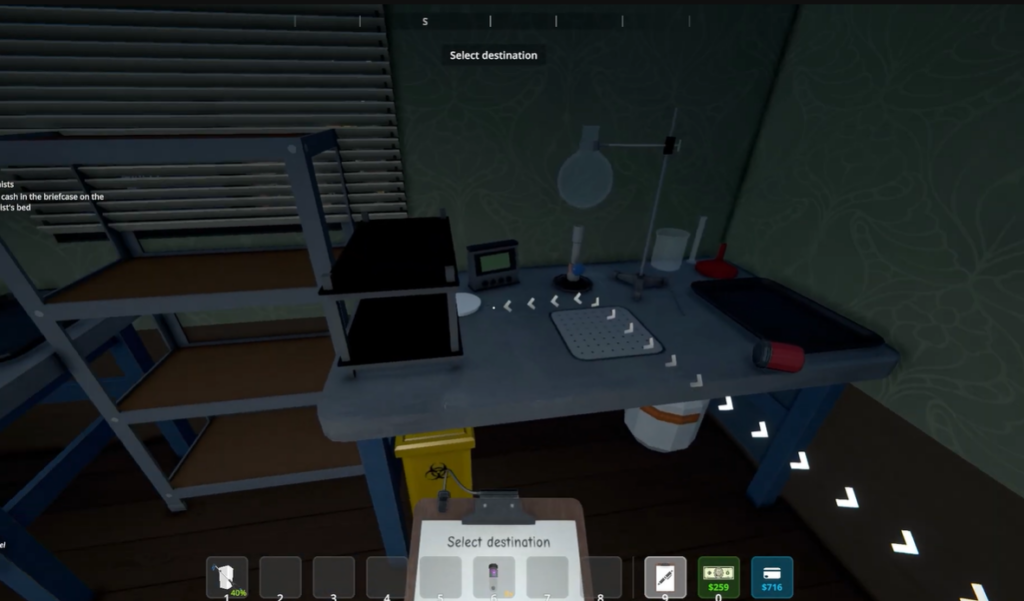
If they don’t have the right supplies, they won’t be able to do their job. If you are making multiple types of drugs, it is a good idea to hire more than one Chemist.
You can also pair them with a Handler, a worker who moves supplies between storage shelves and workstations.
This helps keep the process running smoothly and prevents delays.

