


HIGHLIGHTS
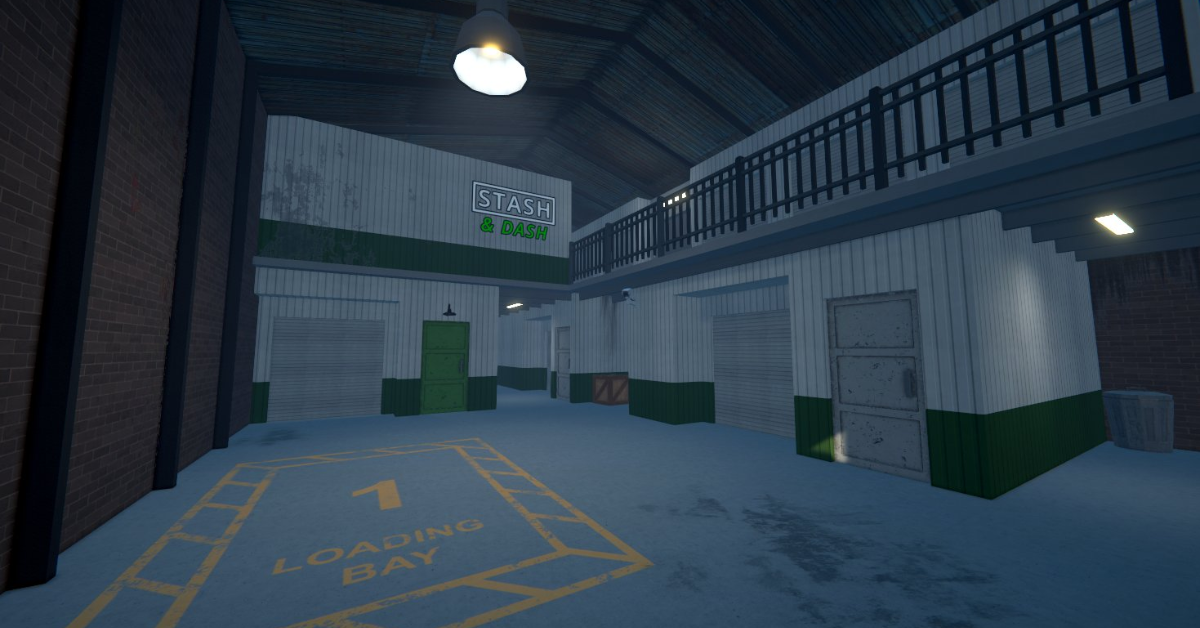
- The new “Stash and Dash” storage unit, introduced in version 0.3.5, is an affordable option for early-game players to store their items.
- You can get the Stash and Dash unit for $5,000 from Ray’s Realty, featuring a worker slot and loading bay for easy drop-offs.
- Players can also get the new Jukebox in this update, featuring 27 songs, for $1,500 at Bleuball’s Boutique in southeastern Northtown.
Schedule 1 is a simulation game where you start small in Hyland Point and aim to build a criminal empire while avoiding police and outsmarting rivals.
Players can mix ingredients to craft drugs and work with key suppliers like Shirley, Albert, and Salvador to get essential materials.
The v0.3.5 update was released on May 8 and adds a new jukebox, a storage unit, and improvements such as faster load times.
Unlocking The Stash And Dash Storage Unit In Schedule 1
The new storage unit, called the Stash and Dash, was added in Schedule 1 version 0.3.5. It is a great option for early-game players.
This new property gives you a place to store your items and is much cheaper than other upgrades.
You can find the storage unit under the overpass, near the casino, and across from Taco Ticklers. It only costs $5,000, and you can buy it from Ray’s Realty.
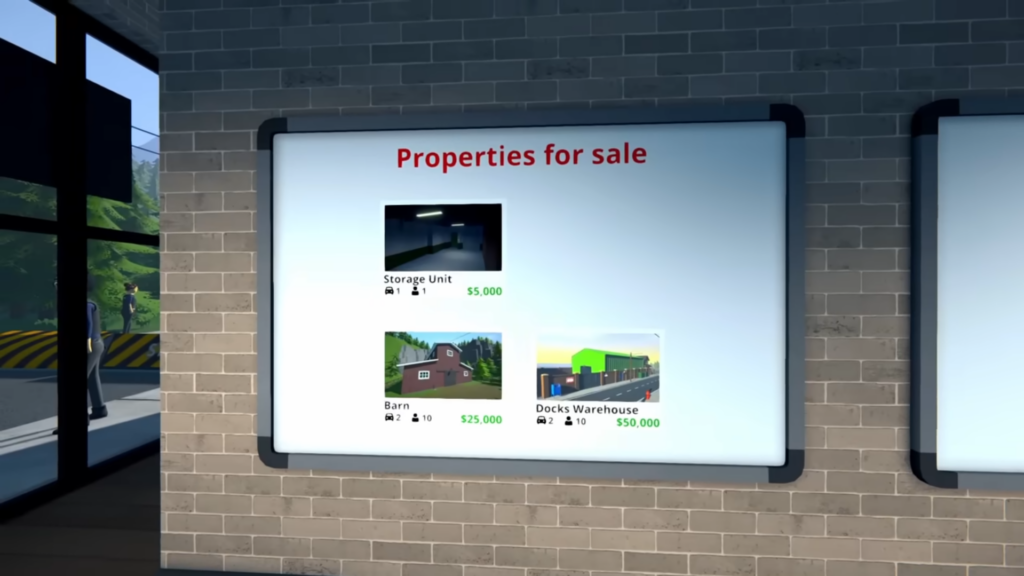
Further, players can afford it after just a few hours of playing.
This unit has one worker slot and a loading bay inside, which makes it easy to drop off goods, including items that you want to hide.
How To Get The Jukebox
The update 0.3.5 also added a Jukebox, which contains 19 original songs from the Schedule 1 game, and also adds 8 brand-new tracks by KAESUL.
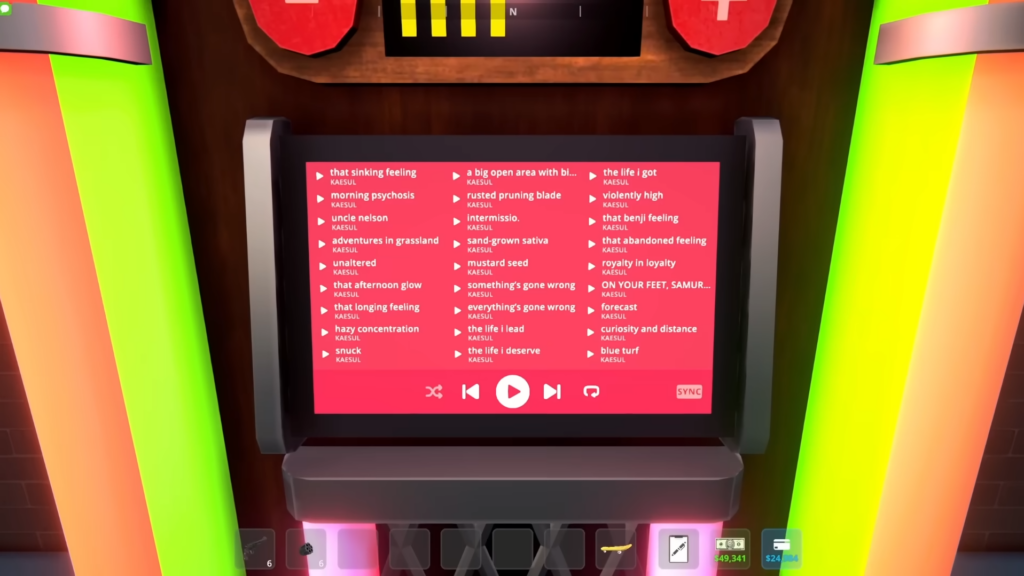
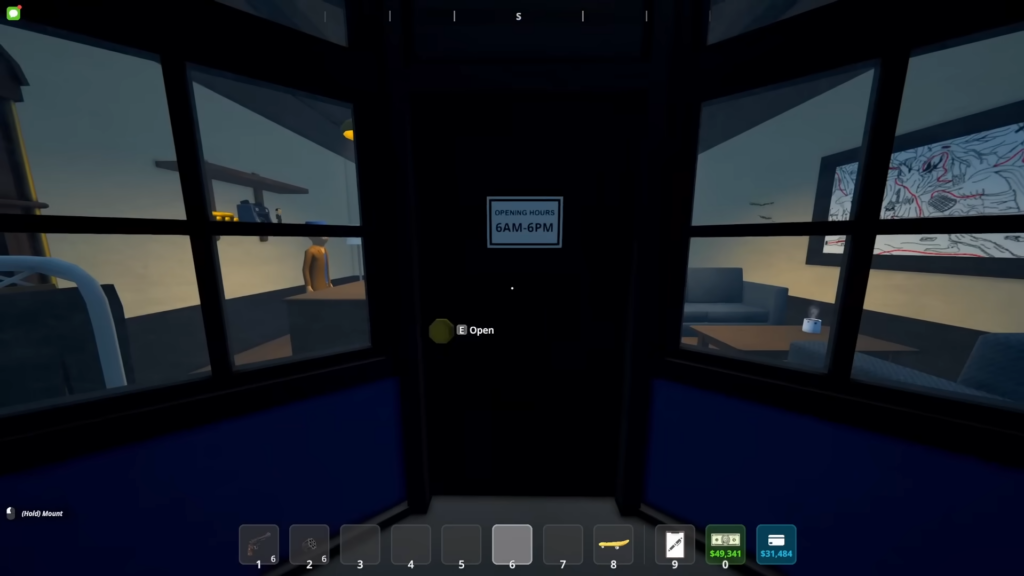
To get the Jukebox, go to Bleuball’s Boutique, which is located southeast of Northtown, next to Ray’s Realty.
Furthermore, the shop is open from 6 AM to 6 PM in-game, so make sure to visit during those hours. Once you are there, talk to the cashier and buy it for $1,500.
After you buy the Jukebox, you can place it anywhere on your property, like the bungalow, barn, or warehouse.
To use it, just walk up to it and press E. You can play and pause music, skip songs, shuffle or loop tracks, and change the volume.
Finally, you can even sync it with other Jukeboxes if you have more than one.

