HIGHLIGHTS
- Players can use active codes in Roblox Foot Battles to get Kicks, the in-game currency, for free.
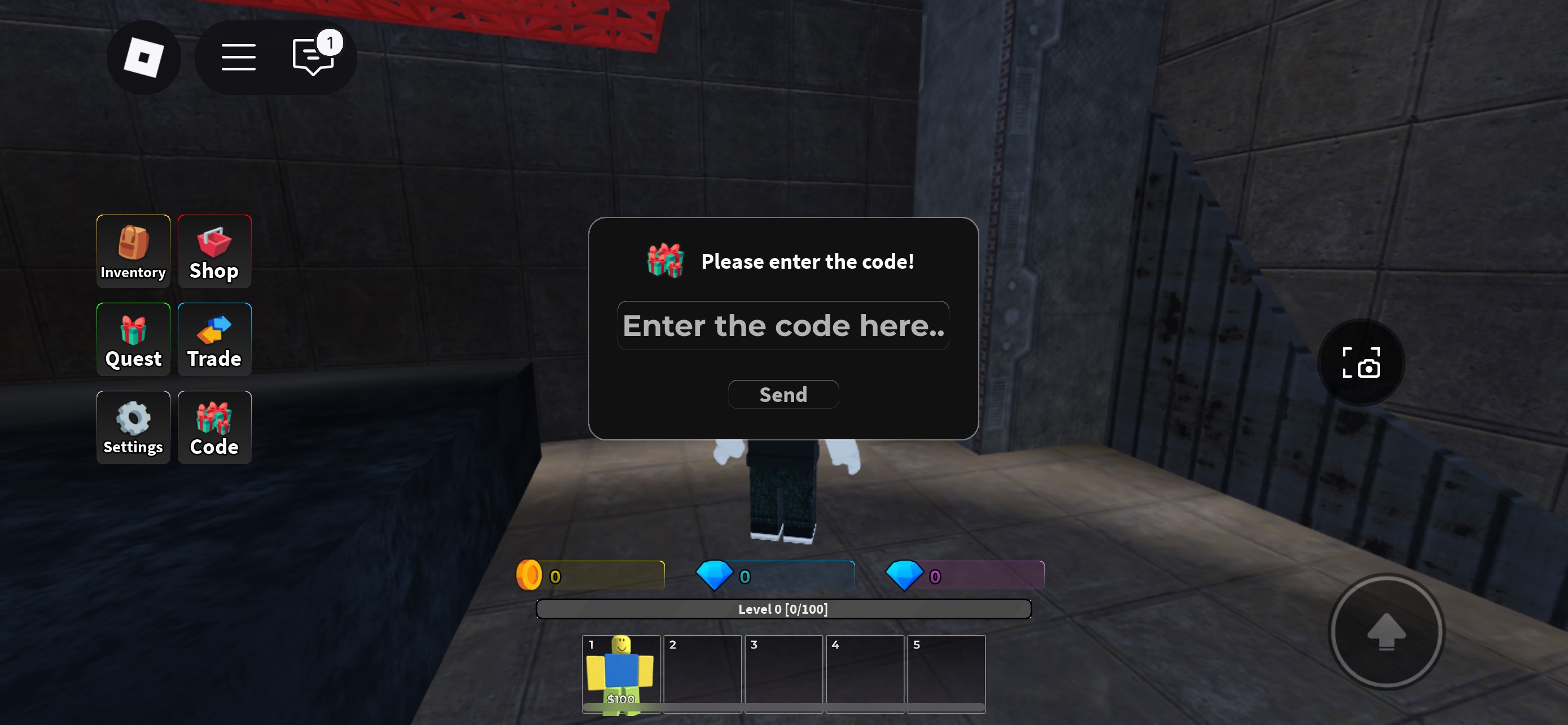
- To redeem codes, launch the game, click the “Codes” option on the left side of the screen, enter a code, and click “Redeem” to claim your rewards.
- Codes are case-sensitive, redeemable only once, and limited time as they expire after a certain period.
Foot Battles is a Roblox action game where players battle each other in an arena by kicking opponents out.
Here, players unlock a variety of shoes that grant unique abilities as they battle their enemies.
Players can use a variety of codes to unlock and redeem exciting rewards for free in Roblox Foot Battles.
Active Codes For Foot Battles On Roblox
Redeeming active codes in Roblox’s Foot Battles typically grants players Kicks, the in-game currency.
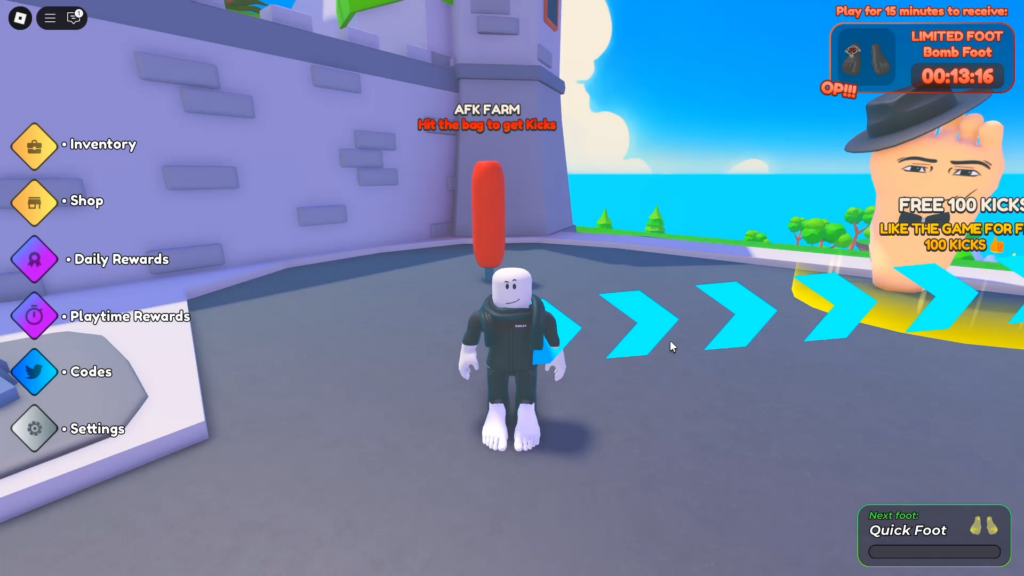
Players can jump into an arena with others, aiming to kick them out in an endless battle.
Unlock new feet by collecting Kicks, each offering different stats and unique abilities depending on the type.
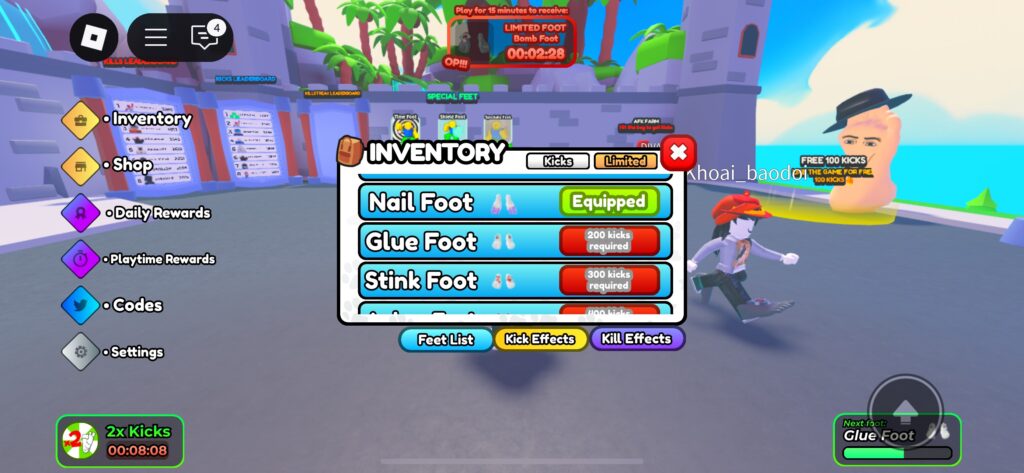
Additionally, players can unlock the Bomb Foot by playing the game for 15 minutes, which allows them to place mines.
Earn various rewards by logging in daily or accumulating a certain amount of playtime in the game.
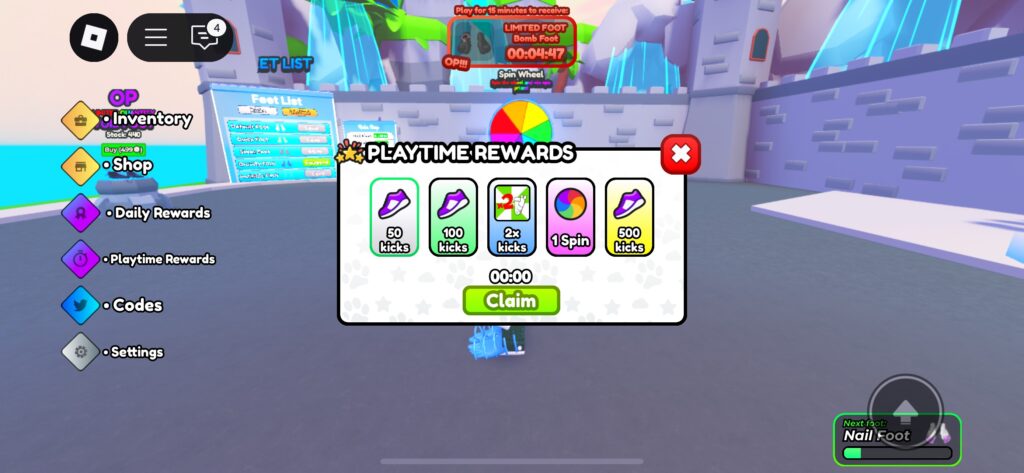
Collecting Kicks in the game requires a lot of grinding, which can be a time-consuming task.
Furthermore, players can either spend Robux to purchase Kicks or get various bundle packs by navigating to the shop menu.
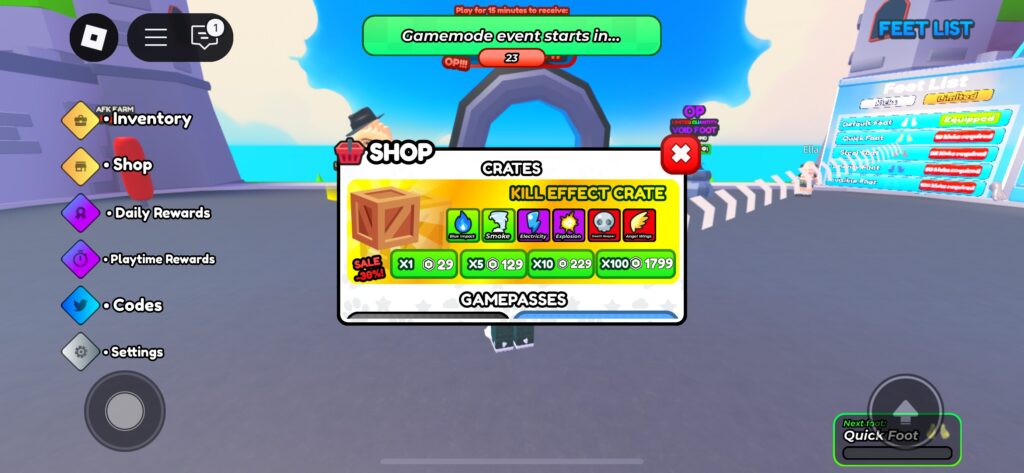
Alternatively, players can redeem the following codes to earn in-game rewards for free.
- 7500 LIKES
- 5000LIKES
- RELEASE
Future updates will include additional codes, offering even more rewards and enhancing the gameplay experience.
How To Redeem Codes In Foot battles
The code redemption process in Foot Battles is straightforward. Players just need to open the code option.
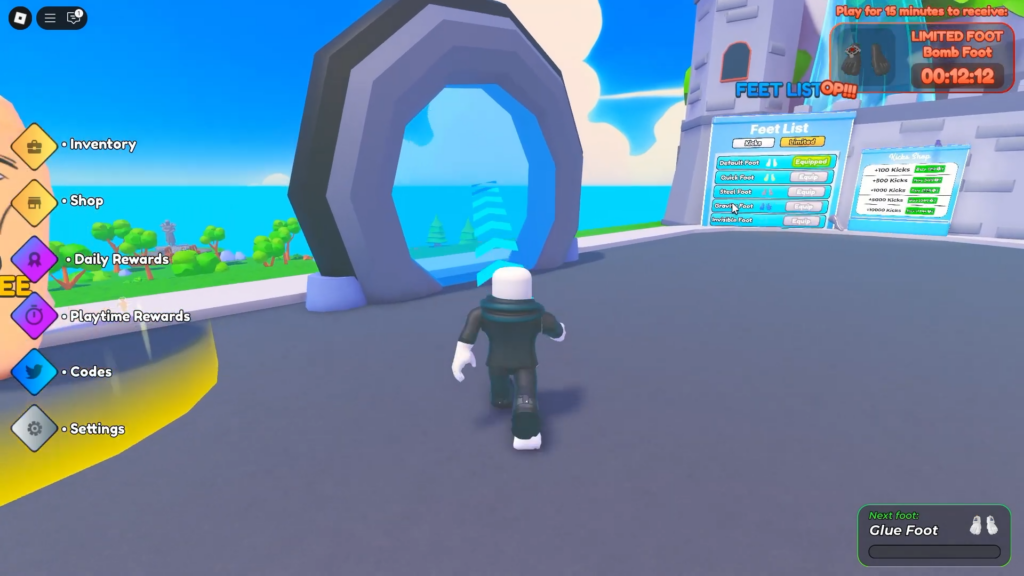
The code option appears on the left side of the main screen when players first launch the game.
Click it to open an interface where you can enter codes. Just type a valid code into the text box and click the Redeem button.
Make sure to enter the codes exactly as they are, as they are case-sensitive, and players will not receive rewards for entering incorrect codes.
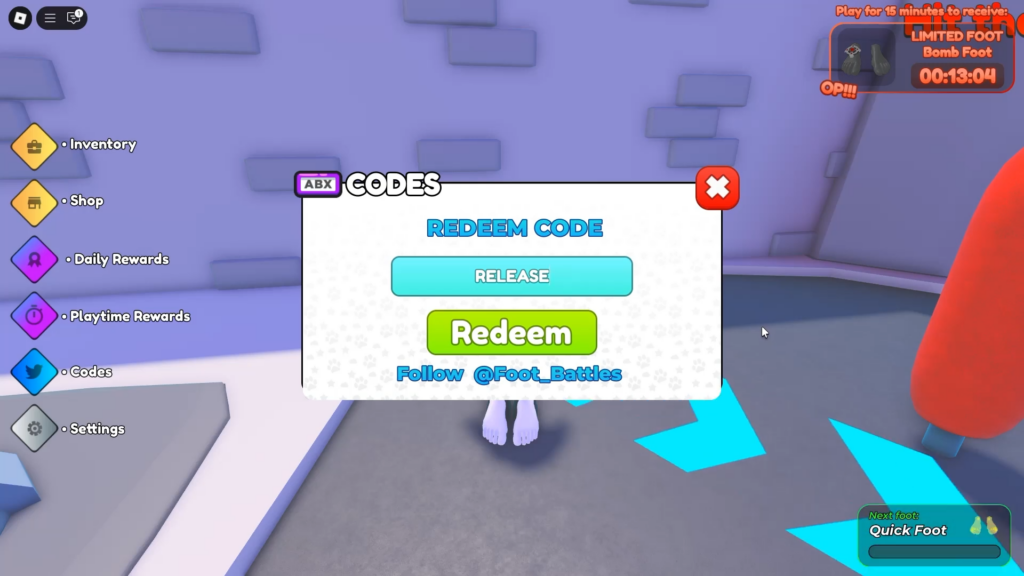
You can redeem a single code only once, and it is time-limited, meaning it becomes unusable after a certain period.