HIGHLIGHTS
- The Dragon Ball update in Arise Crossover introduces Dragon City Island, featuring three Dragon Ball-inspired shadows.
- Seven new weapons are added, along with combat and economic changes that enhance gameplay strategy and progression.
- Players can redeem active codes to receive rewards like Legendary Tickets, Dust materials, and S Rank Ziru.
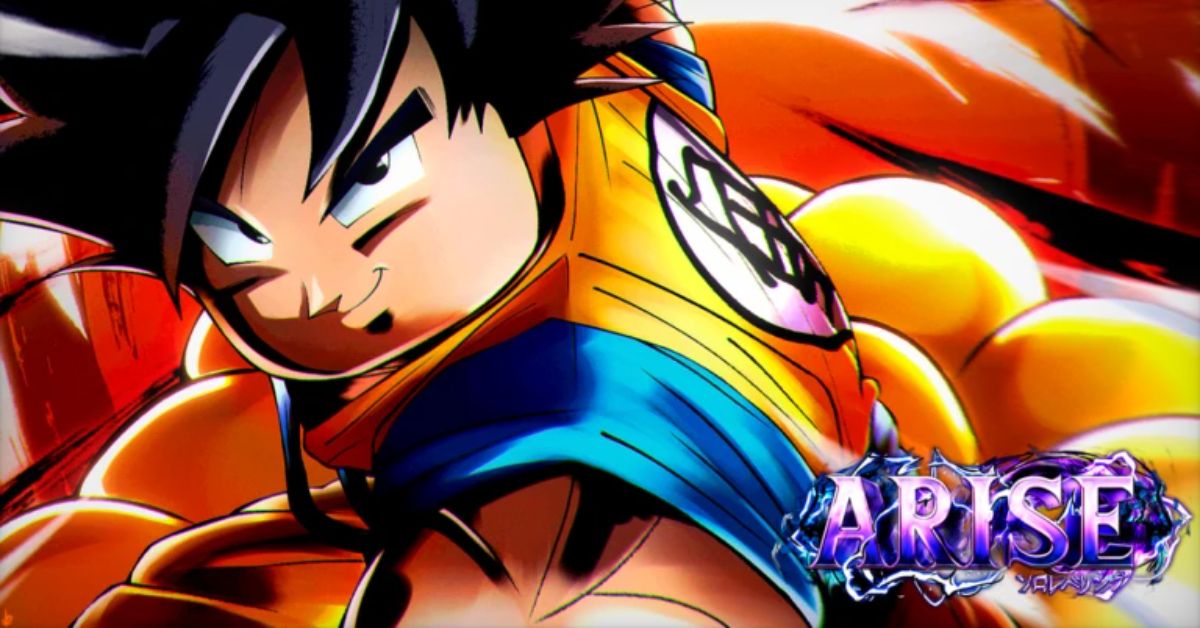
Arise Crossover is a Roblox action-adventure game inspired by the hit anime series Solo Leveling.
The highly anticipated Dragon Ball update has now been released, introducing new content for players to explore.
Additionally, the Arise Crossover Dragon Ball update adds new codes that offer players a variety of free rewards.
The Dragon Ball Update In Arise Crossover
The new update introduces a new explorable area—Dragon City Island located between Grass Village and Brum City.
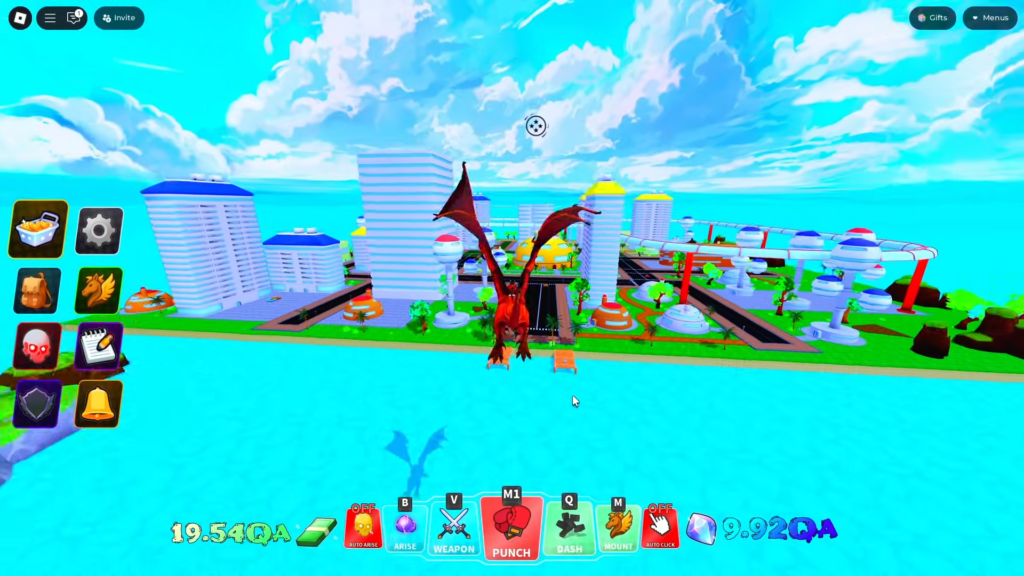
Additionally, the update adds new shadows inspired by the Dragon Ball universe to players’ rosters.
Three new shadows named Turtle, Sky, and Green can be found on Dragon City Island. A fourth shadow is unlocked after completing the dungeon.
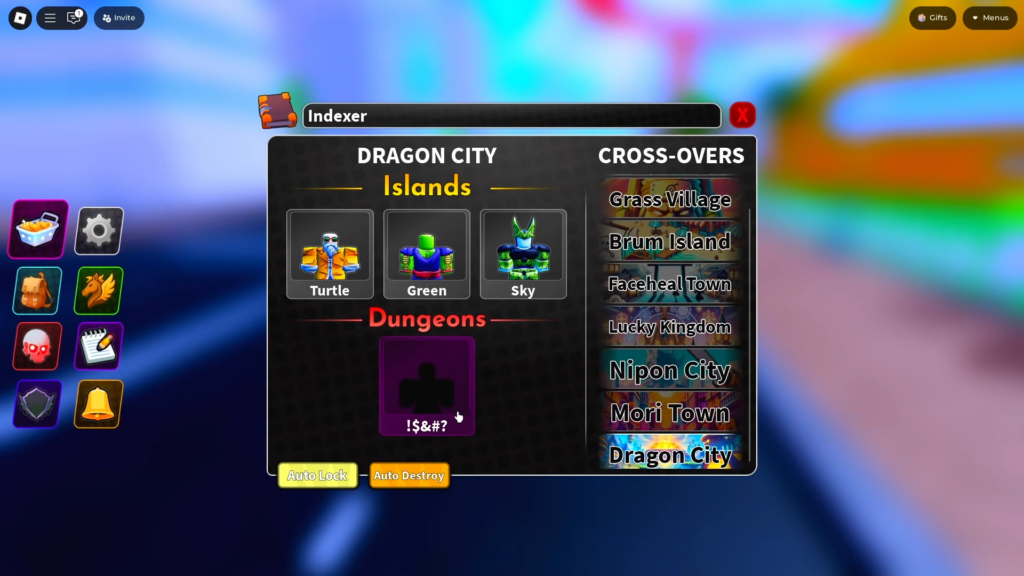
The update also expands the player’s arsenal by adding seven new weapons available in Anime Crossover.
Furthermore, the update makes various combat and economic changes, along with fixing several bugs.
Active Codes For Arise Crossover On Roblox
To use the latest weapons and shadows in Arise Crossover Dragon Ball update, players will need a new type of in-game currency.
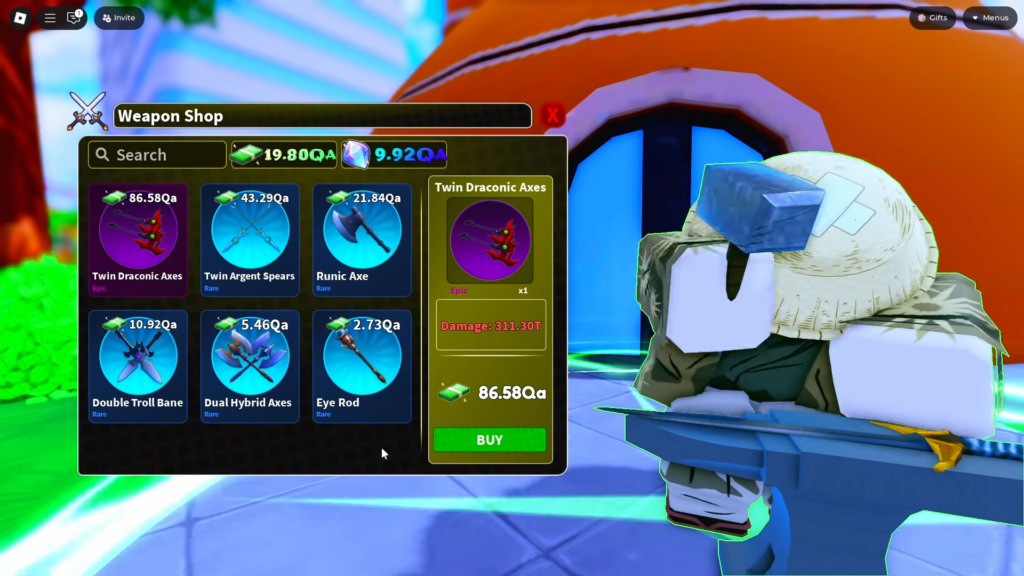
This requires a lot of grinding and is time-consuming, or players can choose to spend Robux to purchase these resources.
Alternatively, players can redeem the following codes to earn in-game rewards, providing them with a small head start.
- TICKETS: 200 Legendary Tickets
- DUSTS: Dust materials
- GZIRU: S Rank Ziru
Future updates will include additional codes, offering even more rewards and enhancing the gameplay experience.
How To Redeem Codes In Arise Crossover
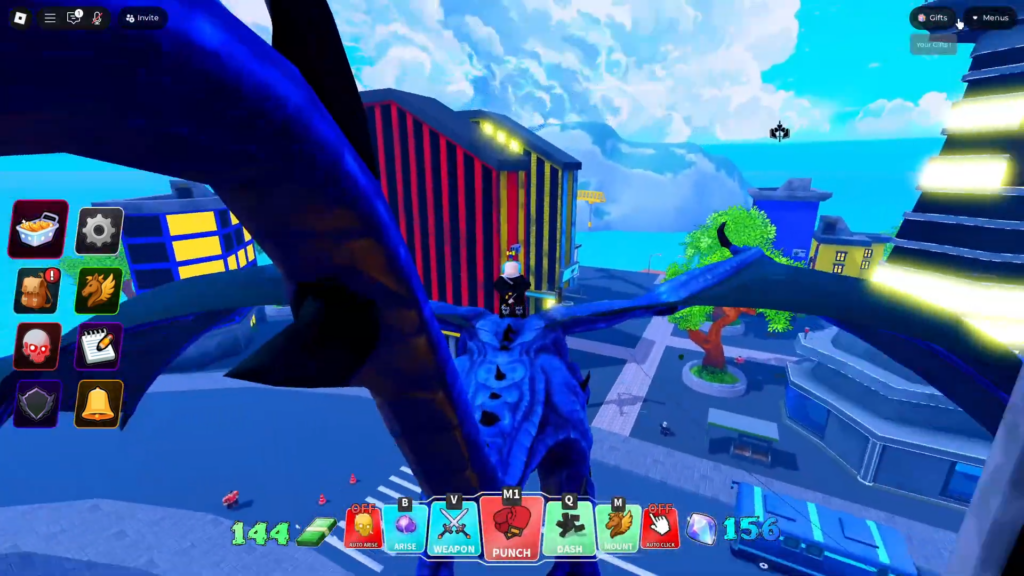
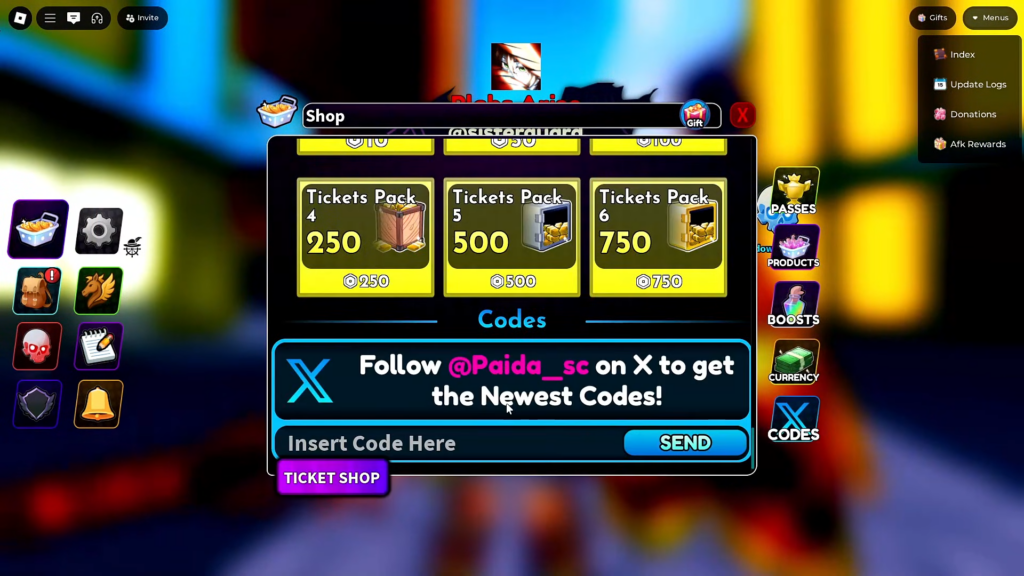
Players redeem codes by clicking the shop icon found on the left side of the main screen.
Scroll down in the shop until you reach the code section, then click on it to open a prompt where you can enter active codes.
Enter the code and click the “Send” button to redeem it and receive free in-game rewards.
Players should ensure they enter the code exactly, as it is case-sensitive, and even a minor mistake will result in an invalid code screen.
If the code doesn’t work, try switching servers. If it still fails, the code likely expired due to its time limitation.