


HIGHLIGHTS
- Players can change how their character looks later in the game by unlocking the Guild Office while playing through the main story.
- After you unlock the Guild Office, build a house and set a resident to unlock full character editing, including skin, hair, and more.
- You can create your character exactly how you want, with lots of choices for clothes, hairstyles, and colors to make them unique.
Fantasy Life i: The Girl Who Steals Time is a new game in the Fantasy Life franchise, releasing on May 21, with early access starting May 18 for Deluxe Edition players.
In Fantasy Life i: The Girl Who Steals Time, you get to make your character right at the start of the game.
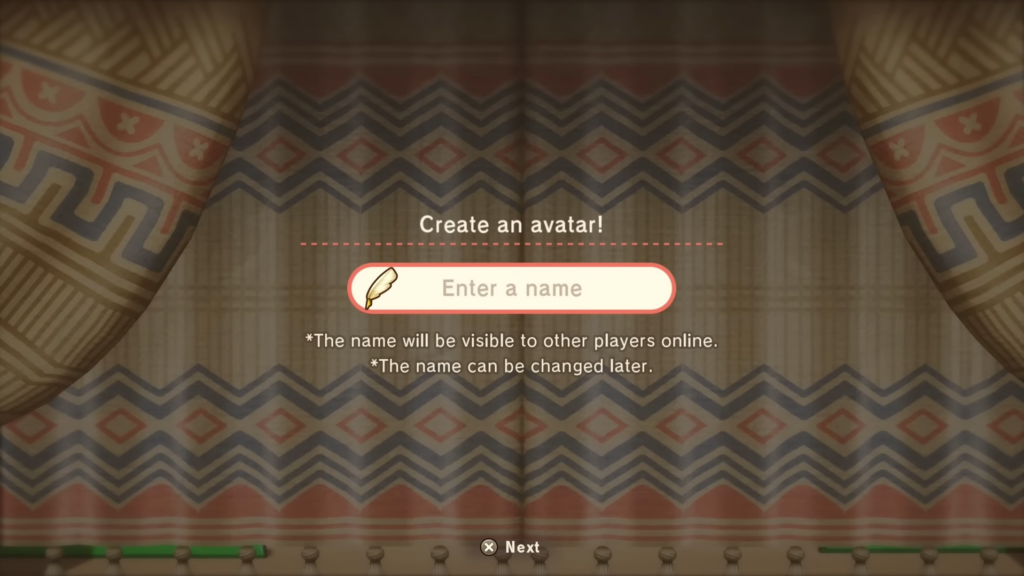
Before the first cutscene even plays, you will be asked to create your Avatar. This is where you can choose how your character looks, sounds, and even how they express themselves.
Change Your Appearance Later In Fantasy Life i
Players can change their appearance later on in Fantasy Life i, with this feature becoming available fairly early.
To change your appearance, you need to follow the main story until you unlock the Guild Office.

After unlocking the Guild Office, build a house and set a resident. Once you have completed these steps, you will be able to access the full appearance change feature.
This feature lets you change everything again, including skin tone, body type, hairstyle, facial features, and more.
Customize Your Character Appearance
Once you have given your character a name, you can begin to customize your character. You can choose their face shape, body type, and skin tone.
There are 6 face types, 4 body types, and 18 skin tones to choose from. It gives you a lot of ways to make your character feel personal and unique.
Further, you can also choose an “Inner,” which acts as your character’s in-game gender. There are three Inner options: Mysterious, Maidenly, and Gentlemanly.
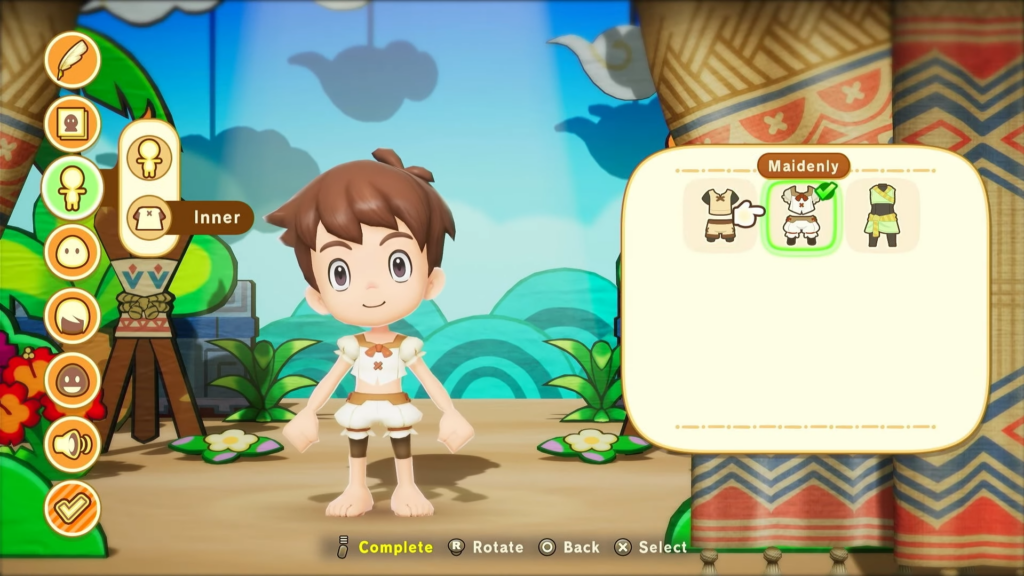
The Inner you choose will not affect which clothes or hairstyles you can use, so you are free to pick whatever you like best.
When it comes to hairstyles, players can choose from 48 different styles and 41 hair colors. These styles range from short, boyish cuts to long, curly ones.
You can also change your character’s eyes, eyebrows, ears, nose, and mouth, each with several styles and color options.
To make your character feel even more alive, you can also choose a voice. There are several options, including both male and female voices.
Finally, if you feel overwhelmed by all the choices, the game also offers several character avatar presets you can use.

