


HIGHLIGHTS
- Players can use active codes in Roblox Noob Defense to receive thousands of coins for free.
- To redeem codes, launch the game, click the “Codes” option on the left side of the screen, enter a code, and click “Send” to claim your rewards.
- Codes are case-sensitive, redeemable only once, and limited time as they expire after a certain period.
Noob Defense is a Roblox tower defense game where players place various towers to defend themselves against hordes of enemies.
Players can summon and recruit units, upgrade them, and battle waves of enemies to earn rewards.
To progress more easily, players can redeem active codes in Noob Defense to claim free rewards.
Active Codes For Noob Defense On Roblox
By redeeming active codes in the game, players can receive free coins and gems, the in-game currencies.
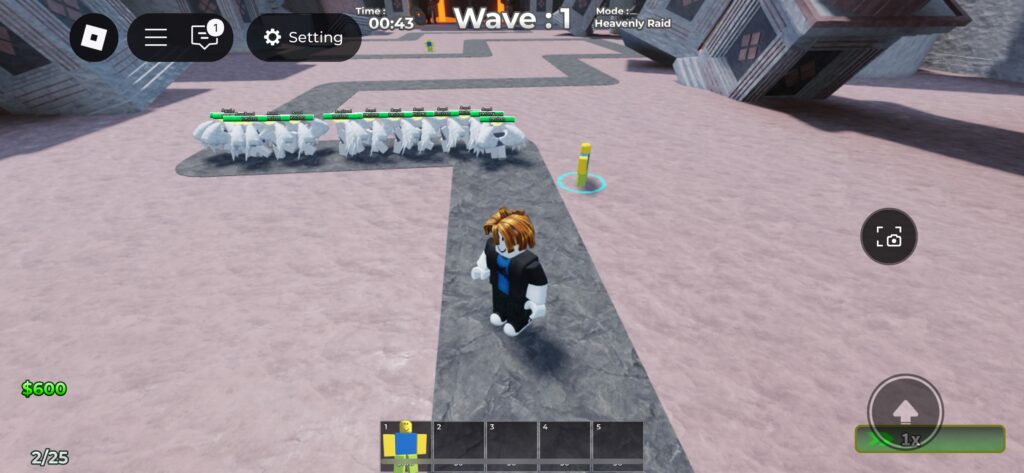
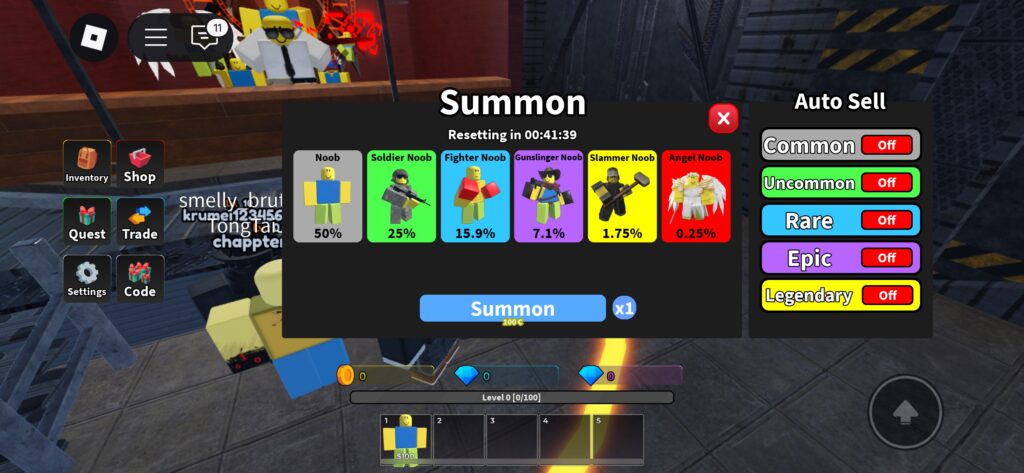
Players use coins to summon towers of varying rarity, and they have lower chances of obtaining higher rarity towers.
Units come in five rarities: Common, Uncommon, Rare, Epic, and Legendary. Players can summon them using 100 coins.
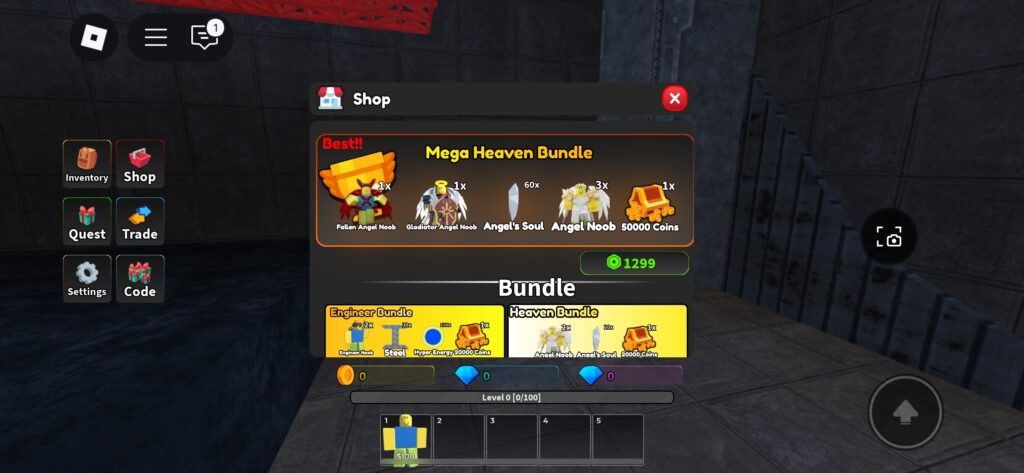
Additionally, players can spend Robux to purchase various bundle packs and different buffs in the game.
Although the game currently offers a limited number of codes, players can use them to obtain items for free, giving them a head start.
Here’s a list of the active codes in Roblox Noob Defense:
- MajorUPDPart2 – Redeem for 50k Coins
- SorryForDelay72H – Redeem for 20k Coins
- THXF0R10K – Redeem for 20k Coins
- NoobDefense – Redeem for 50k Coins
- JoinCommunityServer – Redeem for 20k Coins
- MajorUpdateIsOut – Redeem for 100k Coins
- ThxForPlaying – Redeem for 20k Coins
- BuilderNoob – Redeem for a Builder Noob
- SorryforDelay—Redeem for 100K Coins
- SorryforShutdown—Redeem for 100K Coins
- SorryforBug—Redeem for 20K Coins
The developers are currently beta testing the game and will add more code as future updates are released.
How To Redeem Codes In Noob Defense
The code redemption process in Noob Defense is straightforward. Players just need to open the code option.
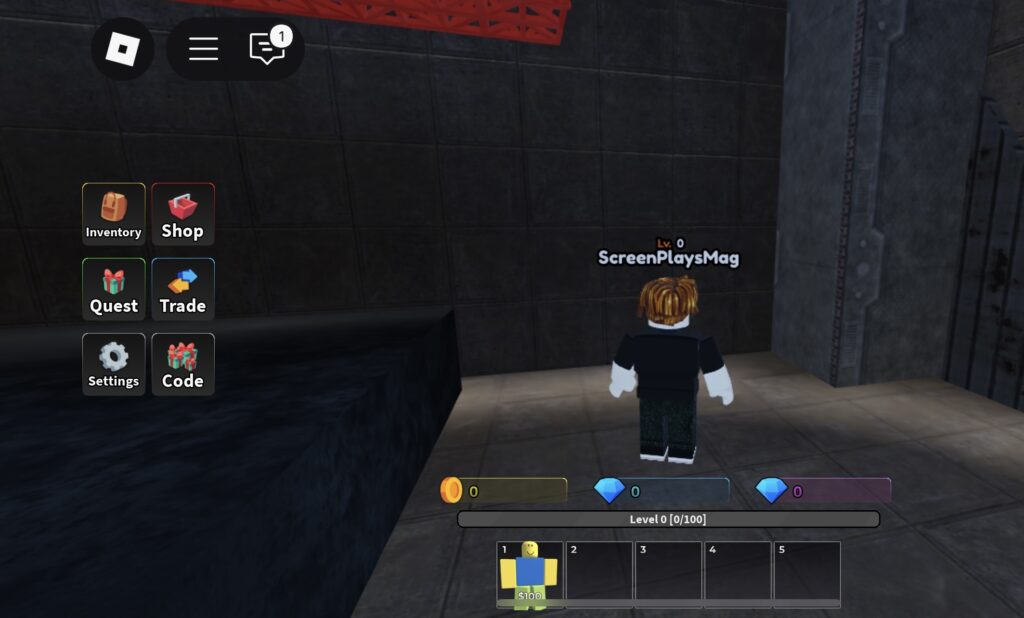
The code option appears on the left side of the main screen when players first launch the game.
Click on it to open an interface where you can enter the codes. Simply input a valid code in the text box and click the Send button.
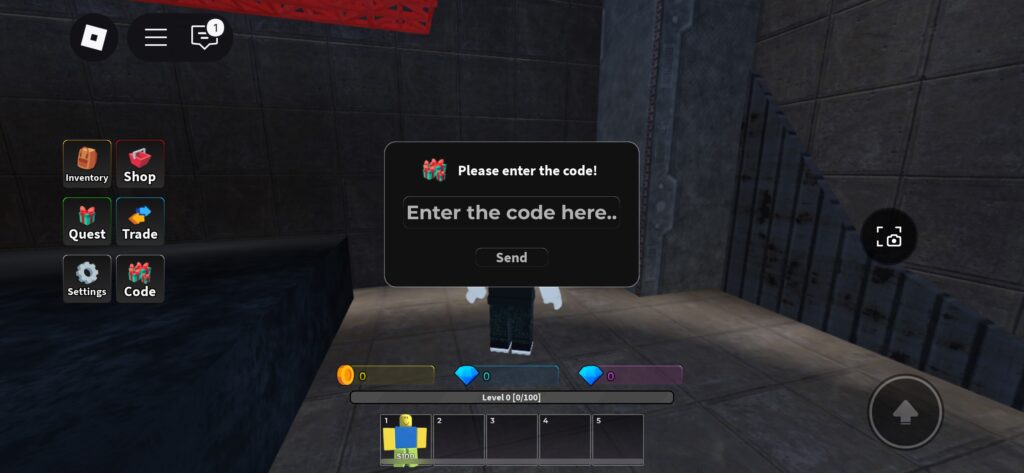
Make sure to enter the codes exactly as they are, as they are case-sensitive, and players will not receive rewards for entering incorrect codes.
You can redeem a single code only once, and it is time-limited, meaning it becomes unusable after a certain period.

