



HIGHLIGHTS
- Players can use active codes in Roblox Anime Arise Evolution to obtain various potions, each with its own unique effects.
- To redeem codes, start the game, click the “Codes” option on the right side of the screen, enter a code, and click “Claim” to receive your rewards.
- The game is currently under development, and upcoming updates will introduce additional codes that provide even more rewards.
Anime Arise Evolution is an action-adventure experience on Roblox, inspired by the popular anime Solo Leveling.
Players must defeat enemies to progress and grow stronger by collecting souls and power.
Additionally, they can use a variety of codes to unlock and redeem exciting rewards for free in Anime Arise Evolution.
Active Codes For Anime Arise Evolution On Roblox
Redeeming active codes in Roblox’s Anime Arise Evolution typically rewards players with a variety of potions, each with its own unique effects.
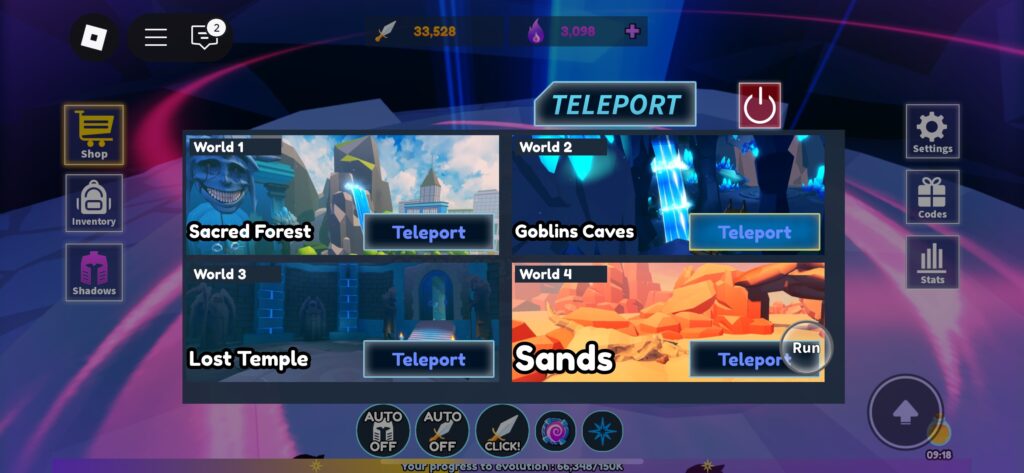
Players can teleport into various worlds where they tap on enemies to attack them and earn souls upon defeating them.
Collect enough souls to travel to new worlds filled with stronger enemies that drop even greater rewards.
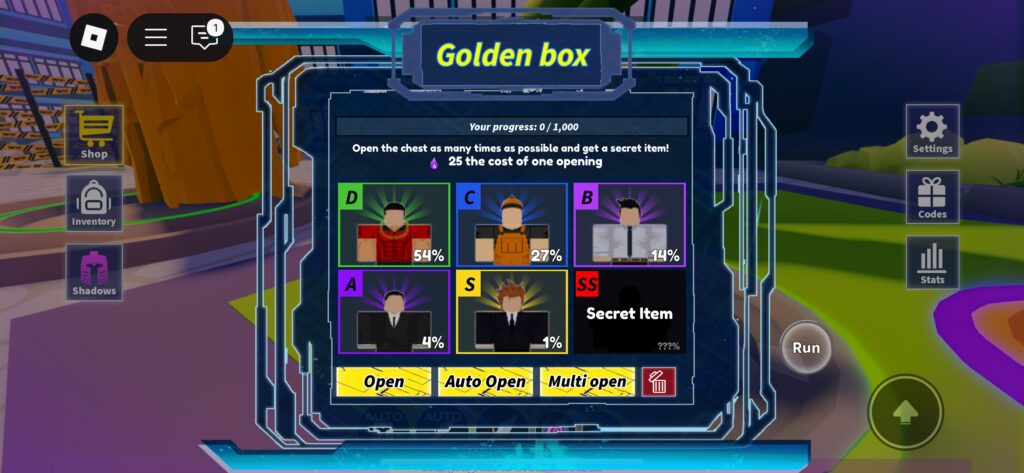
Players can roll for pets of varying rarities from the Golden Box, with each pet boosting their overall power.
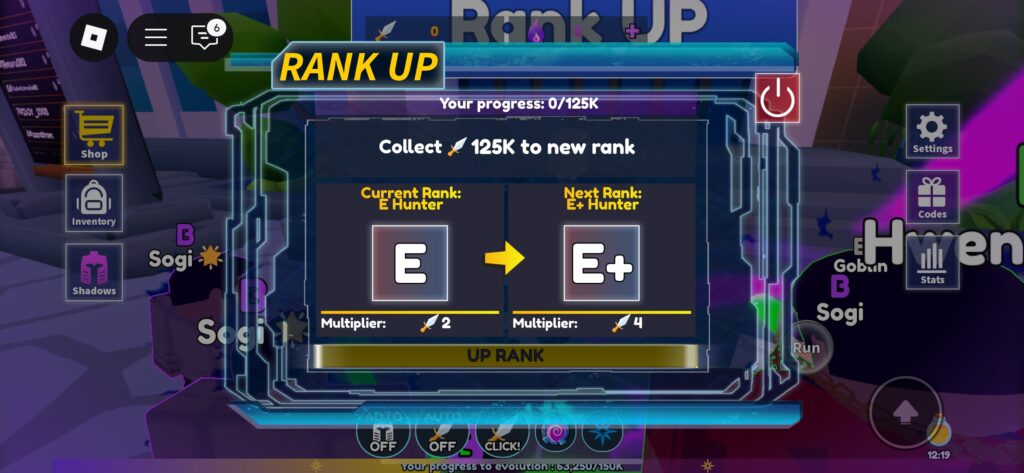
After gaining enough power, players can rank up their character to increase their attack multiplier.
Additionally, players can redeem the following codes to earn various potions in the game for free.
- FROZEN
- ORC
- 50KLIKE
- SEASON1
- 1000LIKE
- SUBWAY
- UPDATE1
- 35KLIKE
- AURA
- MINES
- NOAURA
- RAID2
- FIX03
- SHADOW
- 20000LIKE
- DEMON
- FIX02
- 10000LIKE
The game is still under development, and future updates will include additional codes, offering even more rewards.
How To Redeem Codes In Anime Arise Evolution
The code redemption process in Anime Arise Evolution is straightforward. Players just need to open the code option.
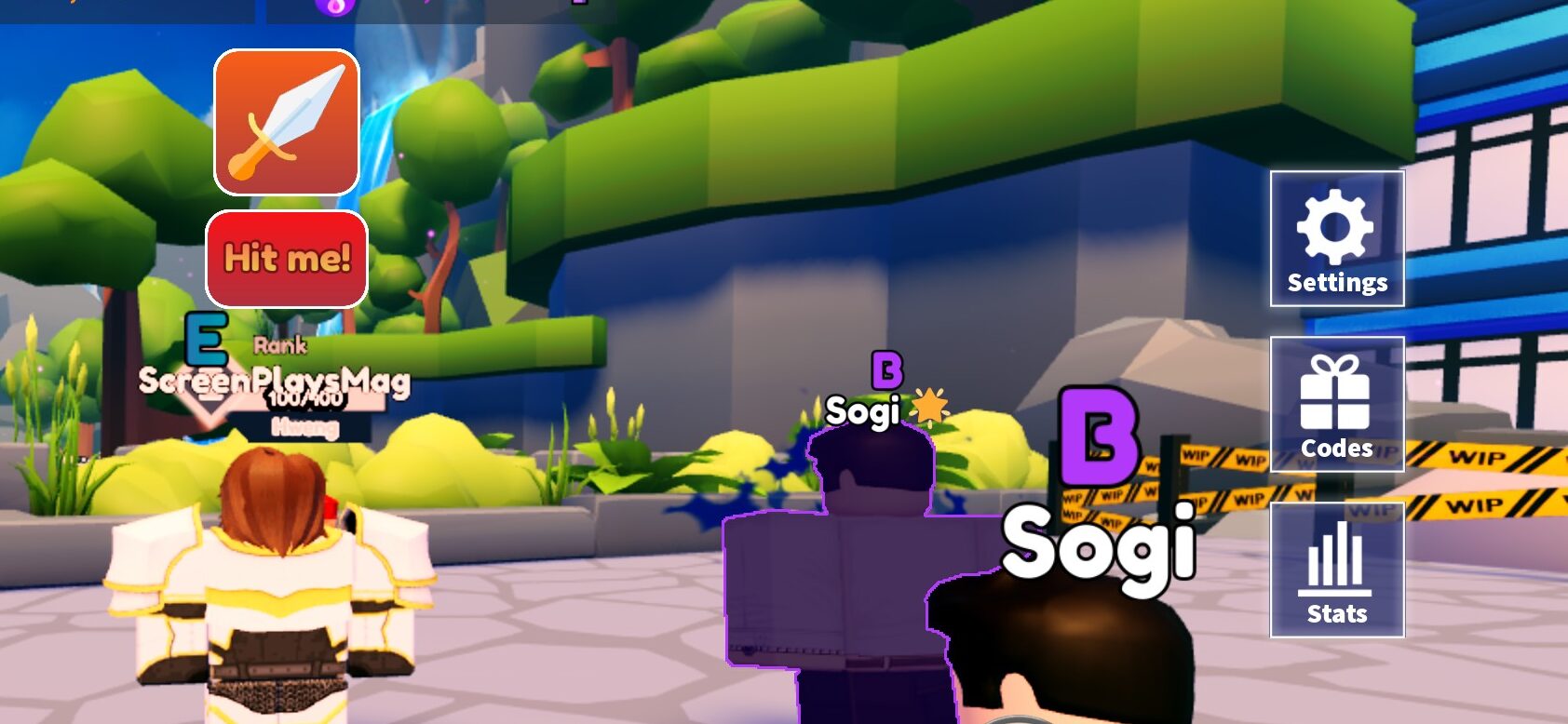
The code option appears on the right side of the main screen when players first launch the game.
Click it to open an interface where you can enter codes, then type a valid code into the text box and click the Claim button.
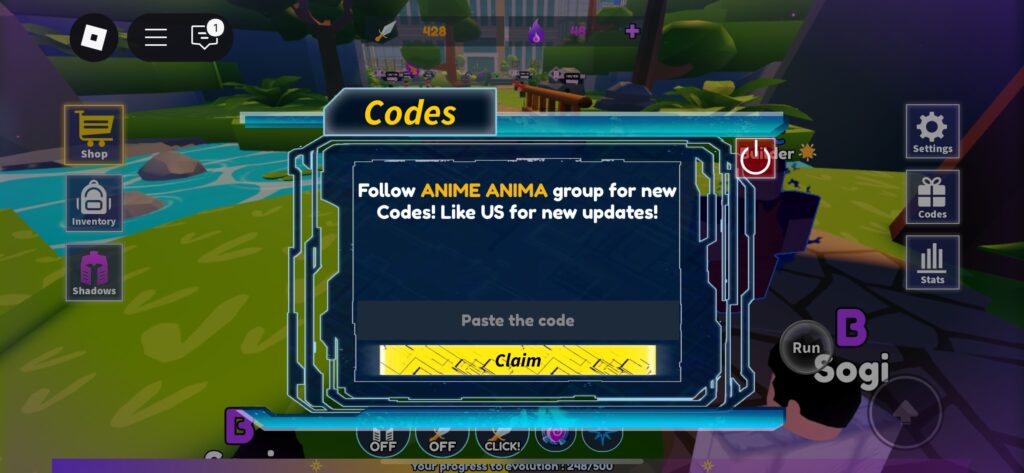
Make sure to enter the codes exactly as they are, as they are case-sensitive, and players will not receive rewards for entering incorrect codes.
Each code can only be redeemed once and is time-limited, meaning it expires after a certain period.

