HIGHLIGHTS
- Players can use active codes in Roblox Anime Siege to receive rewards like gems, gold, and reroll tokens.
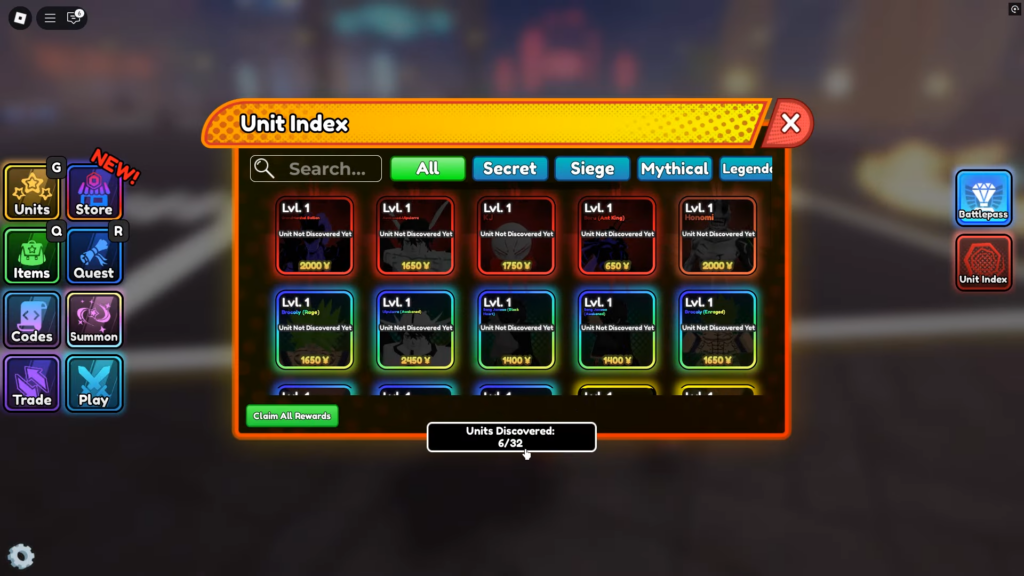
- To redeem codes, launch the game, click the “Codes” option on the left side of the screen, enter a code, and click “Redeem” to claim your rewards.
- Codes are case-sensitive, can be redeemed only once, and are available for a limited time before they expire.
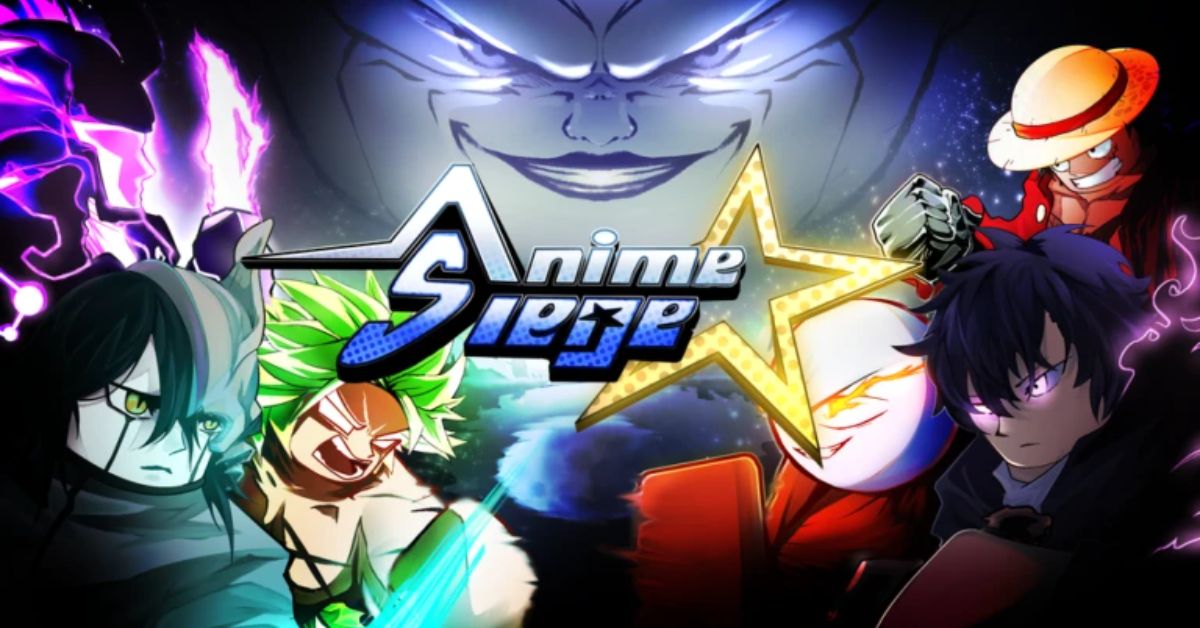
Anime Siege is a Roblox tower defense game that showcases a wide range of iconic figures from popular anime series.
Players recruit and upgrade their favorite anime heroes, battling waves of enemies to earn rewards.
To make progress easier, players can redeem active codes in Anime Siege to claim free rewards.
Active Codes For Anime Siege On Roblox
By redeeming active codes in the game, players can receive gems, gold, reroll tokens, and more.
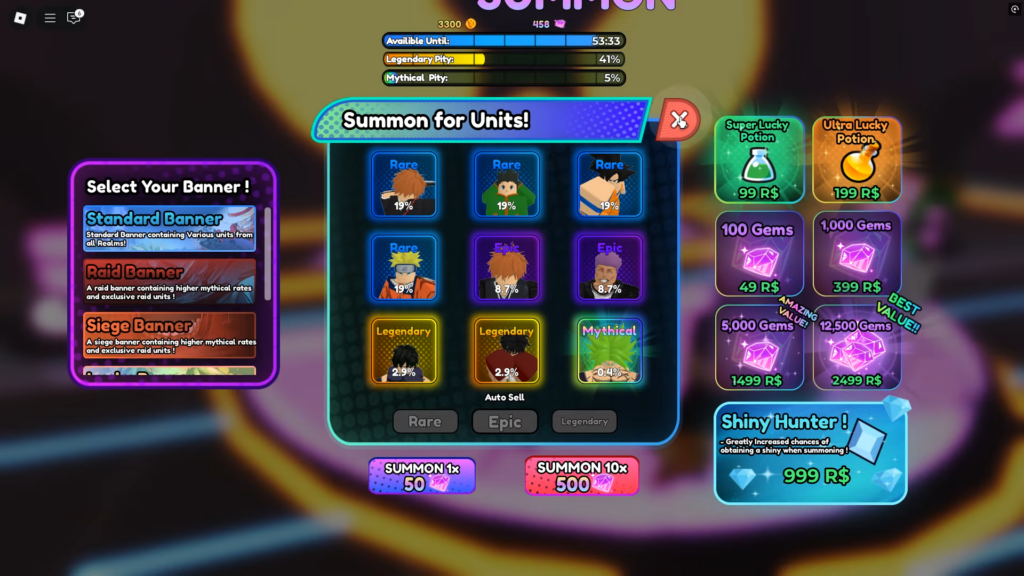
These rewards can be used to summon and upgrade various units, saving players from the extensive grinding normally required to acquire them.
Units vary in rarity, with the chances of obtaining them decreasing as their rarity increases.
Instead of grinding in the game or spending Robux, players can redeem free codes to earn rewards.
Although only a limited number of codes are currently available, they can still give you a helpful head start.
Here’s a list of the active codes in Anime Siege:
- Changes!: 550 Gems and 5 Rerolls Tokens
- 1M Visits!: 1000 Gems and 10 Rerolls Tokens
- SorryForShutdown!: 500 Gems and 10 Rerolls Tokens
- 5K Likes!: 1000 Gems
- 2K SPECIAL! – 800 Gems, 10 Reroll Tokens, and 1000 Gold
- RELEASE! – 1000 Gems, 5 Reroll Tokens, and 500 Gold
As the game grows in popularity and receives frequent updates, the developers will release new code soon.
How To Redeem Codes In Anime Siege
First, launch the game and look for the Codes option on the left side of the main screen, alongside other menu options.
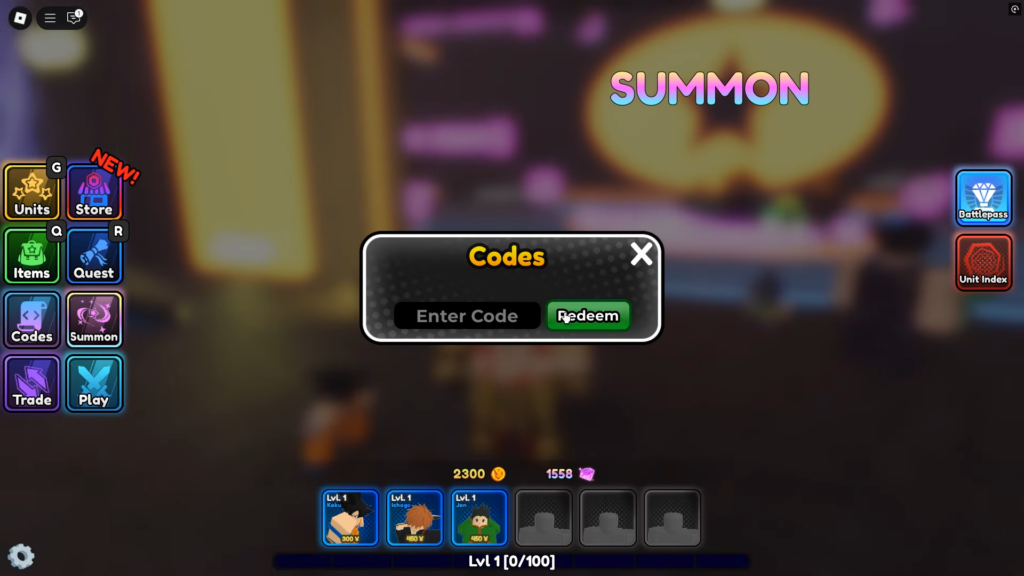
Click on it to open an interface where you can enter the codes. Simply input a valid code in the text box and click the Redeem button.
Make sure to enter the codes exactly as they are, as they are case-sensitive, and players will not receive rewards for entering incorrect codes.
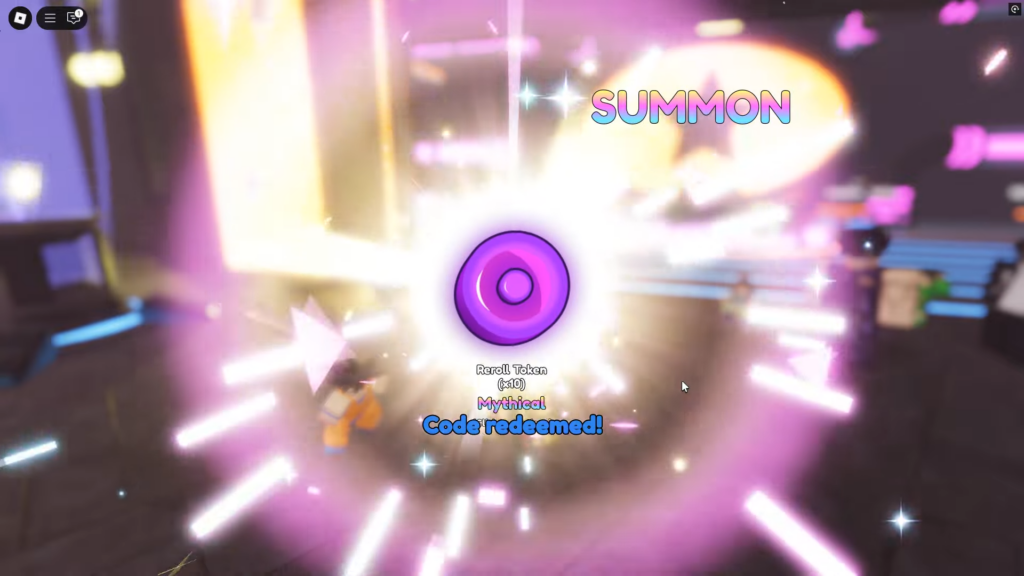
Players can redeem a code only once, and it is available for a limited time before it expires.