



HIGHLIGHTS
- Players need to complete a full round of DTI, then find five unique emojis and match them to numbers hidden around the map.
- You can find Easter emojis in DTI hidden in places like bushes, walls, pillars, ceilings, and near event decorations.
- After finding the numbers for all five emojis, click the “Codes” icon, enter your code, and press “Redeem” to unlock the Easter Bunny Set.
The DTI Easter update was released on April 19, 2025, and there is a fun new event that lets you unlock the Easter Bunny set.
Players need to go on a scavenger hunt to find the code that unlocks the Easter Bunny set, as each player gets a different code.
This code is made up of numbers, and you have to figure it out by finding emojis hidden around the game.
Easter Emoji In DTI Easter Update
To get your emoji code, you first need to play a full round of DTI. After the winners are announced, look above the leaderboard to see a row of five emojis.
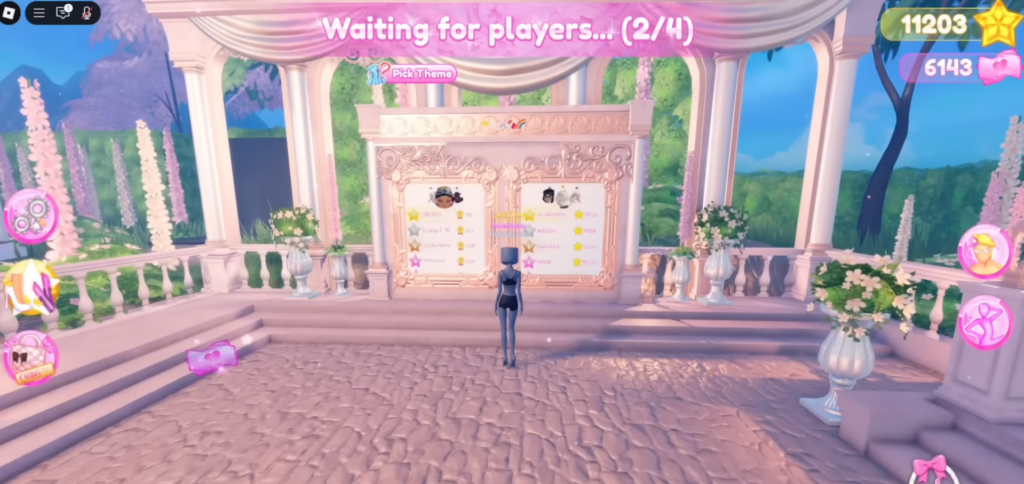
These emojis are special just for you. Your job is to find out what number each emoji stands for.
Furthermore, you will find the emojis hidden all over the Dressing Room and Intermission areas. Each one has a number next to it, which makes up the digits of your code.
However, the same emoji will show different numbers to different players, meaning you cannot just copy someone else’s code.
Locations Of DTI Easter Emoji
You can find Easter emoji in several locations in DTI. Some of the possible locations where you can find the emoji include;
- On the bush outside Lana’s window
- On the wall by the scarves in the Dressing Room
- On a pillar in the Lobby
- On the Ceiling of the Salon
- By the Valentine’s Day box
- On the Ceiling of the main area
Further, these spots are random, and your emojis will spawn in different places than your friends’.
Once you have found the matching numbers for all five emojis above the leaderboard, go to the “Codes” icon on the left side of your screen.
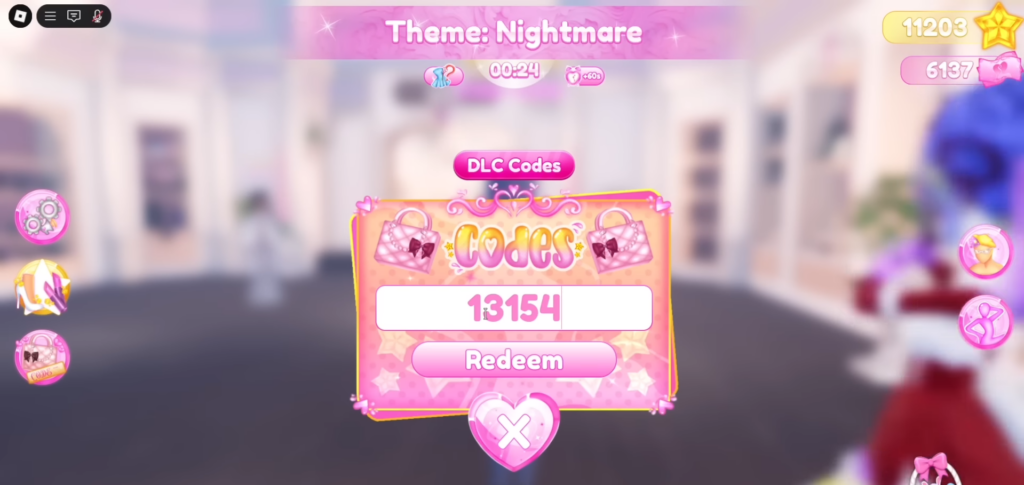
Finally, enter your code in the correct order and press “Redeem” to receive the Easter Bunny set.

