


HIGHLIGHTS
- You can choose to play as Player, Frontman, or Guard, but you must spend Robux to unlock Frontman and Guard.
- Players can redeem codes in Kraken Game to get Coins, which can be used to purchase emotes, outfits, and more from the shop.
- To redeem codes and get rewards in the game, open the game, go to the menu, choose Codes, enter a code, and press Redeem.
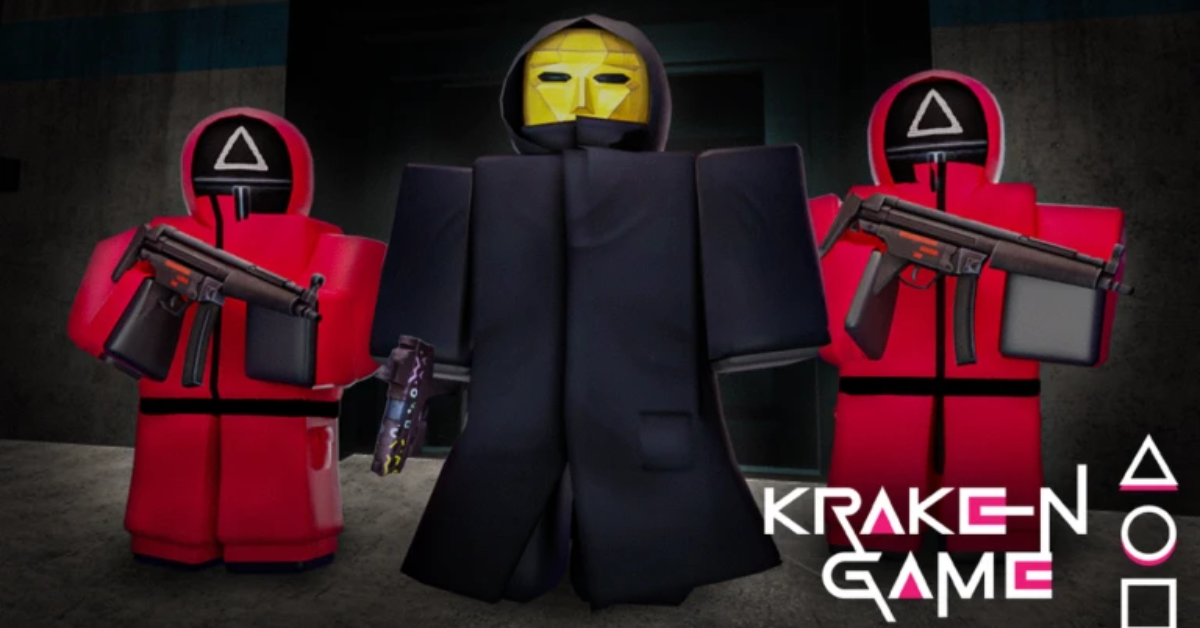
Kraken Game is a Roblox survival challenge inspired by Squid Game, featuring intense and unpredictable mini-games for players.
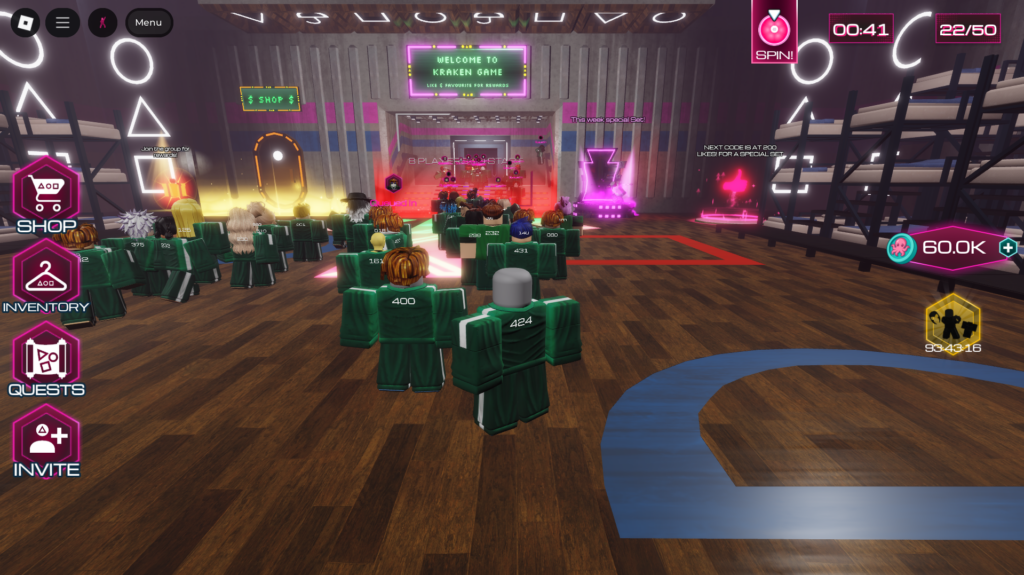
Players have to compete in different rounds, like Red Light, Green Light, Honeycombs, Glass Bridge, and more.
Two new mini-games will also be added to the game soon, promising even more fun and challenge for players.
Active Codes In Roblox Kraken Game
In the game, players need to choose what role to play as after they have joined the lobby. There are three options: Player, Frontman, and Guard.
Players must spend Robux to unlock Guard and Frontman since the game locks them behind a paywall.
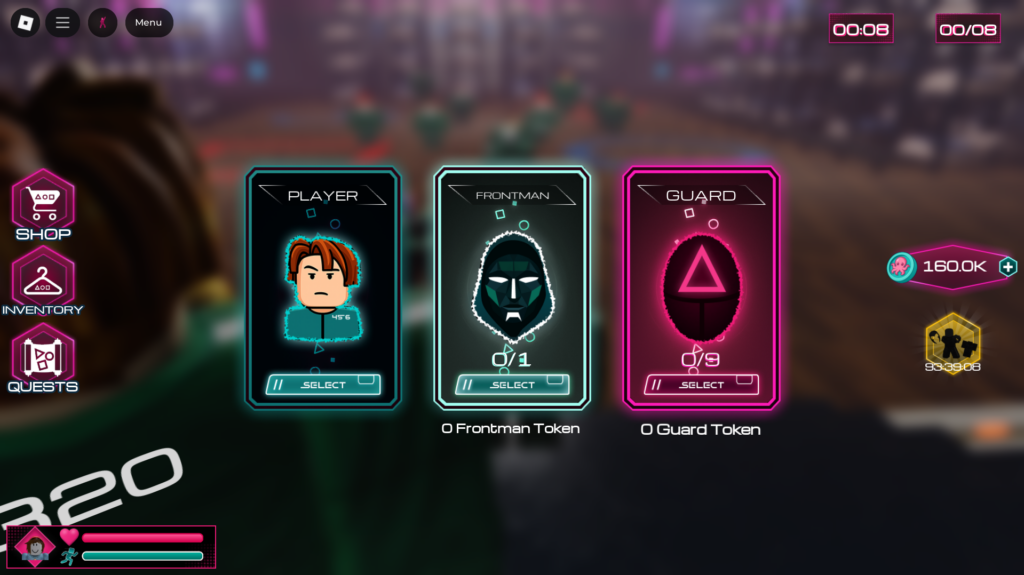
If you play as the Frontman, you can sabotage others and cause chaos instead of competing like everyone else.
The first game mode that players take part in is Jump Rope, where they must avoid touching the rope while moving forward on a bridge.
Kraken Game also has a Codes feature that players can use to redeem codes and get freebies.
There are a few codes in Kraken Game that players can redeem to get free rewards like coins. Further, we have compiled all the currently active codes in the list below.
- 1KLIKESTY – 100,000 Coins
Players can use the coins to buy different emotes, masks, and more from the shop. You can also earn coins by playing rounds and qualifying for the next one.

Lastly, make sure you enter the code as shown because a small mistake can prevent you from getting the rewards.
How To Redeem Codes In Kraken Game
To redeem codes in Kraken Game and claim your rewards, you need to follow the steps below:
- Open Roblox and launch Kraken Game
- Click the Menu button in the top-left corner
- Select the Codes tab
- Enter or copy the code into the input box
- Press the “Redeem” button to claim rewards

Finally, players can stay updated on new codes that may be added in the future by joining its community or by following its creators.

