HIGHLIGHTS
- Players can use active codes in Merge Paws to instantly earn rewards such as money and frenzy boosts, helping them progress faster.
- Head to the Settings menu in-game, locate the code prompt next to the music and SFX settings, and enter valid codes to claim your free rewards.
- If the code isn’t working, ensure you have entered it correctly since it is case-sensitive; otherwise, it has likely expired due to time limits.
Merge Paws is a Roblox simulation game where players combine different pets to create new and unique ones.
Combining pets makes them stronger and increases the amount of money they generate each second, which can be spent on various upgrades.
Players can use a variety of codes in Merge Paws on Roblox to unlock and redeem exciting rewards for free.
Active Codes For Merge Paws On Roblox
Players must merge two pets of the same type by picking up one and walking over to the other to upgrade it.
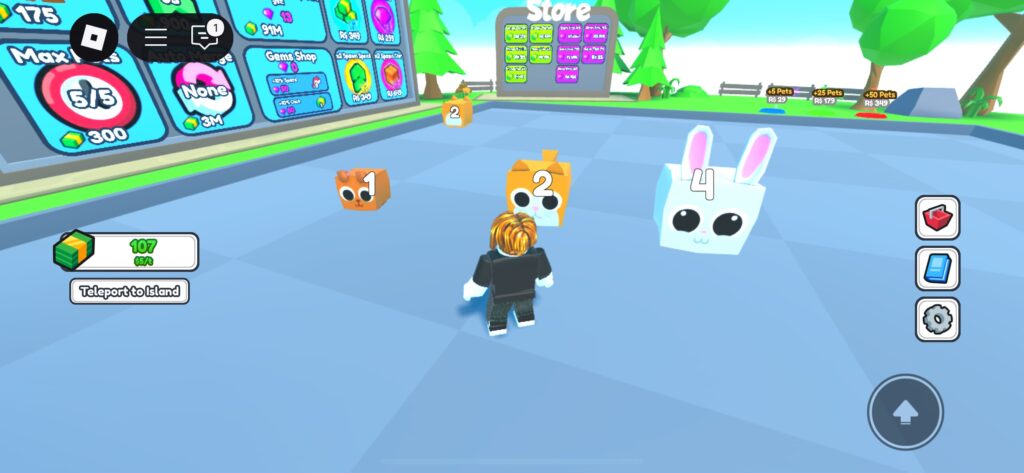
This will unlock a new pet that generates more money per second, which can later be used to purchase upgrades.
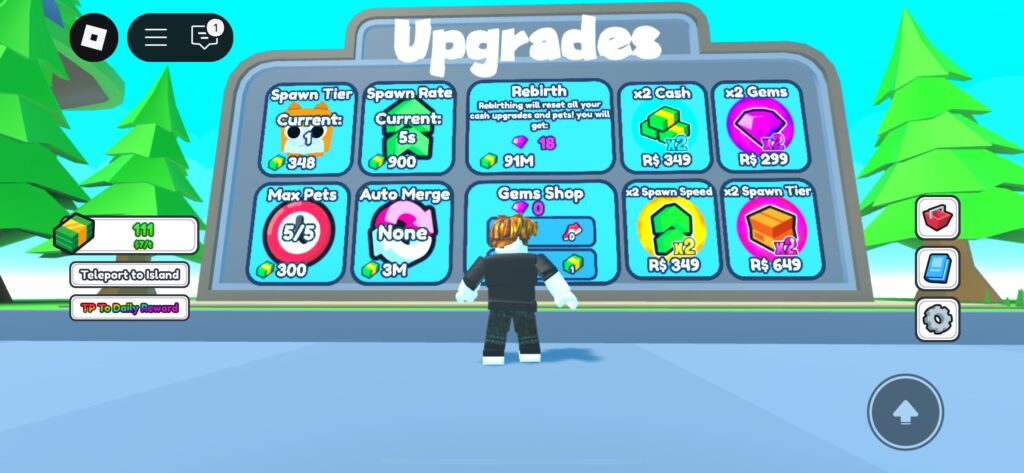
Upgrades include increasing the tier of pets that spawn in the game or boosting the overall pet spawn rate.
Furthermore, at first, only five pets can be on the island at a time, but this limit can be increased by upgrading the maximum pet capacity.
Players can also tap a specific pet to earn its value with each click. We recommend doing this with your highest-tier pet for maximum earnings.
Merge Paws currently features over 60 unique pets that players can collect and merge.
Additionally, players can use free codes to claim rewards and get a head start on their pet-merging journey.
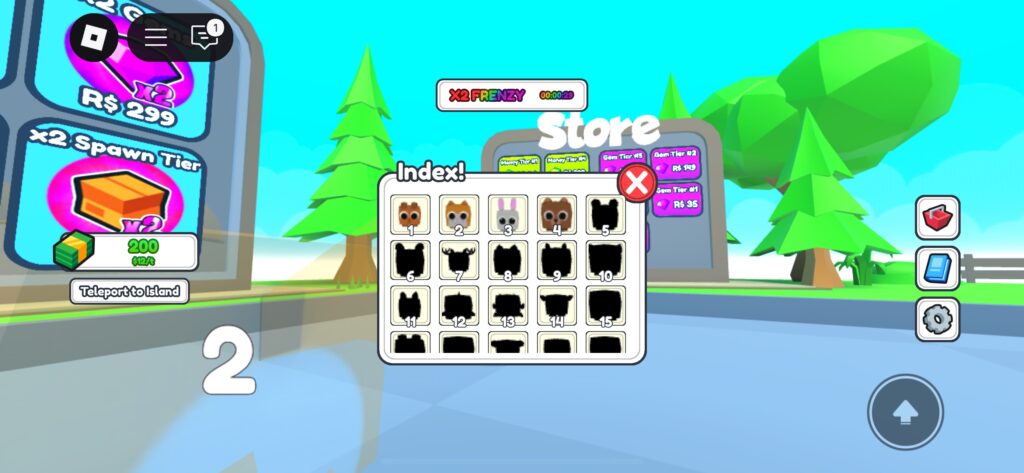
Here is a list of active redeem codes players can use to get free in-game items.
- RELEASE: 1,500 Money
- superboost: 120 Frenzy
The game is still in its beta version, and future updates will include additional codes, offering even more rewards.
How To Redeem Codes In Merge Paws
When players launch the game, they will find various options on the right side of the main screen.
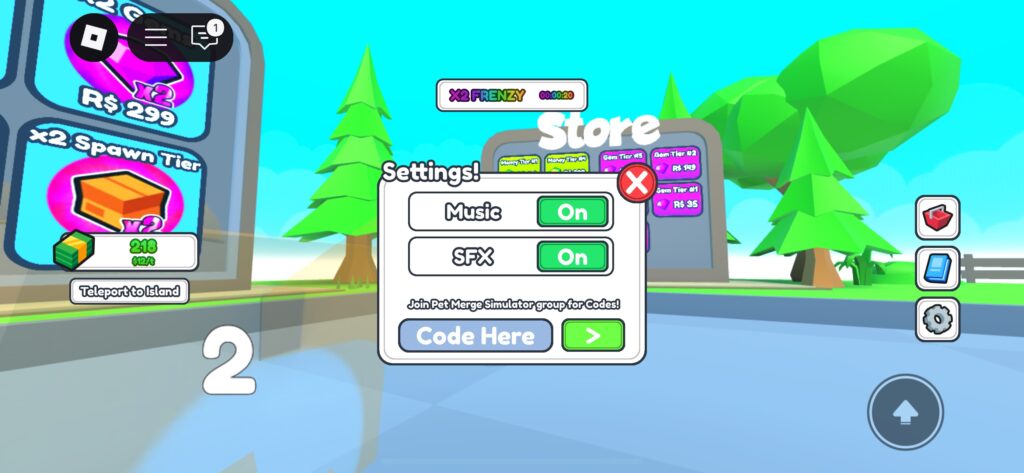
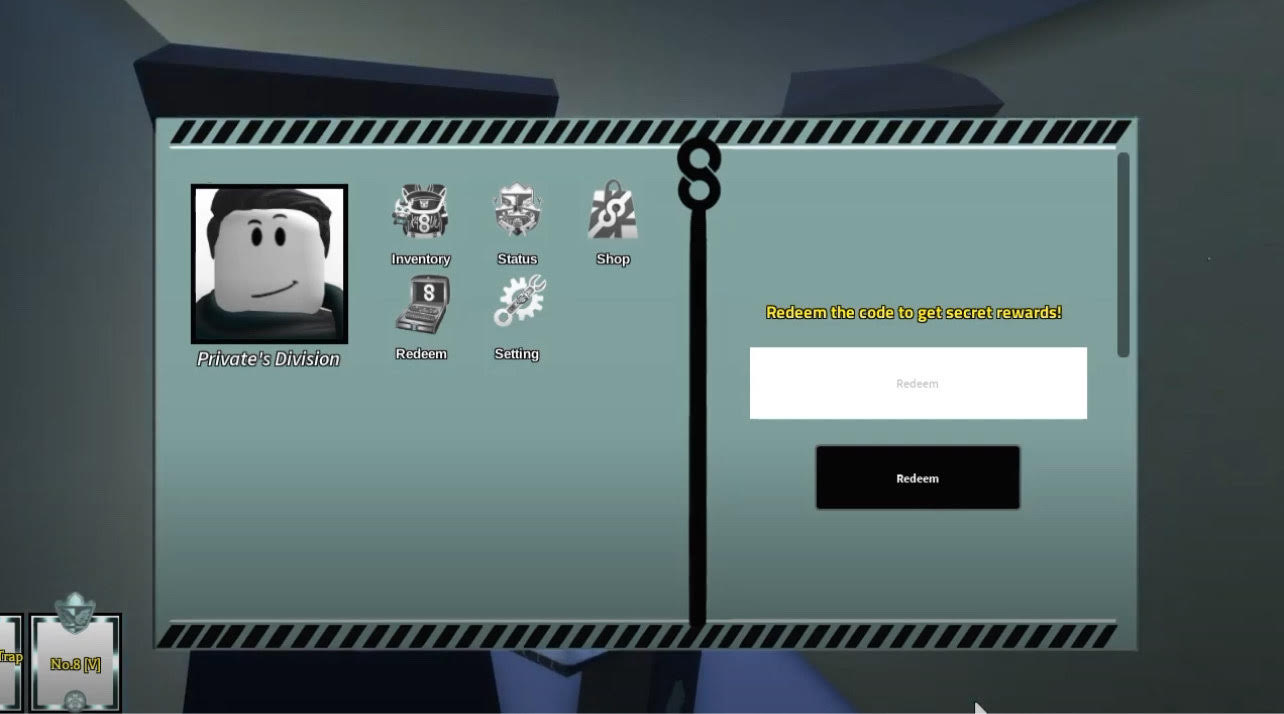
Players can redeem codes by navigating to the Settings option in the main menu.
Alongside the music and SFX settings, players will find a prompt where they can enter active codes to claim free rewards.
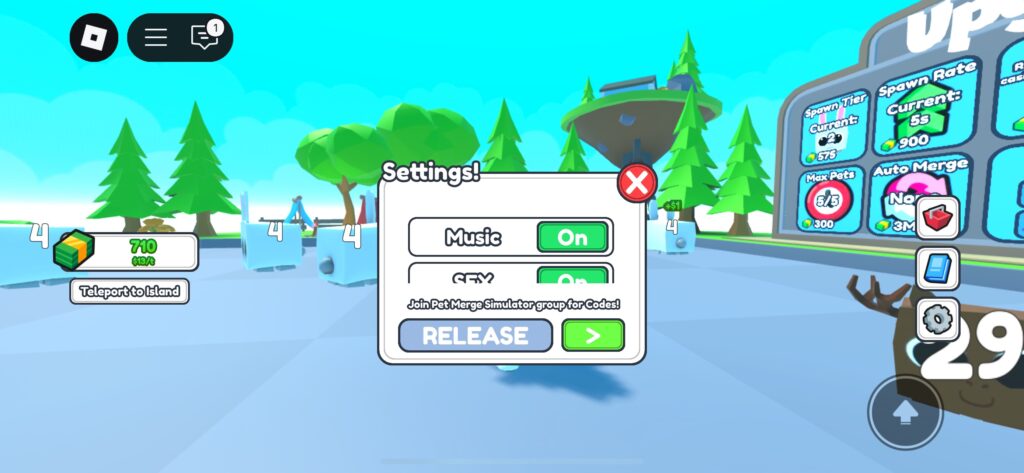
Simply enter a valid, active code in the text box and redeem it to instantly receive free in-game items.
Players should ensure they enter the code exactly, as it is case-sensitive, and even a minor mistake will result in an invalid code screen.