



HIGHLIGHTS
- Active codes in Roblox One Touch offer free rewards, including Sports Box and Coins.
- To redeem codes, click on the shop icon from the left side menu and enter the valid codes.
- Apart from codes, participating in matches and defeating others will also reward you with coins, which can be used to buy tricks from the Daily Shop.
One Touch is a fast-paced football game on Roblox where players must time their clicks precisely to keep the ball airborne.
Players can unlock new ball designs and special tricks to enhance their gameplay.
At the beginning of the game, you might be able to get new ball designs and coins, so this is where redeeming active codes comes in.
One Touch Codes Roblox
Like any other game on Roblox, One Touch also offers several active codes, which you can use to earn exclusive rewards.
The rewards you earn from the codes are mostly Coins and Sports Boxes, which you can use to buy tricks and balls.
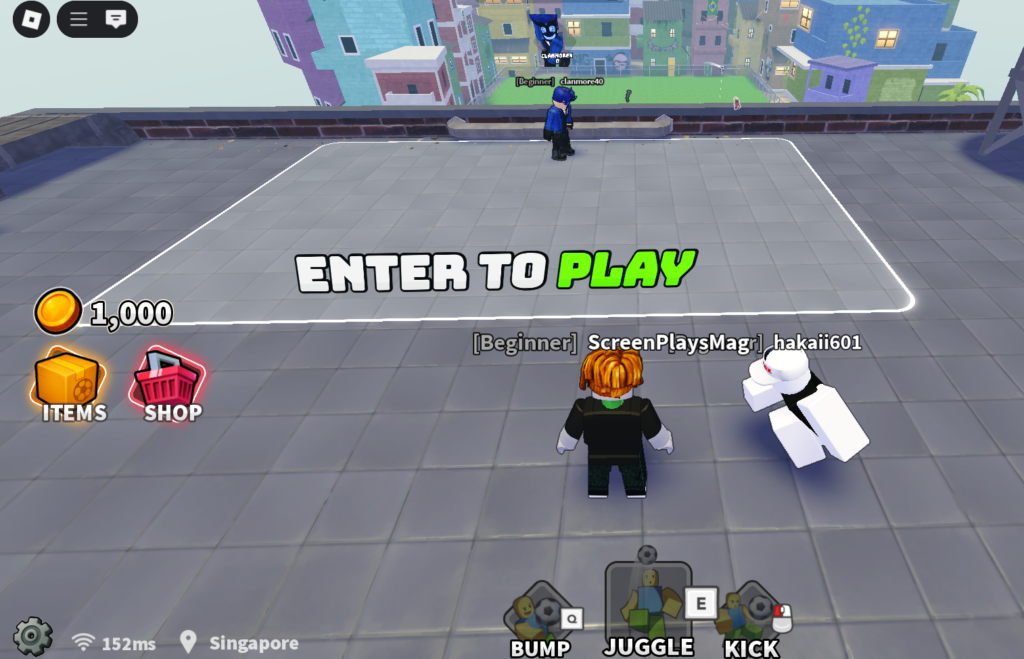
Apart from codes, you can also enter the match and defeat other players by kicking them out to earn some extra coins and boost your level.
While in the early game, you might not get much of the match rewards, so redeeming the active codes will be helpful.
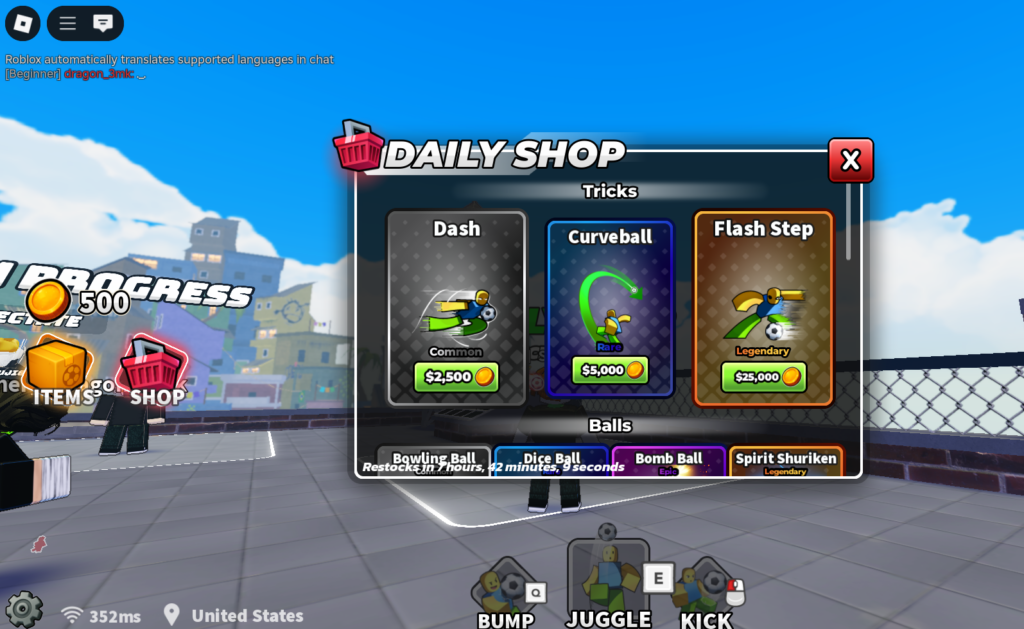
Here is the list of all active codes that you will find in the game;
- TACOS: 2000 Coins
- SUMMER: 1500 Coins
- SORRYSHUTDOWN: 1 Summer Box
- HEDGEHOG2: 1500 Coins
- HEDGEHOG: 1500 Coins
- 5KCCU: 1 Galaxy Box
- THANKSFOR15K: Sports Box and 750 Coins
- THANKSFROMPUG: 500 Coins
- RELEASE: Sports Box
You must make sure to use these codes as soon as possible, as codes in the Roblox game come with an expiration date.
How To Redeem Codes In Roblox One Touch
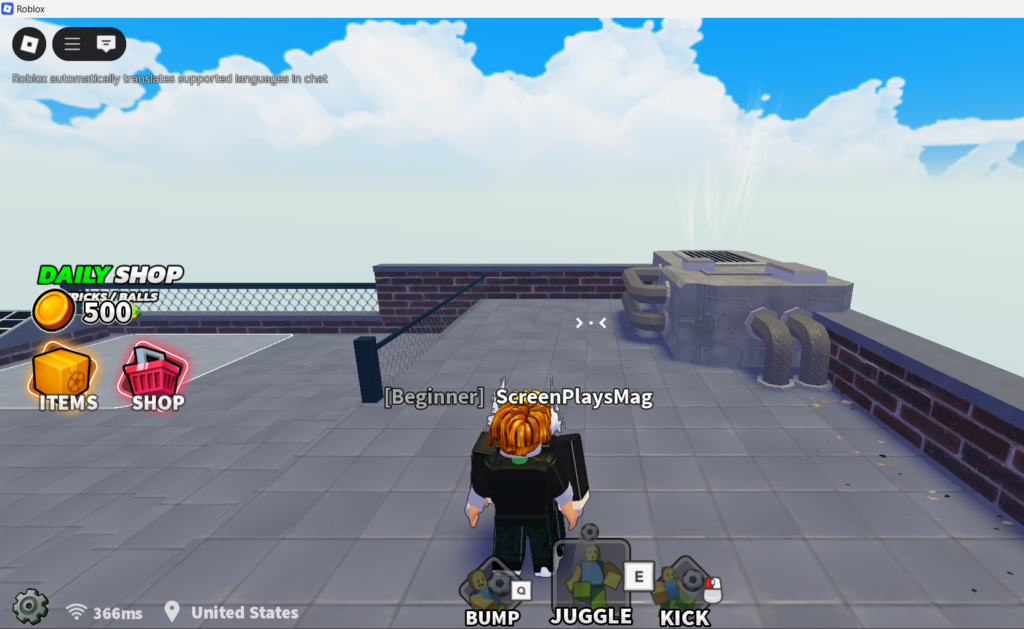
Redeeming codes in One Touch is quite simple compared to other Roblox games. The steps below will help you earn some free rewards quickly with the codes;
- Enter the game
- Click on the Settings icon from the left side menu
- Scroll Down
- Enter the Code in the Text Box
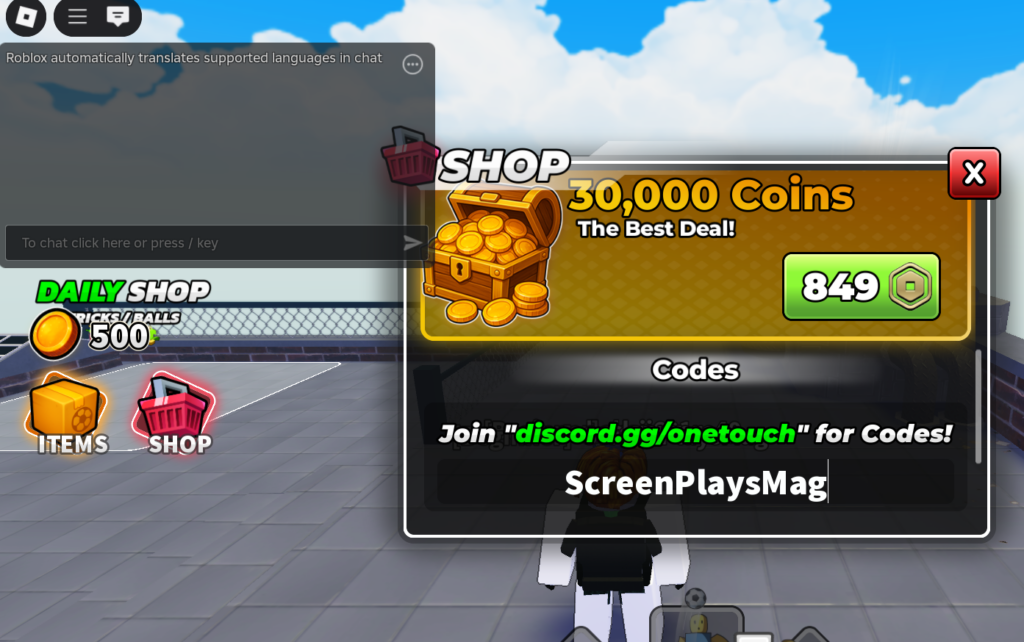
Once you redeem the codes, you should wait a few seconds to redeem another one. If you do it instantly, you will get the red notification to wait.

