



HIGHLIGHTS
- Rerolling in Uma Musume helps you start strong by using free summons to get powerful support cards without spending money.
- The best cards to aim for are Super Creek and Fine Motion, and getting one or both gives you a great start.
- To reroll, open the menu on the title screen, delete user data, restart as a guest, and use your rewards to summon again.
Uma Musume: Pretty Derby is a Japanese game and anime series where famous racehorses are reborn as talented horse girls.
Players train horse girls at Tracen Academy to become top racers and idols in competitive races and musical performances.
The game is now available in English and supports crossplay on Steam, iOS, and Android.
Rerolling Accounts In Uma Musume: Pretty Derby
Rerolling in Uma Musume is a good way to get a strong start in the game.
It means restarting the game again and again until you get a powerful Support card or character from your free summons.
Many players do this at the beginning so they can play more easily later on without spending any money.
Furthermore, the reroll process in Uma Musume: Pretty Derby is very fast and simple. After completing the tutorial once, each reroll takes only around one or two minutes.
Since support cards are the most important in the game, players should use their free summons to get the best support cards.
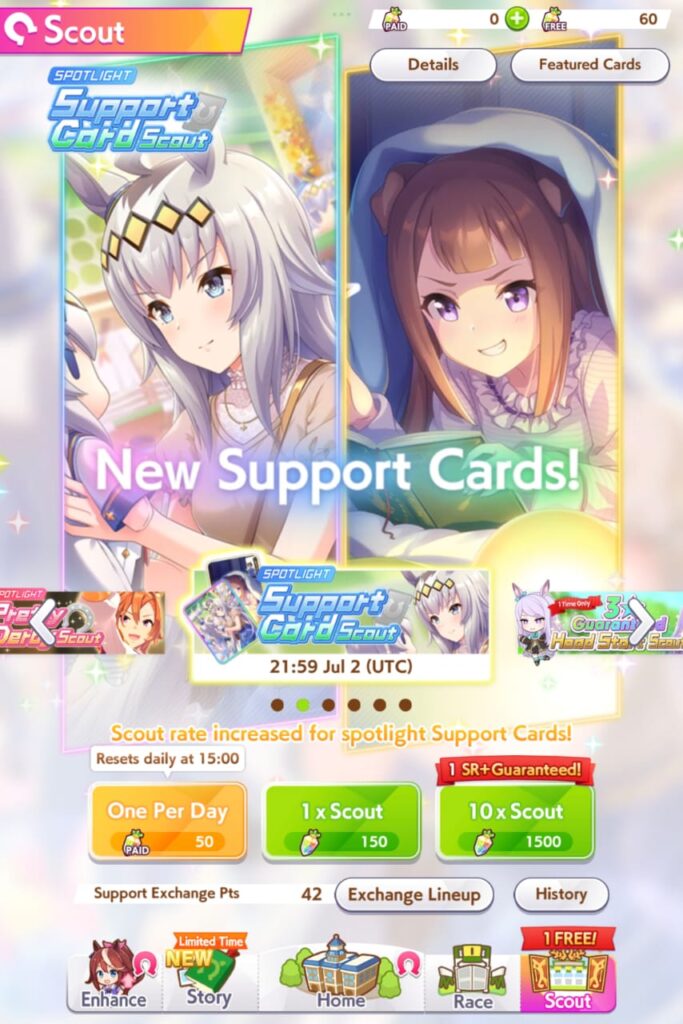
The best support cards to look for during rerolling are Super Creek (SSR) and Fine Motion (SSR). These two cards are very strong and useful.
If you manage to pull both of these cards, your account will have a great starting point.
However, getting just one is still a strong setup, especially if you also get a few other good cards.
How To Reroll In Uma Musume Global Version
Players can reroll their account in the Uma Musume: Pretty Derby global version by following the steps listed below.
- Download and open the game
- Complete the tutorial
- Claim launch rewards (from the in-game presents section)
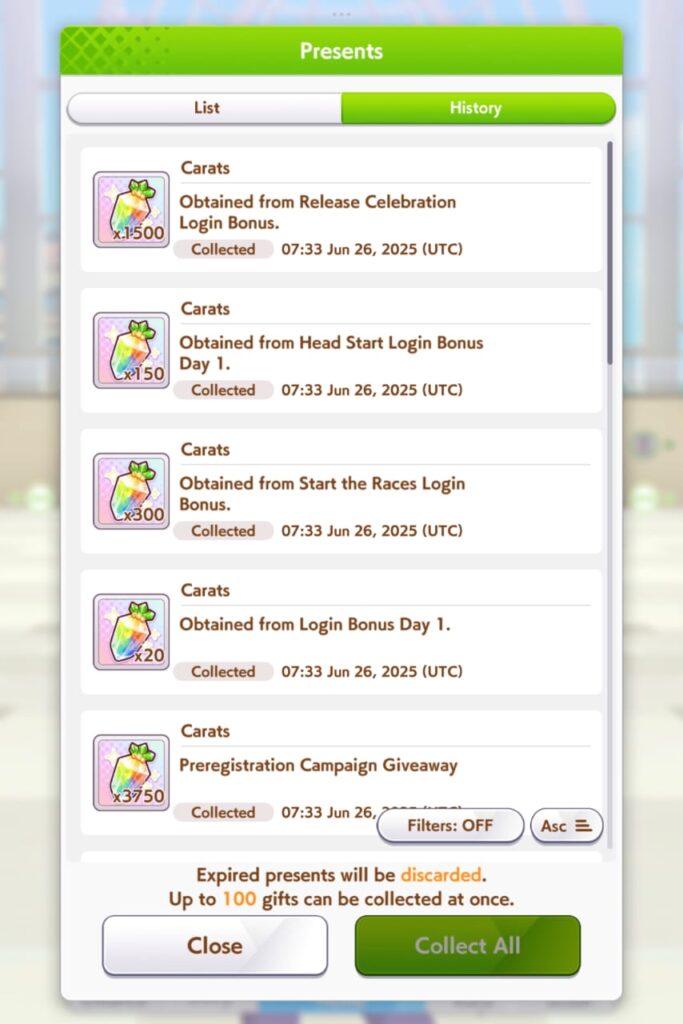
- Use the rewards to summon
- If unhappy with your results;
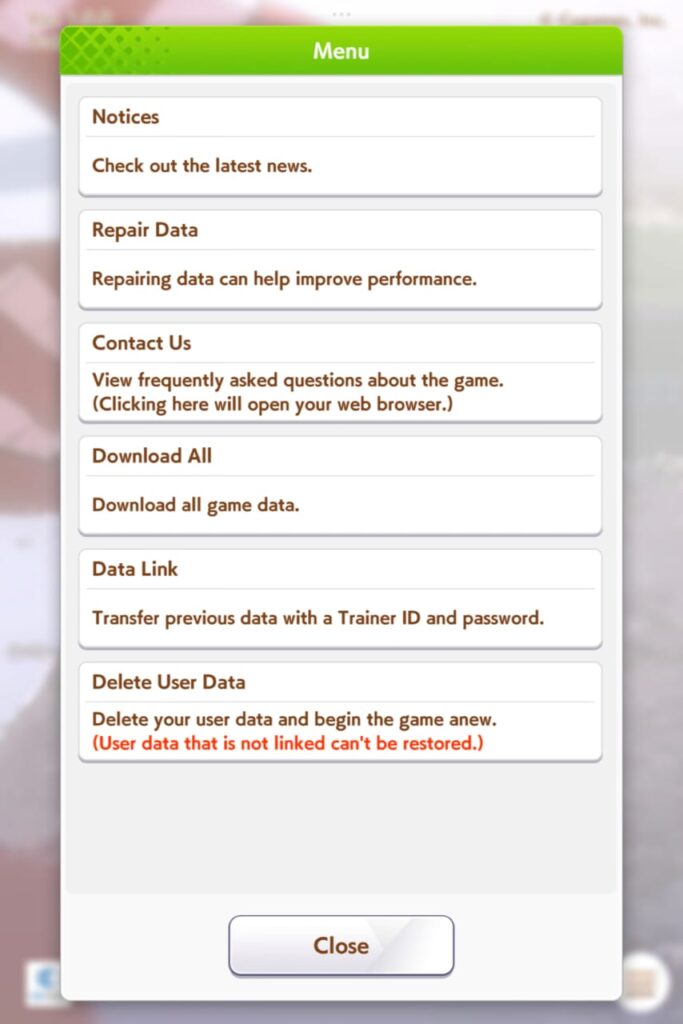
- Open the menu by pressing the three-line icon on the title screen
- Choose “Delete User Data”
- Claim your rewards and summon again (tutorial will skipped)
Finally, once you have obtained the support cards or characters you like, you can link your account to an email to avoid losing it.

