



HIGHLIGHTS
- Players can obtain the flamethrower for free as part of the DTI April Fools’ update by finding five randomly ordered emojis above the leaderboard.
- Emojis are scattered throughout the game world, including hidden areas like the VIP section, and players must match the numbered emojis with their corresponding code.
- The event is time-limited, available only for 24 hours from 1 p.m. EDT on April 1 to 1 p.m. EDT on April 2.
The developers of Dress to Impress hosted a small April Fools’ event where players could receive a free flamethrower.
The game, known for giving players free items in every update, required them to complete a scavenger hunt to obtain the item this time.
Players must find various emojis and decipher a unique code for a chance to unlock the flamethrower.
Obtaining The Flamethrower In DTI
The flamethrower is a cosmetic item added to the game as part of the new DTI April Fools’ update, which players can obtain for free.
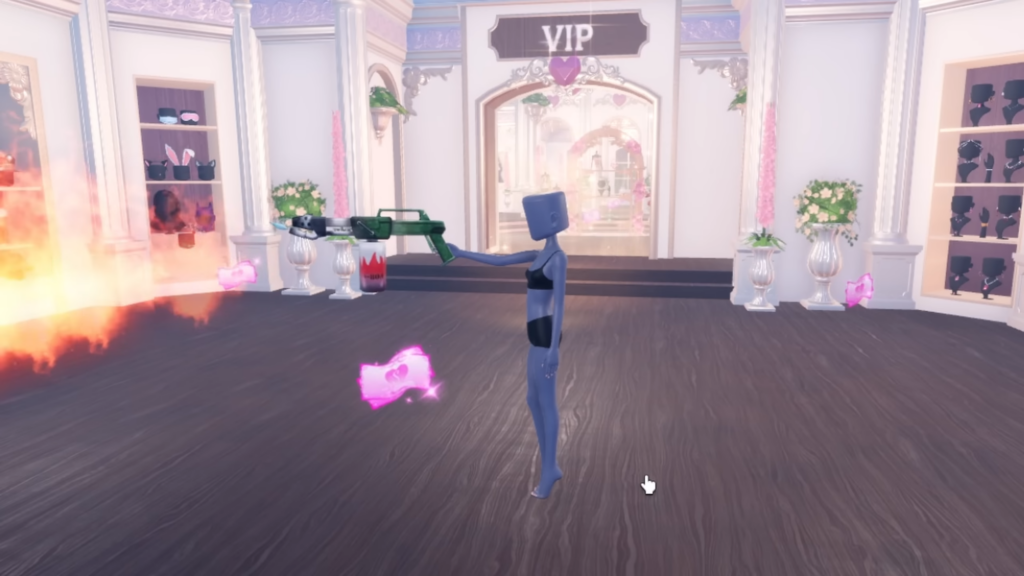
To begin, play the normal version of the game—this will not work in the Style Showdown game mode.
Wait until the game’s intermission, then look above the leaderboard, you should see five emojis.
These emojis appear in a random order each emoji represents a unique number in Dress To Impress.

Players must find their corresponding numbered emojis scattered throughout the game world.
Where Are The Emojis In DTI
Similar to the order of the emojis, their locations are also completely random and unique to each player.
The game scatters them throughout the play area, including the VIP section, which remains closed during the event.
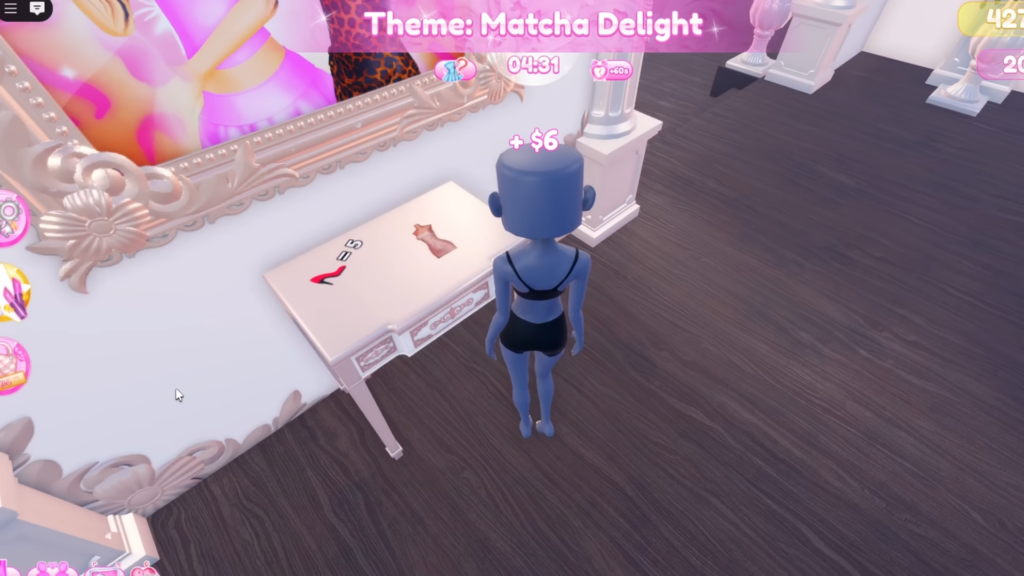
Each emoji looks like a small clipart sticker, layered on top of furniture and walls.
Each emoji will have a number next to it, which corresponds to that emoji in your code.
Once you know which number corresponds to each emoji, enter the numbers in the same order as they appear in the code.
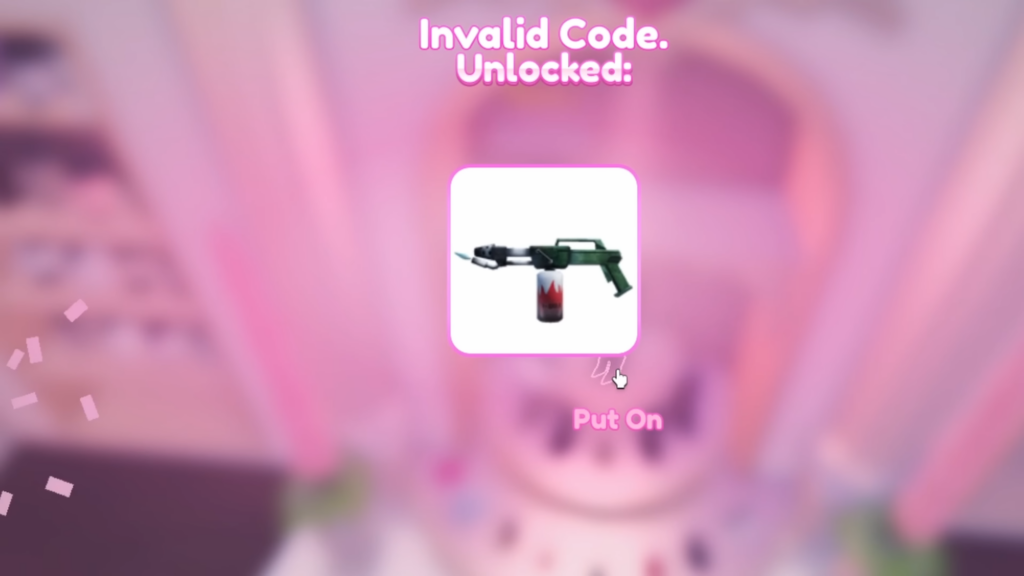
On the main screen, on the left side, you’ll see a “Code” option. Open it, enter the code, and press “Redeem” to unlock the flamethrower.
Once you’ve entered the code, you’ll see a button at the bottom of the screen. Press it to equip the flamethrower.
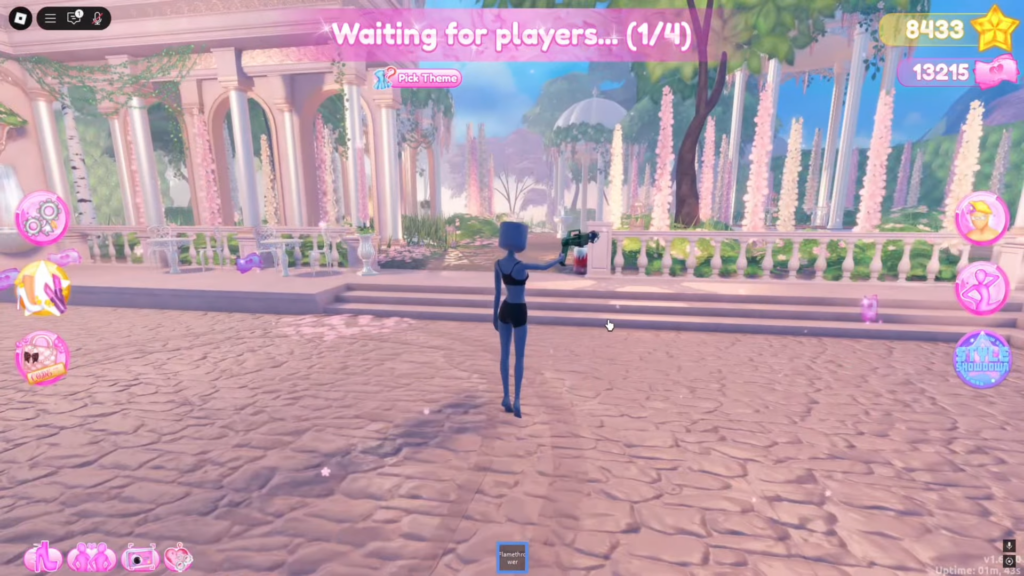
The event, which started at 1 p.m. EDT on Tuesday, April 1, will end at 1 p.m. EDT on Wednesday, April 2.

