


HIGHLIGHTS
- Although the new update on Schedule 1 aimed to address existing issues, the addition of the new areas has led to a new problem where the Pawn Guy is not there in the shop.
- Mick, the Pawn Shop owner, might be working as one of your dealers, which might be the reason for his mission. So you must remove him from your dealer list to overcome this issue.
- You can also save the current game progress, relaunch the game, and reload the saved file to bring Mick back to the empty Pawn shop.
The latest update for Schedule I (version 0.3.4) brings exciting new features and improvements to the game.
One of the significant additions of this update is a Pawn Shop and a Bleuballs Boutique, both of which offer brand new features to players.
The latest update was brought to solve the existing issue and get a new feature, but unfortunately, it has a new pawn guy missing the issue.
Pawn Shop Empty In Schedule 1
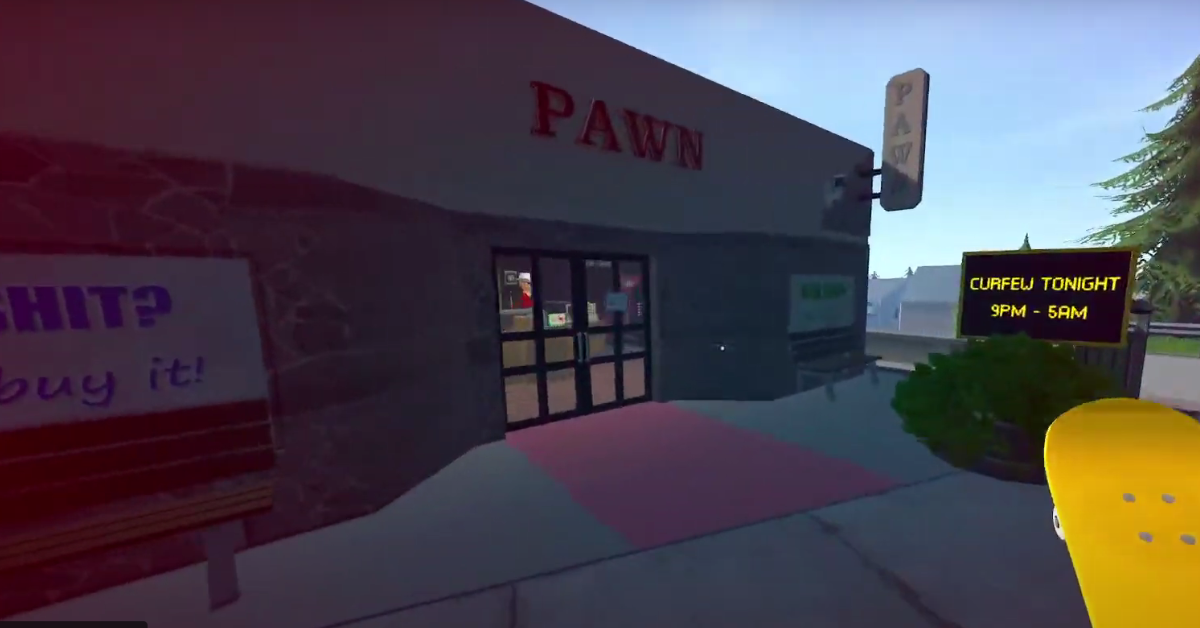
In Schedule 1, you will find Pawn Shop, where you can sell almost anything (except narcotics) to Mick, the shop owner.
The Pawn Shop in Schedule I is located on the western side of the map, near the North End Overpass.
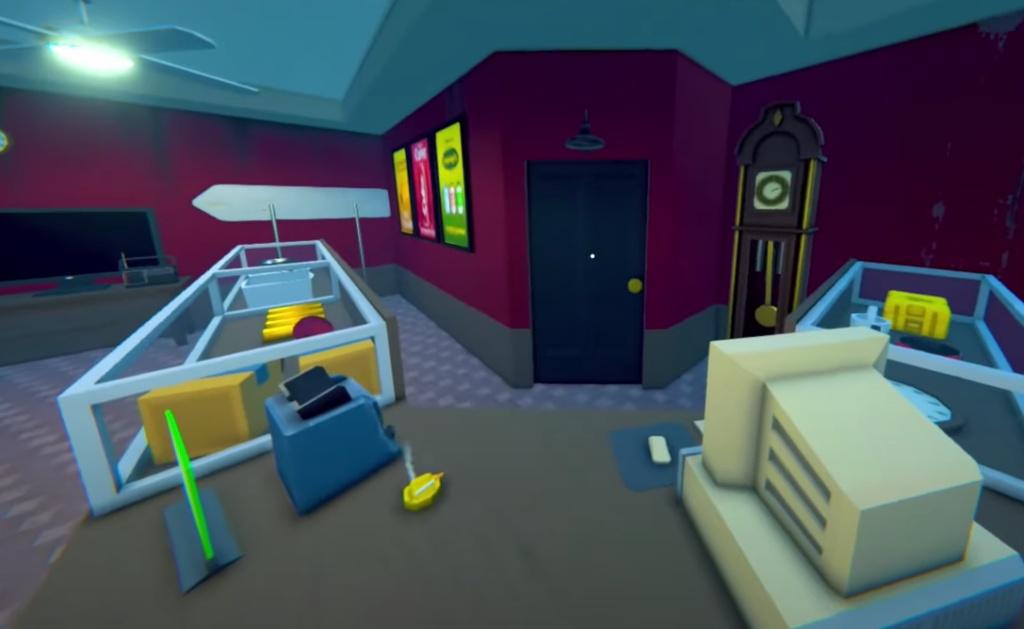
The Pawn Shop Guy, Mick, will be available in the shop at any time in the game except Sundays and Saturdays.
Unfortunately, there seems to be a bug that Pawn Shop is seen empty, as the Pawn Guy is not there in the area.
Evade Police To Bring Pawn Guy Back
The most likely reason the Pawn Shop in Schedule 1 is empty is that you are on the police’s wanted list.
While you are in the eye of the police, the NPCs in the game seem to hide from you to maintain their protection.
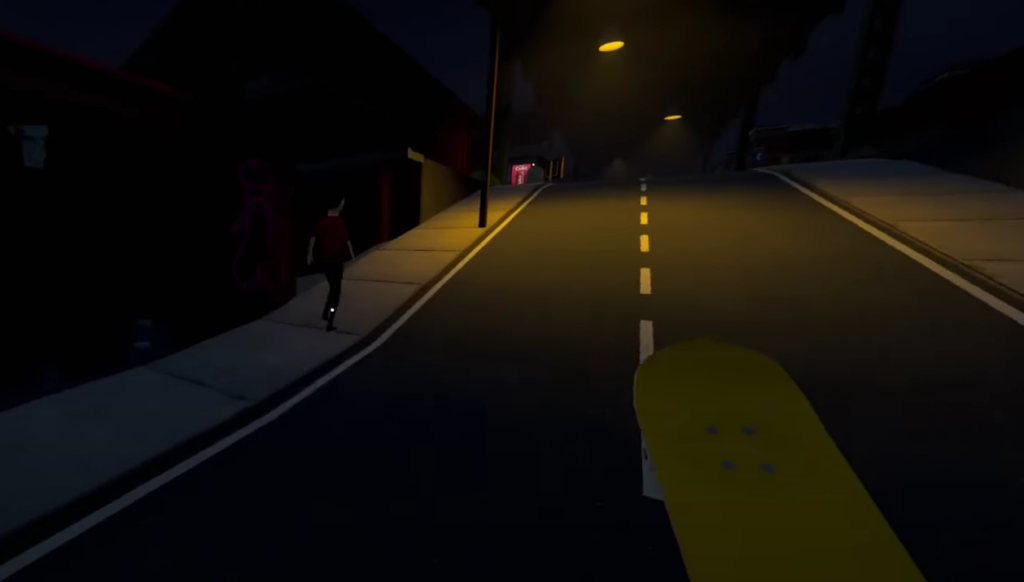
So, to bring back the Pawn Shop Guy, you should stay low (stop your sales) for a while and evade the police.
Check Dealer List And Reload The Progress
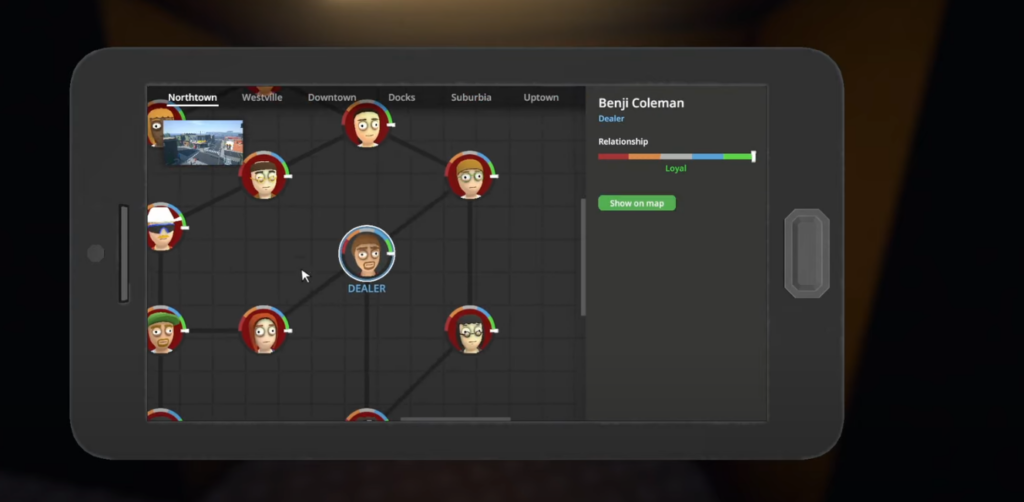
Some NPCs in Schedule 1 have a dual role, so if you have assigned Mick the role of Dealer, he might sometimes go missing.
So, to bring him back to the Pawn Shop, you need to remove him from the dealer list. To do so, you can follow these steps;
- Open in-game Phone
- Click on Dealer
- Find Mick
- Remove him by clicking on the cross mark
If these steps do not seem to work, you can save the game progress, close the game, and relaunch the game with the save file.
Lastly, players may attempt to verify the integrity of game files through Steam, as technical bugs could occasionally be responsible for such issues.

