


HIGHLIGHTS
- Recent Fortnite update caused party chat not working issues; Epic Games is working on fixes, especially for PlayStation.
- The existing issue prevents players from joining the party or game channel unless they are actively in a game.
- Until the official hotfix is out, you can choose the right chat channel, adjust settings, test hardware, and check parental controls to overcome the issue.
There is a report of Fortnite party chat not working, especially the major server downtime and update for Chapter 6, Season 3, which began on June 7, 2025.
During and immediately after such significant updates, voice chat and other online features can experience disruptions.
This issue is now prevalent on several platforms, leaving players who rely on communicating with their teammates very annoyed.
Fortnite Party Chat Not Working Issue
Following the recent Fortnite update, the servers were down for a long time, and there are substantial changes, so Epic Games is working on fixing voice chat problems.
Sometimes, Fortnite’s in-game voice chat is in conflict with the native party chat on PlayStation and Xbox systems.
So, players can’t talk or hear each other on the console unless they go beyond the party chat.
In most cases, Fortnite lets players voice chat through Party Channel and Game Channel.
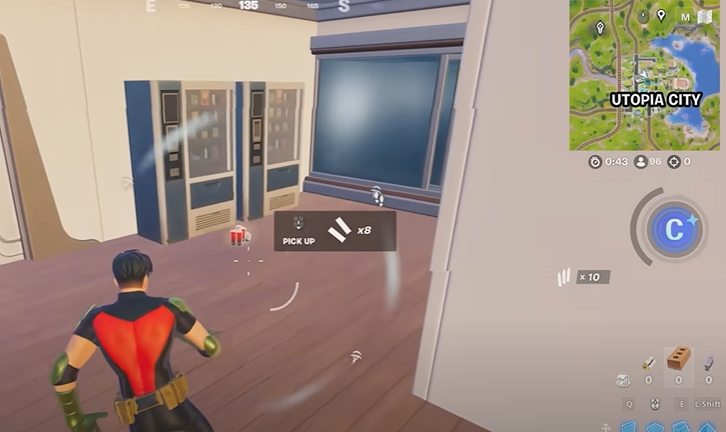
Therefore, sending a message that gets lost on the wrong channel might keep you from learning important information from your teammates.
Besides, if a player’s account is restricted by someone else, spoof chat messages may be blocked without anyone realizing it.
Certain issues, such as poor internet connection, wrong settings on the router, or broken headsets, can make voice chat impossible.
Troubleshoot Fortnite Party Chat Not Working
Epic Games has acknowledged the issue, particularly on PlayStation 4 and 5. They are actively working on a fix to be released in a future update.
Meanwhile, the Fortnite Community Issues Trello board and Epic Games server status page are regularly updated with information on known voice chat problems.
Select The Correct Voice Chat Channel
- You can find the Social Menu in Fortnite by going to the main menu.
- Press the button next to the microphone and change your channel settings to find your way to the right channel for your group.
Leave Console Party Chat
On Xbox and PlayStation, exit the console’s native party chat before joining Fortnite’s in-game party chat to avoid conflicts.
Adjust Voice Chat Settings
- Make sure to turn on the voice chat in the settings of Fortnite.
- Increase the sound settings on the microphone as well as your voice chat.
- Look into whether “Push-to-Talk” has been enabled and press the button for it if necessary.
Test Hardware And Network
- Confirm your headset and microphone are working properly outside Fortnite.
- Restart your console, PC, and router.
- Clear the Alternate MAC address on Xbox (Settings > Network Settings > Advanced > Alternate MAC Address > Clear) and restart.
Nevertheless, on PC and Mac, ensure Fortnite has permission to access your microphone in system privacy settings.
If parental controls are active, allow voice chat for friends, teammates, or everyone as needed.

