


HIGHLIGHTS
- The only way to change Doom: The Dark Ages Language on Xbox is through system settings, which affects all games and menus.
- To make the change, navigate to Settings > System > Language and Location.
- You can change the Doom: The Dark Ages language on your PC through the Steam Library settings. For Battle.net, adjust the language via the Game Library Settings in the dropdown menu.
Doom: The Dark Ages has finally completed its two-day early access, with the full release now available on multiple platforms.
Like its previous installments (Doom and Doom: Eternal), the Dark Ages supports several languages, promoting the game worldwide.
In this third installment of the Doom Series, players will also have the option to change the language.
Change Doom: The Dark Ages Language In Xbox
Doom: The Dark Ages is now available on multiple platforms: PlayStation 5, Xbox Series X and Series S, GeForce Now, and Microsoft Windows.
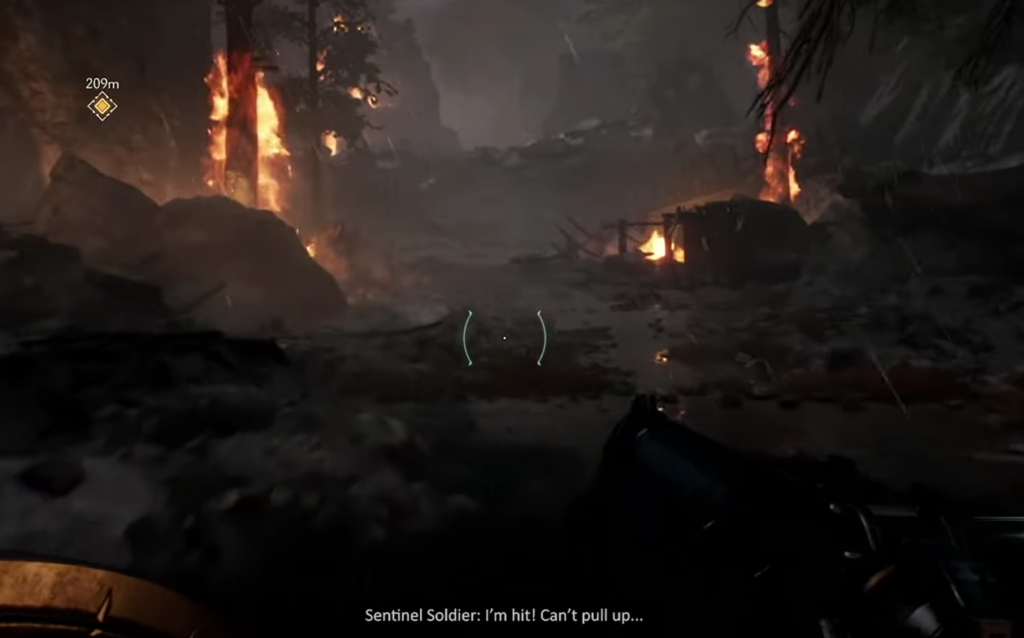
At the beginning, the game will feature English as the Default language. However, you will have the option to change it.
How To Change Doom: The Dark Ages Language On Xbox
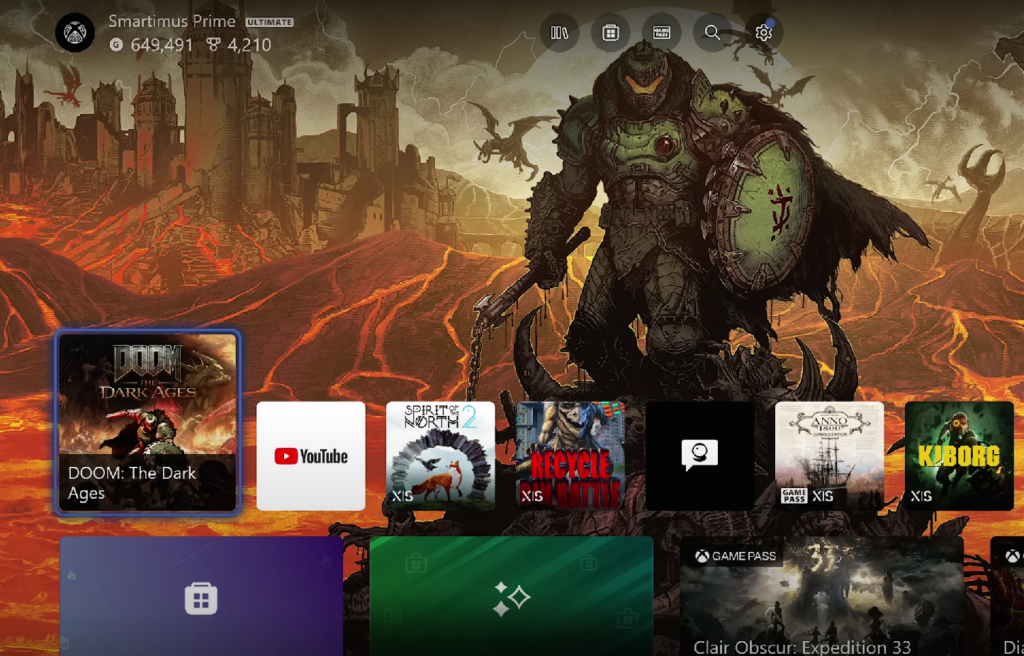
To change Doom: The Dark Ages language on Xbox, you will not have the direct options within the game itself.
To make the changes, you have to change the Xbox language via the System settings, which means that all other games and menus will be affected once you make the change.
The steps below will help you change the Doom Dark Ages language on Xbox.
- Press the Xbox button on your controller and go to Settings
- Navigate to System Menu
- Click on Language & Location
- Select your Preferred Language


If you are a PC user, you can change Doom: The Dark Ages language directly from the Steam Library. And for Battle.net, you can adjust the language via the Game Library Settings in the dropdown menu.
If the steps mentioned do not seem to work, then make sure that the language you choose is supported by the game itself, and try restarting the console or devices as well.
All Supported Languages In Doom: The Dark Ages
Like its previous installments, Doom: The Dark Ages also supports a few languages for the Voice and the in-game text. The supported languages are mentioned below;
- English
- Castilian Spanish
- Brazilian Portuguese
- German
- French
- Russian
- LatAm Spanish
- Polish
- Japanese
- Italian
Moreover, apart from these available languages, The Dark Ages also supports localized text and subtitles with English voice in;
- Arabic
- Turkish
- Korean
- Traditional Chinese
- Simplified Chinese
Therefore, if you are trying to change the languages of Doom: The Dark Ages, you have to ensure that the language you are trying to change is in the abovementioned list.

