


HIGHLIGHTS
- To run Doom: The Dark Ages, you must have a GPU with dedicated ray tracing hardware, such as NVIDIA RTX cards or AMD RX 6000-series.
- If you try to run the game on an older GPU without ray tracing support, you might encounter an error “ray tracing required to launch the game”.
- In case you don’t want to upgrade your GPUs, you can play the game via cloud streaming on Game Pass Ultimate, which offloads the processing to Microsoft’s servers.
Doom: The Dark Ages is now out with full game content, offering a dark fantasy/sci-fi single-player experience of searing combat.
While the game is quite large then its previous installments, it has added some additional system requirements for players to run the game.
One of the most notable changes is the mandatory ray tracing GPU, which has become a significant concern among players.
Forced Ray Tracing In Doom: The Dark Ages
Doom: The Dark Ages features always-on ray tracing, meaning the game requires a GPU with dedicated ray tracing hardware.
NVIDIA RTX cards, AMD RX 6000-series or newer, and Intel Arc GPUs are a few of the Ray tracing cards you can use to run the game.
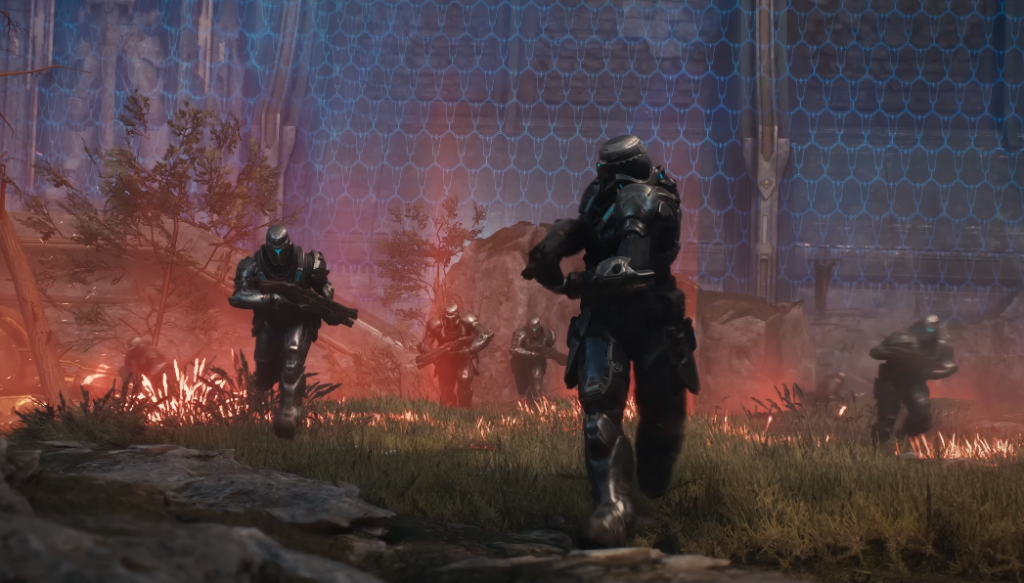
While ray tracing was an option in Doom: Eternal, it is forced in The Dark Ages, meaning it cannot be disabled.
As it is a mandatory requirement, many players have expressed dissatisfaction on this matter as they don’t want to upgrade their GPUs.
Not sure how many can relate but the gaming market has gone a strange way.
Tried booting Doom Dark ages on release tonight. Turns out a ray tracing GPU is required.
I understand the turn to ray tracing, but since when did it stop being optional to use?— Tim Corfield (@Tim_Tahm) May 15, 2025
So, to make sure you enjoy the full game, you must equip the GPUs that support Ray Tracing.
Can You Play Doom: The Dark Age Without Ray Tracing
If you do not have Ray Tracing supported GPUs and don’t want to upgrade the existing one, then there is still a way to play the game.
To do so, you need to play the game via cloud streaming on Game Pass Ultimate, which offloads the processing to Microsoft’s servers.
However, doing so might cause minor bugs, such as crashing, freezing, and more, to hamper the smooth gameplay.

